




















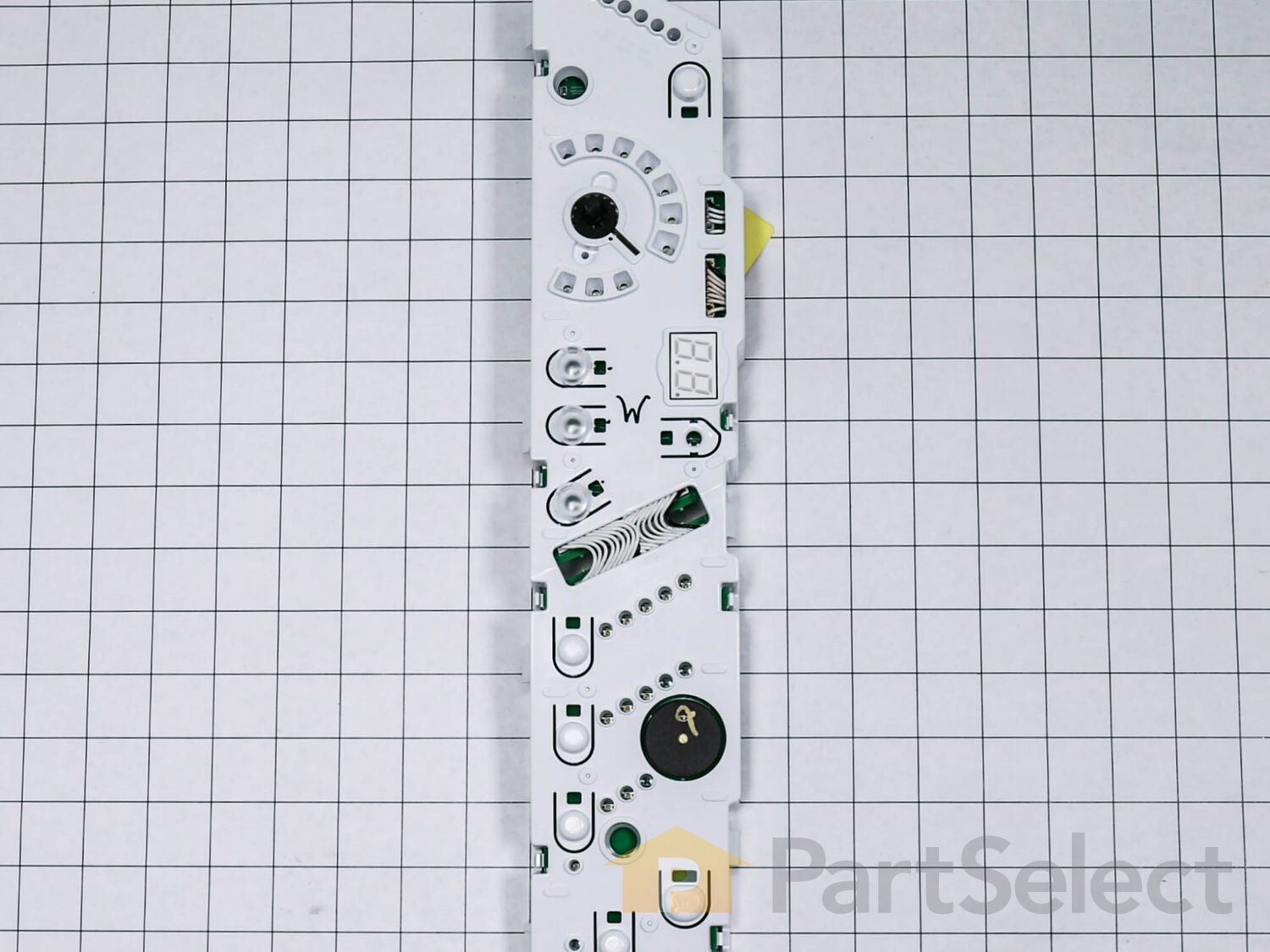

See part 20 in the diagram
( Grid squares measure 1x1 inch )


Get in touch, we're here to help!
1-866-883-8386
Monday to Saturday
8am - 8pm EST
User Interface Assembly WP8571955
Fits your WED8300SW2!
$346.72
Special Order
Fits your WED8300SW2!
PartSelect Number
PS11746631
Manufacturer Part Number
WP8571955
Manufactured by
Whirlpool
Product Description
User Interface Assembly Specifications
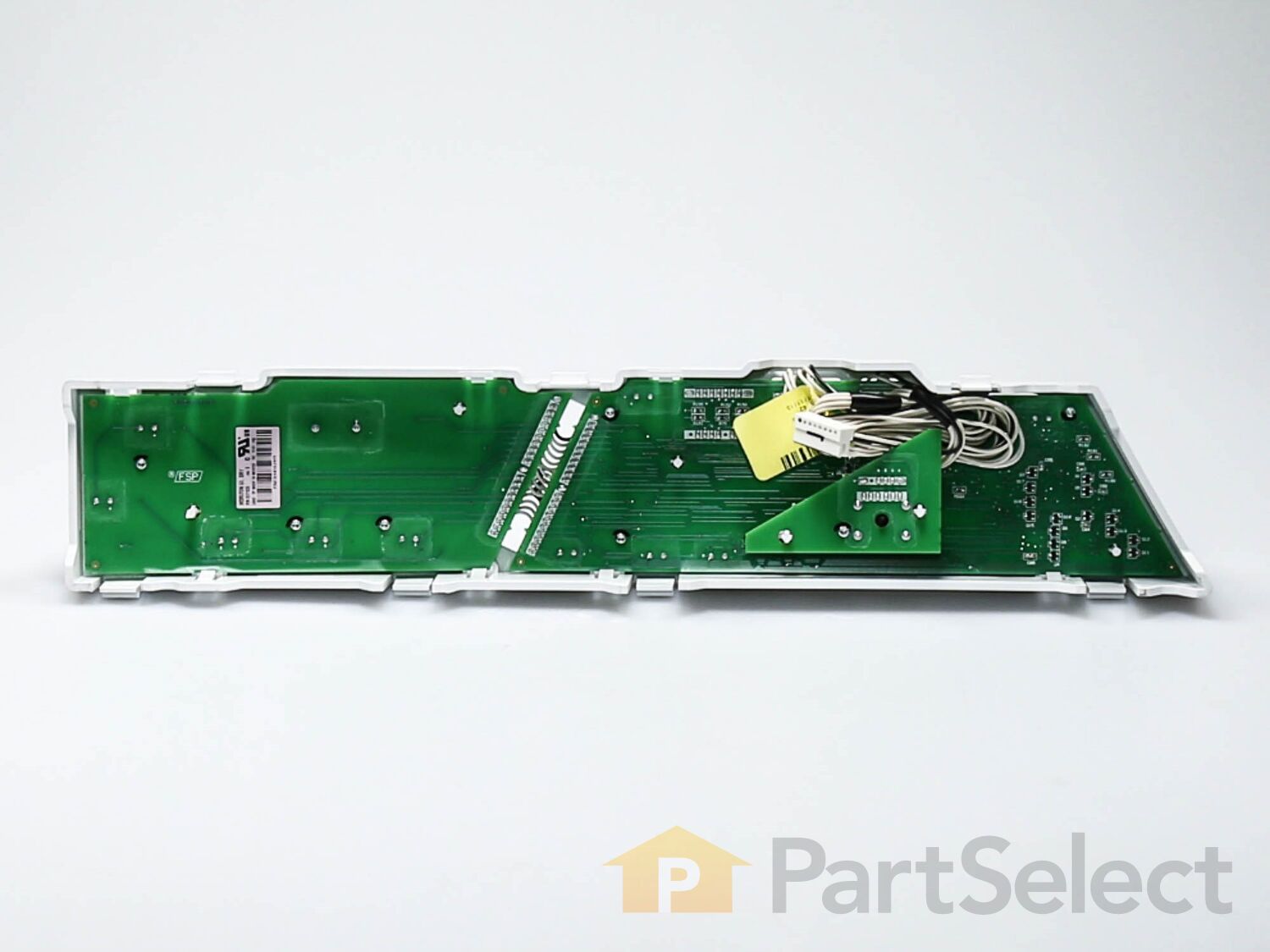
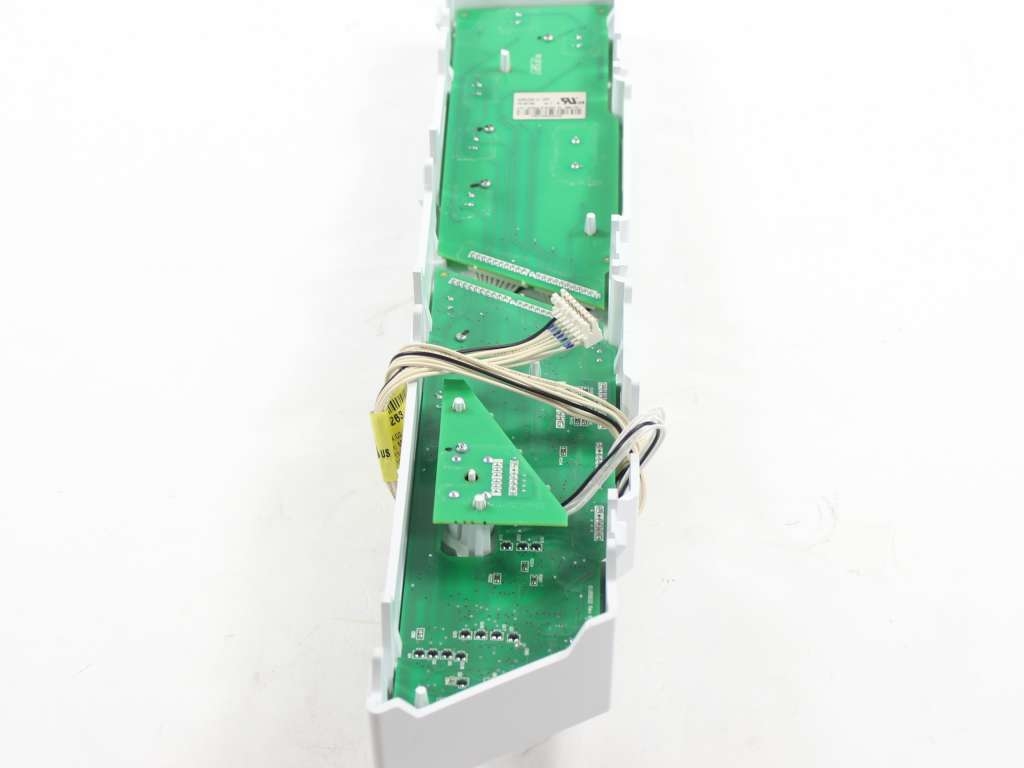
Do you want your Whirlpool appliance working as good as new? Our User Interface Assembly is here to make that happen! This specific replacement part serves as the heart of your appliance's electrical systems, ensuring everything runs the way it's supposed to. Crafted directly by Whirlpool, this part blends quality, durability and outstanding efficiency. In other words, it's built to last and will help your appliance to perform its best, in every single use. Fitting the User Interface Assembly is like giving your appliance a new lease on life. It restores the appliance's reliability and guarantees smooth operation just like when you first bought it. Don't just fix your device, make it shine with top performance with this essential replacement part.

How Buying OEM Parts Can Save You Time and Money
Troubleshooting
This part works with the following products:
Dryer.
This part works with the following products:
Whirlpool.
Part# WP8571955 replaces these:
AP6013405, 8571955, 8571955R
Customer Repair Stories
Average Repair Rating: 3.9 / 5.0, 1 reviews.
What's this?
- < Prev
- 1
- Next >
Sort by:
Search filter:
Clear Filter
Your search term must have 3 or more characters.
Keep searches simple. Use keywords, e.g. "leaking", "pump", "broken" or "fit".
Sorry, we couldn't find any existing installation instruction that matched.
User Interface was not working correctly. Although indicator was pointing to a specific setting, this setting was not lighted and did not work. The dryer would in fact still operate but not to the selected cycle.
I assumed that since the display was not working properly that the cause must be the user interface. To remove the interface you must first unplug the power to the unit. In the back of the top of the dryer are 2 5/16" screws that need to be removed (Nutdriver). Once removed, the top panel of the dryer can be slid back exposing the drum and the back of the user interface. The interface can then be pried outwards to unsnap it from the housing. Once you've freed this panel, follow the wires back to where they plug into the electrical connection near the drum and unplug the interface from this connection. With this complete, flip the panel over so that you're looking at the back of it and carefully pry the tabs out (screwdriver)so that the inner interface can be removed. The selector knob will come off and will need to be put back on once you've added the new part. Now add the new interface, ensuring that all tabs click back into place, add the selector knob and route wires back to the electrical connection and plug in. Snap the front interface panel back into place and re-install top dryer panel over drum and replace the 2 5/16" screws. Return power to the dryer and you've finished.
Other Parts Used:
-
Louie from Brewer, ME
-
Difficulty Level:Easy
-
Total Repair Time:15 - 30 mins
-
Tools:Nutdriver, Screw drivers
12 of 15 people
found this instruction helpful.
Was this instruction helpful to you?
Thank you for voting!
- < Prev
- 1
- Next >
Questions and Answers
We're sorry, but our Q&A experts are temporarily unavailable.
Please check back later if you still haven't found the answer you need.
Related Parts

$27.28
In Stock
Produce Preserver Filter
$27.28
PartSelect Number: PS3503014
Fresh Flow Produce Preserver is made for your refrigerator to help keep produce fresh for longer by absorbing the chemical, ethylene, that causes your fruits and vegetables to ripen quicker. Your produce could be fresh f... 
$25.31
In Stock
Affresh Washing Machine Cleaner - 3 pack
$25.31
PartSelect Number: PS1960673
Having a problem with a funky-smelling washing machine, or one that just doesnt seem to clean your clothes as well as it used to? Say hello to the Affresh Washing Machine Cleaner by Whirlpool. This powerful washing helpe... 
$21.95
In Stock
Affresh Dishwasher Cleaner Tablets - 6
$21.95
PartSelect Number: PS12345667
Affresh dishwasher Cleaner is specially formulated to help remove limescale and mineral build-up that can be unsightly and could affect your dishwasher's performance. Each tablet is designed to clean inside your machine ... 
$37.89
In Stock
Refrigerator Deodorizer
$37.89
PartSelect Number: PS12739141
Refrigerator deodorizers help to reduce bacteria growth and therefore reduce smells and extend the life of food. 
$32.93
In Stock
Cooktop Cleaning Cream
$32.93
PartSelect Number: PS12717774
Make your cooktop shine with Frigidaire ReadyClean Glass and Ceramic Cleaner. Our scratch-free, streak-free formula removes smudges, grease, burnt-on food, dirt and oil, while protecting and polishing to repel dust and d... 
$35.68
In Stock
Model Cross Reference
This part works with the following models:
PartSelect Number: PS11746631
Manufacturer Part Number: WP8571955
Manufacturer Part Number: WP8571955
Brand
Model Number
Description
Get in touch, we're here to help!
1-866-883-8386
Monday to Saturday
8am - 8pm EST