

























Get in touch, we're here to help!
1-866-883-8386
Monday to Saturday
8am - 8pm EST
Product Description
Light Lens Indicator Specifications
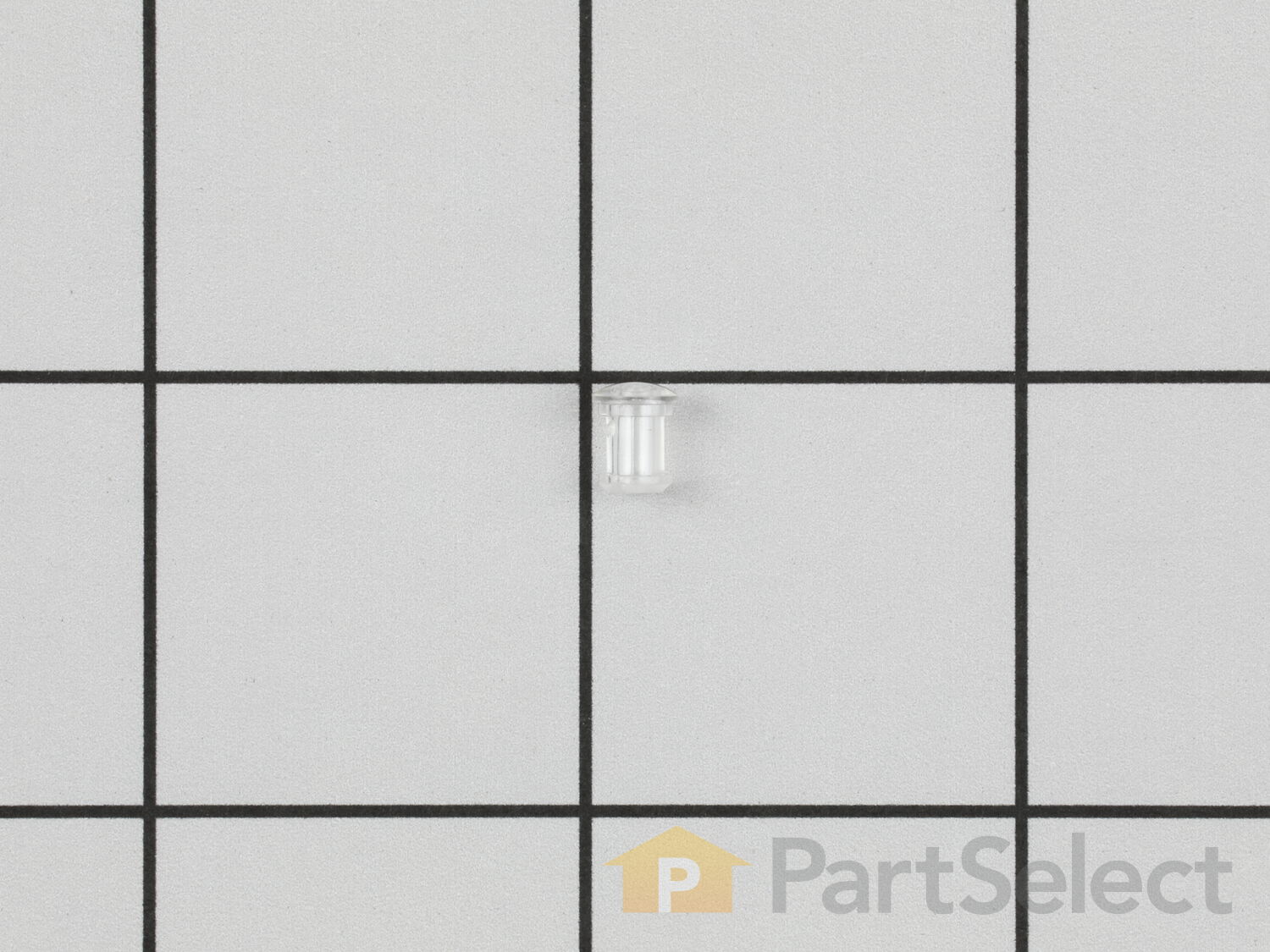
Having trouble with your stove or oven's light indicator? Don't fret - we have a solution for you. Our Frigidaire Range Light Lens Indicator, ideal for select Frigidaire, Electrolux, White Westinghouse, and Tappan models, is here to bring back your appliance's top-notch functionality. As an original equipment manufacturer (OEM) part, it promises a perfect fit and outstanding performance. The beauty of this lens indicator is that it doubles up as a protective cover for your stove and oven burner indicator lights. This enhances visibility making your cooking experience safer and more effective. All you need to do is unplug your range before placing it - a quick and simple installation procedure. Please ensure to check your model before making a purchase as there can be minor differences in sizes and shapes. With this essential Frigidaire component, you'll get to enjoy your appliance working like it's brand new.

How Buying OEM Parts Can Save You Time and Money
Part Videos
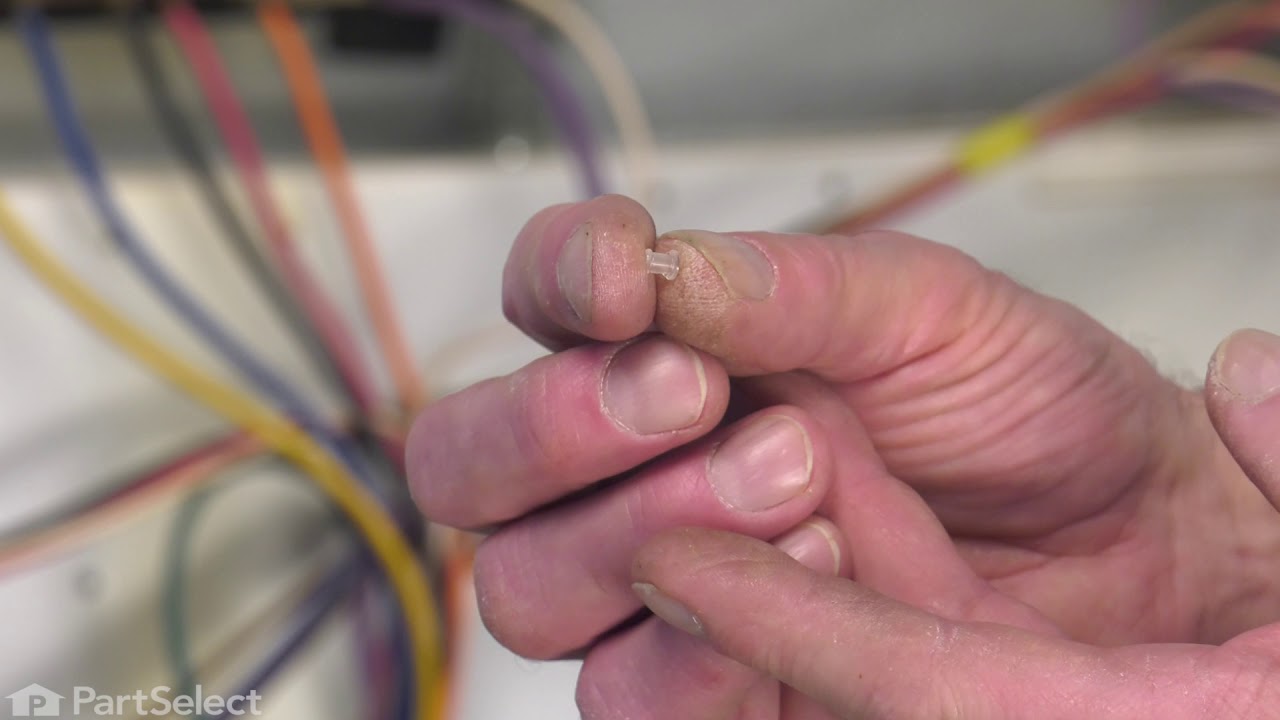
Replacing your Frigidaire Range Light Lens Indicator
Troubleshooting
This part works with the following products:
Range, Wall Oven.
This part works with the following products:
Frigidaire, Kenmore, Crosley, Westinghouse.
Part# 316557300 replaces these:
AP4363605, 1472582, 316437800, 316557300
Customer Reviews
Filter By Rating:
- < Prev
- 1
- Next >
Sort by:
Search filter:
Clear Filter
Your search term must have 3 or more characters.
Keep searches simple. Use keywords, e.g. "leaking", "pump", "broken" or "fit".
Sorry, we couldn't find any existing reviews that matched. Try using some different or simpler keywords.
Peter A - February 18, 2026
Verified Purchase
easy repair
fast delivery
- < Prev
- 1
- Next >
Customer Repair Stories
Average Repair Rating: 4.3 / 5.0, 2 reviews.
What's this?
- < Prev
- 1
- Next >
Sort by:
Search filter:
Clear Filter
Your search term must have 3 or more characters.
Keep searches simple. Use keywords, e.g. "leaking", "pump", "broken" or "fit".
Sorry, we couldn't find any existing installation instruction that matched.
Burner indicator light lense broke off
The light apparatus was loose behind the panel. Remove the remaining part of the lens. Install the new lens from the outside of the panel and hold it in position, protruding into the inside of the panel. Slide the light apparatus onto the lens from the inside, allowing the bracket to hold it in place - it will be spring loaded, which will hold it in place.
Other Parts Used:
-
Kathy from NEW BERN, NC
-
Difficulty Level:Really Easy
-
Total Repair Time:Less than 15 mins
-
Tools:Nutdriver
5 of 5 people
found this instruction helpful.
Was this instruction helpful to you?
Thank you for voting!
Touch Screen Overlay
I was actually replacing an EOC and it did not state anywhere that I might need this. In the end I did, the new board is not compatible with the old overlay and I had no idea so intended to re-use the old one. I had to wait for the new one and it worked fine. The EOC had actually been damaged by a power surge and it was obvious it was bad. I was actually hoping that this would resolve a temperature drift issue but it did not.
Other Parts Used:
-
Kenneth from LIBERTY, MO
-
Difficulty Level:Really Easy
-
Total Repair Time:30 - 60 mins
-
Tools:Nutdriver, Screw drivers
2 of 2 people
found this instruction helpful.
Was this instruction helpful to you?
Thank you for voting!
- < Prev
- 1
- Next >
Questions and Answers
We're sorry, but our Q&A experts are temporarily unavailable.
Please check back later if you still haven't found the answer you need.
Related Parts

$68.86
In Stock
Light Indicator - 125v
$68.86
PartSelect Number: PS436960
Introducing the Frigidaire Light Indicator, an authentic OEM part designed specifically for your cooking needs. This part plays a crucial safety role - it lights up to let you know when the oven or burners are in use, or... 
$27.28
In Stock
Produce Preserver Filter
$27.28
PartSelect Number: PS3503014
Fresh Flow Produce Preserver is made for your refrigerator to help keep produce fresh for longer by absorbing the chemical, ethylene, that causes your fruits and vegetables to ripen quicker. Your produce could be fresh f... 
$25.31
In Stock
Affresh Washing Machine Cleaner - 3 pack
$25.31
PartSelect Number: PS1960673
Having a problem with a funky-smelling washing machine, or one that just doesnt seem to clean your clothes as well as it used to? Say hello to the Affresh Washing Machine Cleaner by Whirlpool. This powerful washing helpe... 
$21.95
In Stock
Affresh Dishwasher Cleaner Tablets - 6
$21.95
PartSelect Number: PS12345667
Affresh dishwasher Cleaner is specially formulated to help remove limescale and mineral build-up that can be unsightly and could affect your dishwasher's performance. Each tablet is designed to clean inside your machine ... 
$37.89
In Stock
Refrigerator Deodorizer
$37.89
PartSelect Number: PS12739141
Refrigerator deodorizers help to reduce bacteria growth and therefore reduce smells and extend the life of food. 
$32.93
In Stock
Cooktop Cleaning Cream
$32.93
PartSelect Number: PS12717774
Make your cooktop shine with Frigidaire ReadyClean Glass and Ceramic Cleaner. Our scratch-free, streak-free formula removes smudges, grease, burnt-on food, dirt and oil, while protecting and polishing to repel dust and d... 
$35.68
In Stock
Model Cross Reference
This part works with the following models:
PartSelect Number: PS2342816
Manufacturer Part Number: 316557300
Manufacturer Part Number: 316557300
Brand
Model Number
Description
Get in touch, we're here to help!
1-866-883-8386
Monday to Saturday
8am - 8pm EST