






















Get in touch, we're here to help!
1-866-883-8386
Monday to Saturday
8am - 8pm EST
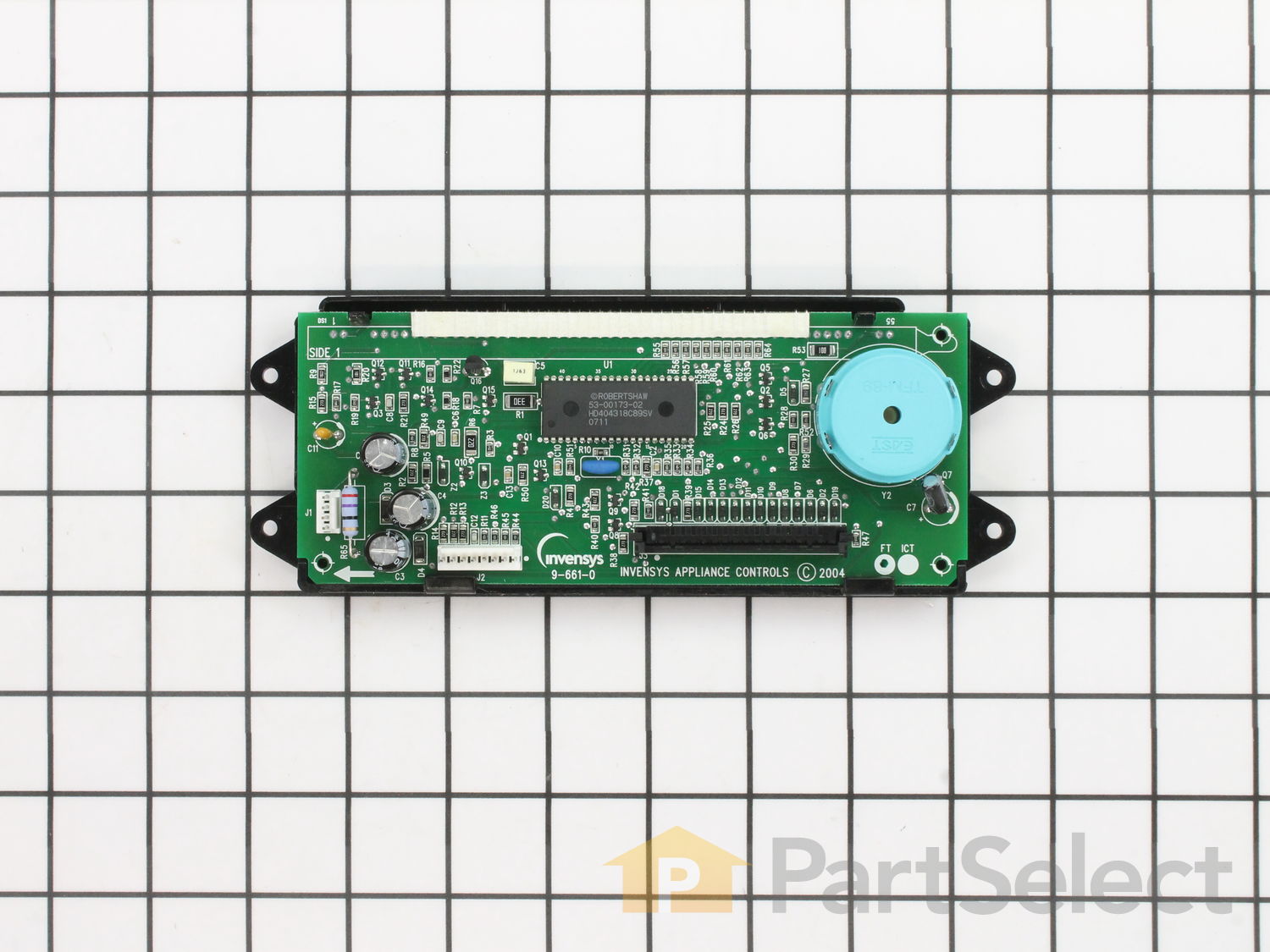
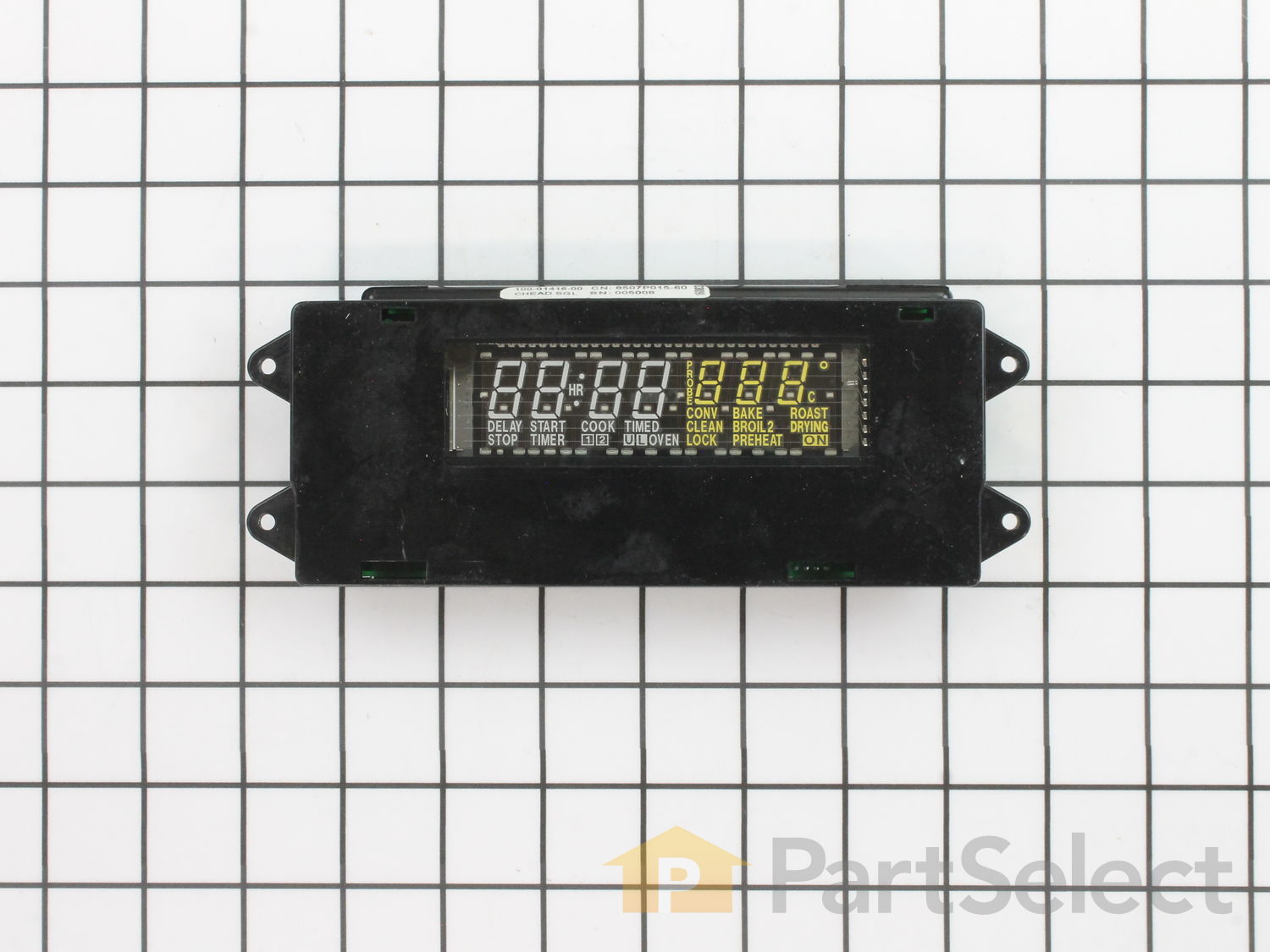
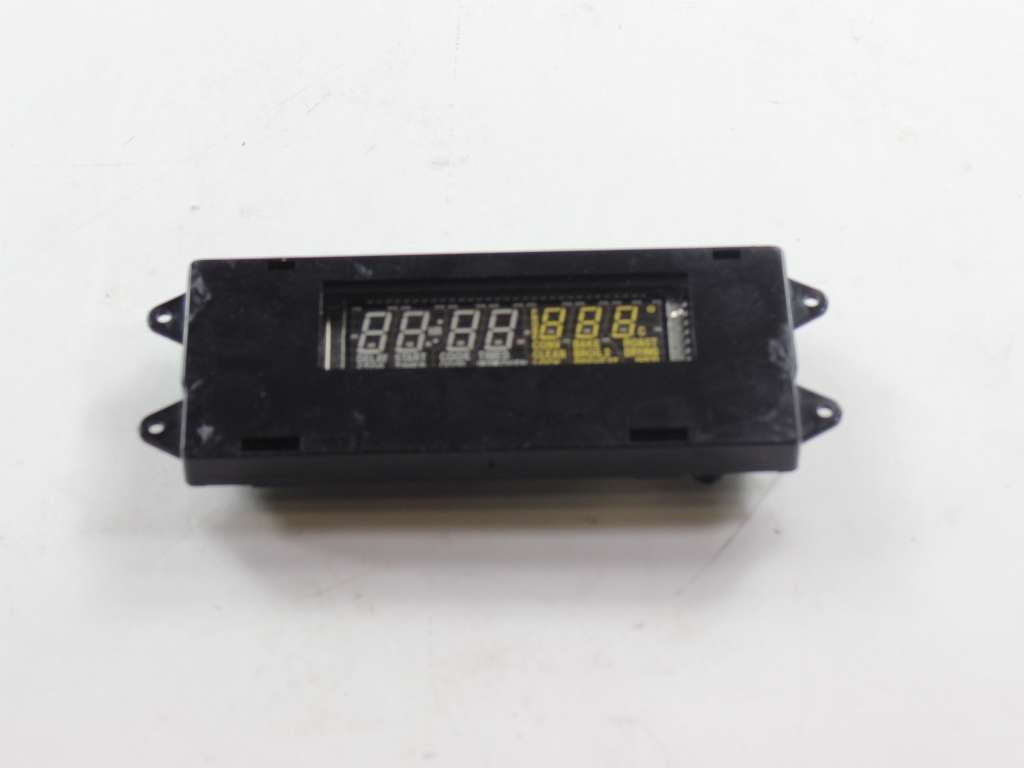
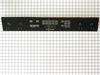
Electronic Clock Control Board WP71001799
Does this part fit my model?
Need help finding your model number?Electronic Clock Control Board Specifications

How Buying OEM Parts Can Save You Time and Money
- < Prev
- 1
- Next >
- < Prev
- 1
- Next >
- < Prev
- 1
- 2
- 3
- Next >
Next, I removed the knobs from the front of the display panel.
Then I removed the 4 phillip head screws that were located (1 each) behind the knobs.
Finally, I removed the 4 hex head screws from the bottom of the front panel.
You caan then remove the panel a few inches and remove the two cable connectors.
The trick part is to get the flat ribbin cable disconnected. If you squeeze the two small tabs (one on each end of the connector), the connector moves up and spreads open to CAREFULLY remove the ribbon cable.
The clock assembly has just two hex head screws holding it in place. Remove them, and reassemble everything in reverse.
If you did everything correctly, you should have a very bright stove clock again!
-
John from Kuna, ID
-
Difficulty Level:Really Easy
-
Total Repair Time:Less than 15 mins
-
Tools:Screw drivers, Socket set
Only thing new to me was ribbon connector. Didn't really pay attention when I disconnected from the old assembly. When you squeeze the ends of the connector, part of the connector itself rises up to release the ribbon cable. Remember this when reinserting the ribbon cable on new assembly. If I hadn't followed the "If you have to force it, it ain't right" rule it could have gone bad.
-
Thomas from Moncks Corner, SC
-
Difficulty Level:Really Easy
-
Total Repair Time:15 - 30 mins
-
Tools:Nutdriver, Screw drivers
First I turned off the power to the oven at the power box.
I removed 4 hexhead screws holding the front contol panel on. Tipped it out, and then removed 2 hexhead screws to remove the clock module and unplugged the wires. Reversed the sequence and
turned on the power again.
The trickiest part was checking how the wires were held in - easing the catches back while gently working the wires out.
I also replaced a grill element with a new radiant element cartridge. That was easier than replacing a lightbulb.
-
Wendell from Manchester, MI
-
Difficulty Level:Easy
-
Total Repair Time:Less than 15 mins
-
Tools:Nutdriver, Screw drivers


-
curtis from Paris, IL
-
Difficulty Level:A Bit Difficult
-
Total Repair Time:1- 2 hours
-
Tools:Nutdriver, Pliers, Screw drivers
I then removed the 4 burner dials from the front panel. Then I removed the 8 screws under the front panel. Removed the triangle side pieces - 1 screw each. Slowly pulled the panel down and out and turned it face down so there was easy access to the back of the digital clock. Unscrewed the 2 screws that hold the clock and replaced it. New clock worked perfect. NOTE: Included in the repair - I cleaned and repainted where there was grease and rust.
-
Donald from Sausalito, CA
-
Difficulty Level:Really Easy
-
Total Repair Time:1- 2 hours
-
Tools:Screw drivers, Wrench (Adjustable)
Kill Circuit Breaker Power To Unit.
Pull Four Burner Control Knobs off front panel.
Unscrew Phillips Head Screws from under each knob. (Be careful not to strip screw heads, I applied pretty firm pressure on screw driver to avoid stripping).
Open Oven door.
Remove 4 Phillips screws on trim piece under control panel and remove trim piece.
Unscrew 1 small Phillips screw on each side of panel to loosen plastic side trim pieces.
Use socket to remove 4 hex head screws holding control panel in place.
Gently pivot control panel top downward to access the circuit board panel. BE VERY CAREFUL NOT TO ALLOW CONTROL PANEL TO HANG BY FRAGILE CONNECTING CABLES!!!
GENTLY unplug the two white connector cables from the board. There is a locking tab on both that you can release with a fingernail or small flathead screwdriver while gently pulling the connector upward. (These connectors snap to lock more easily when you eventually re-assemble to the replacement board).
VERY GENTLY unplug the ribbon cable. This was a bit confusing to me at first, but if you gently squeeze the two very small tabs on both sides of the black connector, you can gently raise the center body of the connector upwards about 1/8 inch. (You might find it helpful to practice how this mechanism functions on your replacement part BEFORE you do the disassembly, it's really pretty simple once you see how it works). This will take the gripping pressure off the ribbon itself and you can gently wiggle the ribbon out free from the connector taking note of the two very small alignment holes in the ribbon connector as you do so.
Now with all cables free use a socket to remove 2 hex head screws holding the circuit board to the control panel.
Now install the replacement board by simply doing all above in reverse. Take care to line up cable connections to the board properly, noting the two alignment holes in the ribbon cable to tabs in the black connector. All three connections should snap in easily without undue force.
Your range display should be good as new.
-
Robert from Portsmouth, NH
-
Difficulty Level:Easy
-
Total Repair Time:15 - 30 mins
-
Tools:Screw drivers, Socket set
-
John from Fraser, MI
-
Difficulty Level:Easy
-
Total Repair Time:30 - 60 mins
-
Tools:Screw drivers, Socket set
Clock assembly replacement was very easy. Open oven door and remove screws just below the display panel, remove burner knobs and remove the 2 screws hidden by the knobs, remove the 2 screws holding the side triangular pieces (1 screw for each side). you may need to pull range out and away from the counter to remove the triangle pieces. remove the display panel, flip it over and remove 2 screws holding clock assembly. gentle remove the ribbon cables from the old assembly and then perform everything in reverse to reassemble.
Replacing the igniters was more difficult and took up the bulk of the time. Warning: find some way to test the spark module first. I replaced both igniters (1 wire was broken so it needed replacement for sure, but the other igniter may have been good...) and they still do not work. I'm waiting on delivery of a spark module.
remove all burner stuff (grill, burner assembly, etc.), then remove the top of the stove, there are 2 screws on each side and several in the back, there are also screws around the inside rim of the burner pans. also remove the panel on the back of the stove, this allows access to the spark module. gently lift the burner pans, reach underneath the pan and unscrew the nut holding the igniter in place. fortunately mine were easy to unscrew and i could do it with my fingers, getting a wrench underneath would have been a challenge. unhook the igniter wire from the spark module and remove the old igniter. install new igniter in reverse and reassemble.
-
Steve from Sedona, AZ
-
Difficulty Level:A Bit Difficult
-
Total Repair Time:1- 2 hours
-
Tools:Nutdriver, Pliers, Screw drivers

-
Paul from Tampa, FL
-
Difficulty Level:Really Easy
-
Total Repair Time:15 - 30 mins
-
Tools:Nutdriver, Screw drivers
-
CARROLL from ST. FRANCISVILLE, LA
-
Difficulty Level:Really Easy
-
Total Repair Time:Less than 15 mins
-
Tools:Nutdriver
- < Prev
- 1
- 2
- 3
- Next >
We're sorry, but our Q&A experts are temporarily unavailable.
Please check back later if you still haven't found the answer you need.
- < Prev
- 1
- 2
- Next >

9 people found this helpful.
8 people found this helpful.
4 people found this helpful.
4 people found this helpful.
4 people found this helpful.
3 people found this helpful.
2 people found this helpful.
2 people found this helpful.
2 people found this helpful.
2 people found this helpful.
- < Prev
- 1
- 2
- Next >



Manufacturer Part Number: WP71001799
Get in touch, we're here to help!
1-866-883-8386
Monday to Saturday
8am - 8pm EST