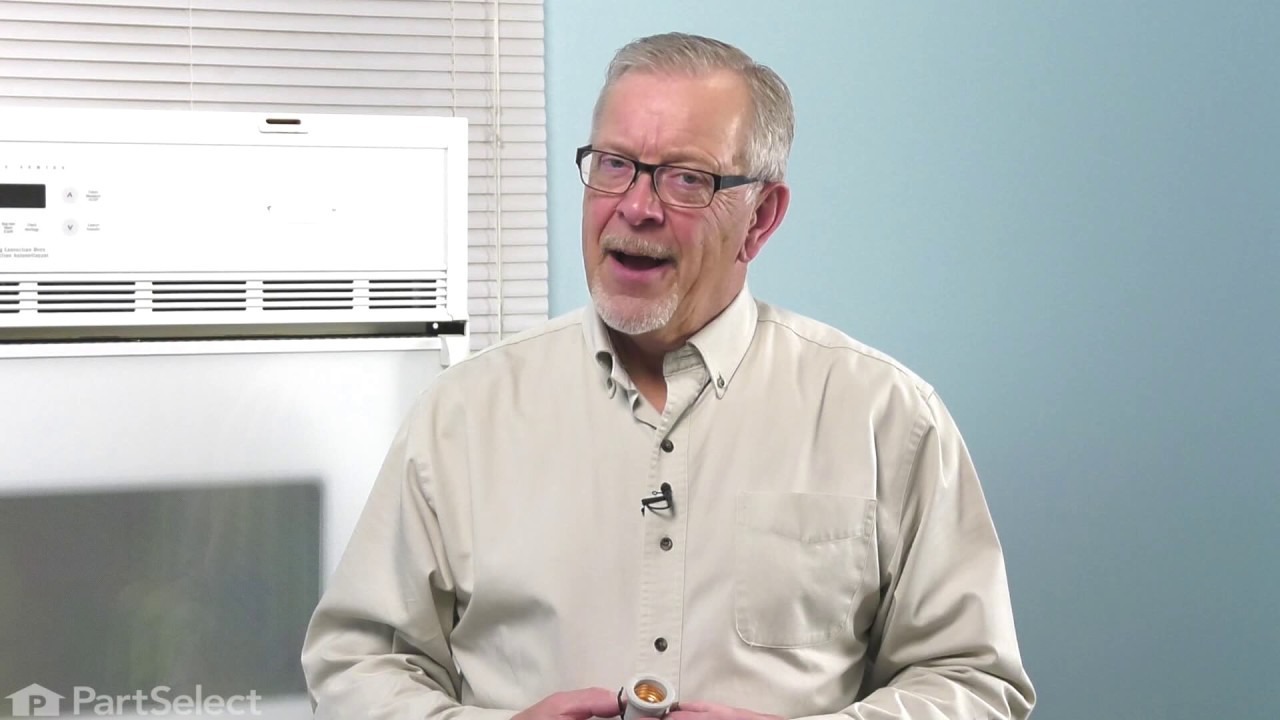
This 40-watt appliance light bulb is a reliable replacement for use in select ranges, refrigerators, freezers, and microwaves. It provides bright, consistent lighting to help you see clearly inside yo...
This oven temperature sensor, also known as an oven probe, monitors the internal temperature of the oven cavity to ensure accurate and consistent heating. Measuring 6 inches in length and made of dura...
This 3400-watt bake element has screw style connections. The bake element is located on the bottom of the oven cavity and supplies the heat for baking. If your oven is not heating evenly, element will...
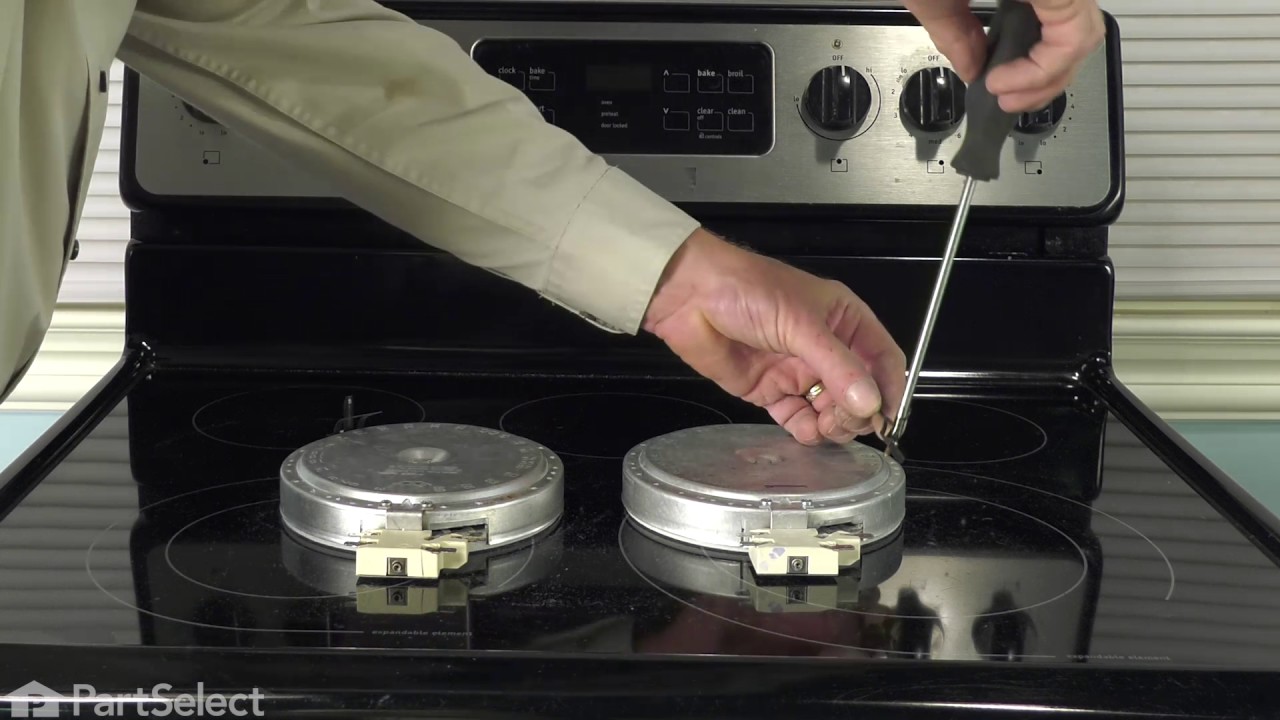
The 6” radiant cooking element with limiter fits under the glass cooktop and supplies heat to the cooking area. If your element is not heating, you can test the element for continuity with a multimete...
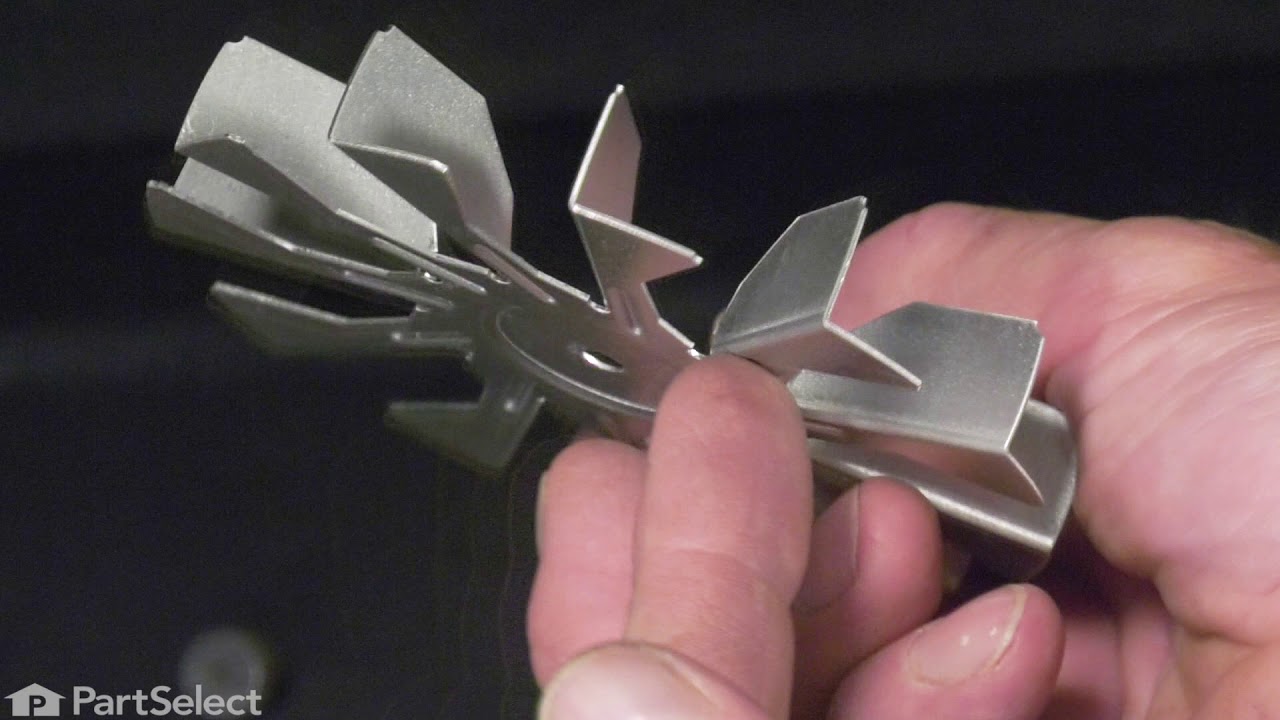
This convection fan blade is designed for use with various makes and models of range and oven and is sold as an individual part. Made of metal and measuring approximately 4.75-inches in diameter, this...
Ask our experts a question about this model and we'll get back to you as soon as possible!
5 questions answered by our experts.
< Prev
1
Next >
Sort by:
Search filter:
Clear Filter
Your search term must have 3 or more characters.
Keep searches simple. Use keywords, e.g. "leaking", "pump", "broken" or "fit".
Sorry, we couldn't find any existing answers that matched.Try using some different or simpler keywords, or submit your new question by using the "Ask a Question" button above!
Rich
December 10, 2019
None of the burners on the ceramic cooktop will heat.
For model number FGES3045KFF
Hello Rich, thank you for your question. We would recommend testing the burners and the switches to determine what the issue is. Those parts can be tested with an ohm meter. If the elements and switches are tested and are fine, the issue could be with the wiring harnesses that connect the burners to the switches. I hope this helps.
Was this helpful?
Thank you for voting!
Rob
March 10, 2020
Ive got a code of f11 err can you tell what wrong
For model number FGES3045KFF
Hi Rob, thank you for your question. The F11 error code means: Shorted Keypad. Unplug your appliance for about 10 minutes. If after plugging it back in you still have that issue, then you will have to replace the electronic control board. This part: PS2368652. Good luck with your repair.
F 11 error comes up on disply screen. Hit cancel and it goes away for 3 hours and then comes back
For model number FGES3045KFF
Hi Austin,
Thank you for your question. The F11 error code is letting you know that you have a shorted key on your keypad which could have been caused by pressing a key touchpad for too long. If you have pressed cancel and it did not resolve the issue, the panel assembly with the touchpad will need to be replaced. Overtime a film can build up on the connections at the end of the ribbon cables on back of the panel. This film can be removed by gently using a pencil eraser. If this does not fix the issue, you will need to replace the panel assembly. The part number listed under your model number for the panel assembly is PS2369149. If you would like to place an order for it, you may order it either online or by calling our customer service line and anyone will be happy to assist you. We hope this helps! If you have any questions, please let us know.
Hi Philip, thank you for reaching out. The issue could be with the oven control board, part number PS2368652. You may need to replace it to fix the issue. We hope this solves your problem!
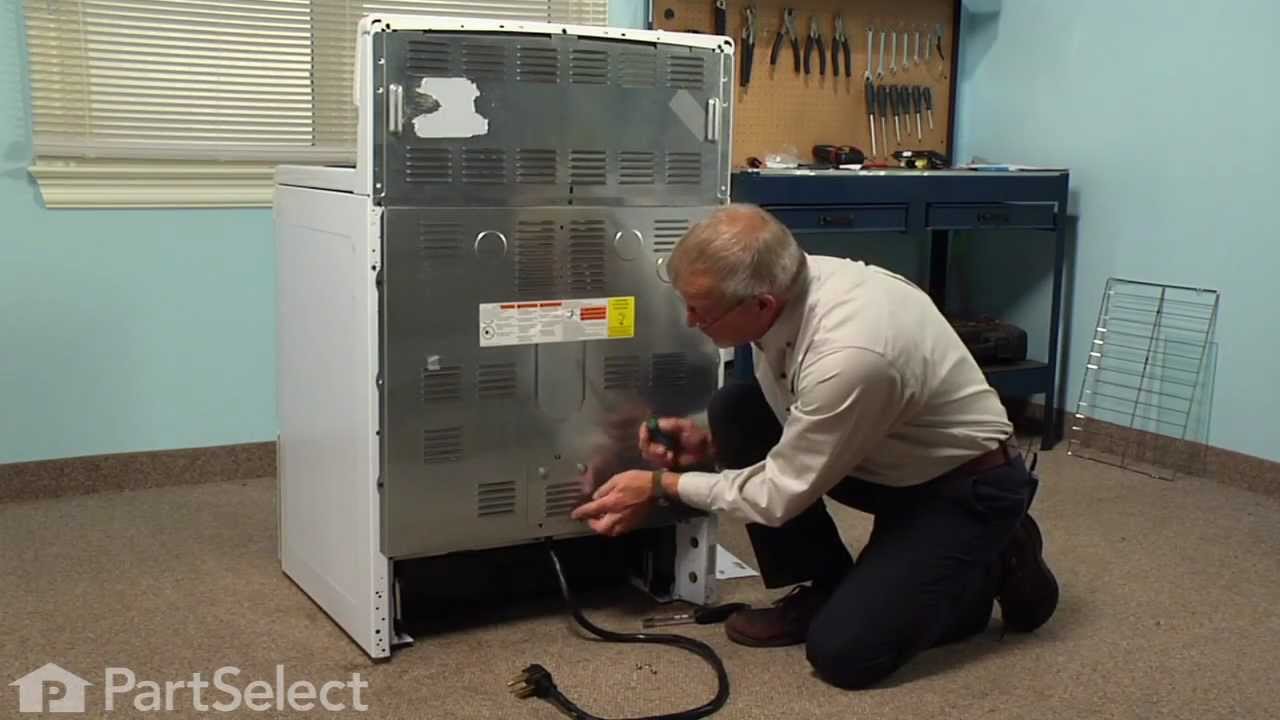
PF alarm appeared on display. Noticed clicking when cord was moved. Had arced for some time and melted original block. New part slightly different. Only has 3 lugs, old one had six. Stack using washers provided. Take note of colors before disassembly. Use caution while working through access opening. The edges are sharp. Only tools needed are phillips screwdriver, deep socket for lug nuts. Nut driver optional. Hope this is helpful.
First we removed two screws under the rim of the range top to open the lid. Lifted the lid and removed the screws from the bracket that holds the elements, Be careful with the clips that hold the element in, if you break them or bend them there aren't any more! Also note which holes they were in, they are marked according to the different sizes of elements. Disconnected the wires, needed needlenose pliers to grip them...connected new element, popped it back in place, replaced bracket, closed top ...Easy peasy!!!
Repair was quite easy, as long as you have the instructions for removing the door. The screws that hold the bottom of the door to the fixed hinge are placed into the side of the hinge assembly after removal; this holds the door at a 45 degree angle for easy removal. After that, just place the door on a flat surface and dismantle the door from the inside. The inner glass is contained in a metal frame with another piece of glass; this frame comes apart easily using the clips in each side. The door assembles easily after the glass is replaced; just take your time and give yourself enough room to lay out the parts as you go. Good luck!