













DVM1850SMC02 General Electric Microwave - Overview
Sections of the DVM1850SMC02
[Viewing 3 of 3]

Keep searches simple, eg. "belt" or "pump".
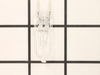
Halogen Light Bulb - 120V 20W
PartSelect #: PS2351821
Manufacturer #: WB25X10019
This halogen light bulb is a replacement part for the bulb behind the top grill in your microwave. It is sold individually.
$33.98
Special Order
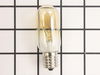
Light Bulb - 40W 130V
PartSelect #: PS247209
Manufacturer #: WB36X10003
This 40-watt microwave light bulb is a genuine replacement component designed to provide interior illumination for compatible GE microwave models. Engineered to withstand the high temperatures within ...
$27.89
Special Order
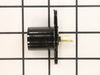
Light Socket - 250V 75W
PartSelect #: PS230544
Manufacturer #: WB08X10016
Light bulb not included.
$35.95
Special Order
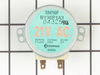
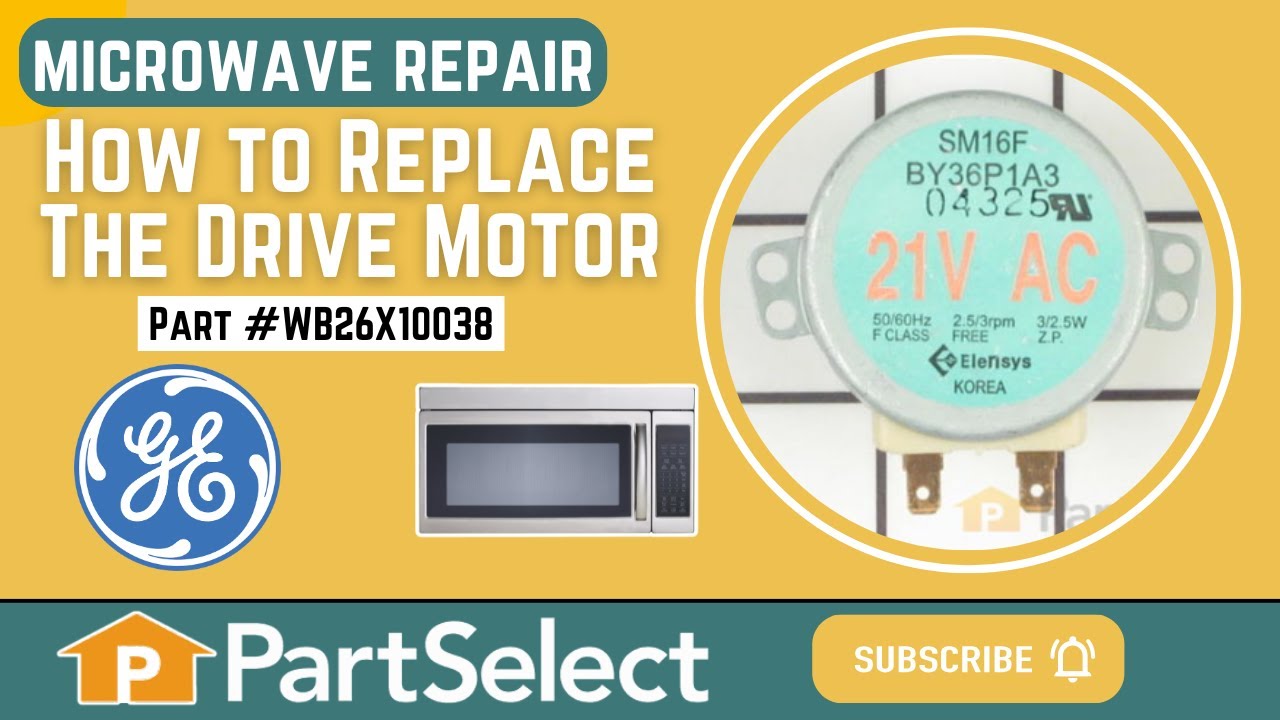
Drive Motor
PartSelect #: PS237772
Manufacturer #: WB26X10038
This motor rotates the glass turntable in the microwave and accepts a D-shaped shaft.
$65.18
Special Order
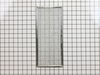
Grease Filter
PartSelect #: PS952418
Manufacturer #: WB06X10596
This metallic vent hood filter collects grease particles in the air from cooking. Sold individually.
$81.10
Special Order

SWITCH - WB24X10047
PartSelect #: PS9861939
Manufacturer #: WG02F01561
$41.18
In Stock
Order within the next 3 hrs and your part ships today!
BOLT, FLAT - WB1M981
PartSelect #: PS9862367
Manufacturer #: WG02L01887
$6.99
In Stock
Order within the next 3 hrs and your part ships today!
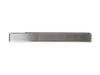
Vent Grille - Stainless
PartSelect #: PS5135597
Manufacturer #: WB07X11392
This vent grille mounts on the top of the microwave above the door.
$231.53
Special Order
Common Symptoms of the DVM1850SMC02
[Viewing 4 of 4]Tray won’t turn
Fixed by
these parts
these parts

Show All
Won’t turn on
Fixed by
these parts
these parts


Show All
Noisy
Fixed by
these parts
these parts

Show All
No heat
Fixed by
these parts
these parts


Show All
Keep searches simple. Use keywords, e.g. "leaking", "pump", "broken" or "fit".
Light bulb out, tried to remove, lamp socket broke
Above the stove mounted microwave. I dropped the lens cover from under the bulb and tried to remove the bulb. The bulb separated from the base. I tried to remove the base with a pliers and the lamp socket broke. I ordered the parts and dropped the bottom cover of the unit down (5 screws). Removed 1 screww from the lamp socket, unplugged the wires and took it out. Simply replaced socket, fastened bottom cover of microwave, installed new bulb and closed lens cover.
Parts Used:
-
Gene from Urbana, IL
-
Difficulty Level:Really Easy
-
Total Repair Time:Less than 15 mins
-
Tools:Screw drivers
221 of 267 people
found this instruction helpful.
Was this instruction helpful to you?
Thank you for voting!
Lens cracked and bulbs burned out
First I removed the single screw holding the lens assembly in place. Then I lowered the assembly and tilted it until it came out. To remove the existing cracked glass lens there were four tabs bent down on it. By hand I lifted each tab just enough to remove the broken lens. I then replaced the broken lens with the new one and re-bent the tabs down by hand to secure them to the new lens.
The lens assembly, now removed, revealed the cavity that contained the two halogen bulbs. Since they were both burned out for days, they weren't hot so I could pull each one out by hand. The bulbs are secured by two straight heavy gauge wire leads and provided a little resistance but come out fairly easily. Make a mental note of the angle they came out so it will be easier to replace them with new ones.
You're not supposed to touch halogen bulbs with your bare hands, so I used the bubble wrap they came in as a means to hold the bulb while installing it.
Be sure to insert the bulbs at the same angle they came out so the pins do not get bent.
Once both bulbs are in place, replace the lens cover assembly by putting the end opposite where the screw hole goes in first on the right, then swing it up until flush and screw it down.
The lens assembly, now removed, revealed the cavity that contained the two halogen bulbs. Since they were both burned out for days, they weren't hot so I could pull each one out by hand. The bulbs are secured by two straight heavy gauge wire leads and provided a little resistance but come out fairly easily. Make a mental note of the angle they came out so it will be easier to replace them with new ones.
You're not supposed to touch halogen bulbs with your bare hands, so I used the bubble wrap they came in as a means to hold the bulb while installing it.
Be sure to insert the bulbs at the same angle they came out so the pins do not get bent.
Once both bulbs are in place, replace the lens cover assembly by putting the end opposite where the screw hole goes in first on the right, then swing it up until flush and screw it down.
Parts Used:
-
Mark from GRAND BLANC, MI
-
Difficulty Level:Really Easy
-
Total Repair Time:Less than 15 mins
222 of 306 people
found this instruction helpful.
Was this instruction helpful to you?
Thank you for voting!
The turntable motor went out and was making a horrible sound when I started the microwave
First I unplugged the microwave. :) Then, I removed the 6 screws found underneath the microwave, which allowed the bottom piece to hang down so I could see the turntable motor. I took the two screws out holding the motor in place and pulled the electric connectors off the motor terminals. Then I got the new part from PartSelect.com, replaced the electrical commectors, fit the motor back into the slot it came from (cause the pin has to be seated up in the hole) and replaced the 2 screws holding in the motor. Then I put the bottom metal piece back up and put the 6 screws back in. It was really easy - and I'm a chick! ;)
Parts Used:
-
Kim from Centerville, GA
-
Difficulty Level:Really Easy
-
Total Repair Time:Less than 15 mins
-
Tools:Screw drivers
159 of 225 people
found this instruction helpful.
Was this instruction helpful to you?
Thank you for voting!