79097413410 Kenmore Range - Overview

Diagrams for 79097413410

See every part. Know exactly what you need.

Enter a part description. DIY Heroes keep it simple, eg. "belt" or "pump".

Search filter:
Clear Filter
Your search term must have 3 or more characters.
Light Lens Indicator – Part Number: 316557300
$24.58
In Stock
Light Lens Indicator
★★★★★
★★★★★
(1)
Part #316557300
This range indicator light lens is designed to cover and protect the appliance’s indicator light, allowing you to easily see when a burner or oven is in use. Made from clear, heat-resistant plastic, it helps shield internal components from grease, moisture, and everyday wear. Replacement is ideal if the original lens is cracked, discolored, or missing, helping restore visibility and maintain safe, reliable operation.
Dual surface element switch – Part Number: 316238201
$116.45
In Stock
Dual surface element switch
★★★★★
★★★★★
(5)
Part #316238201
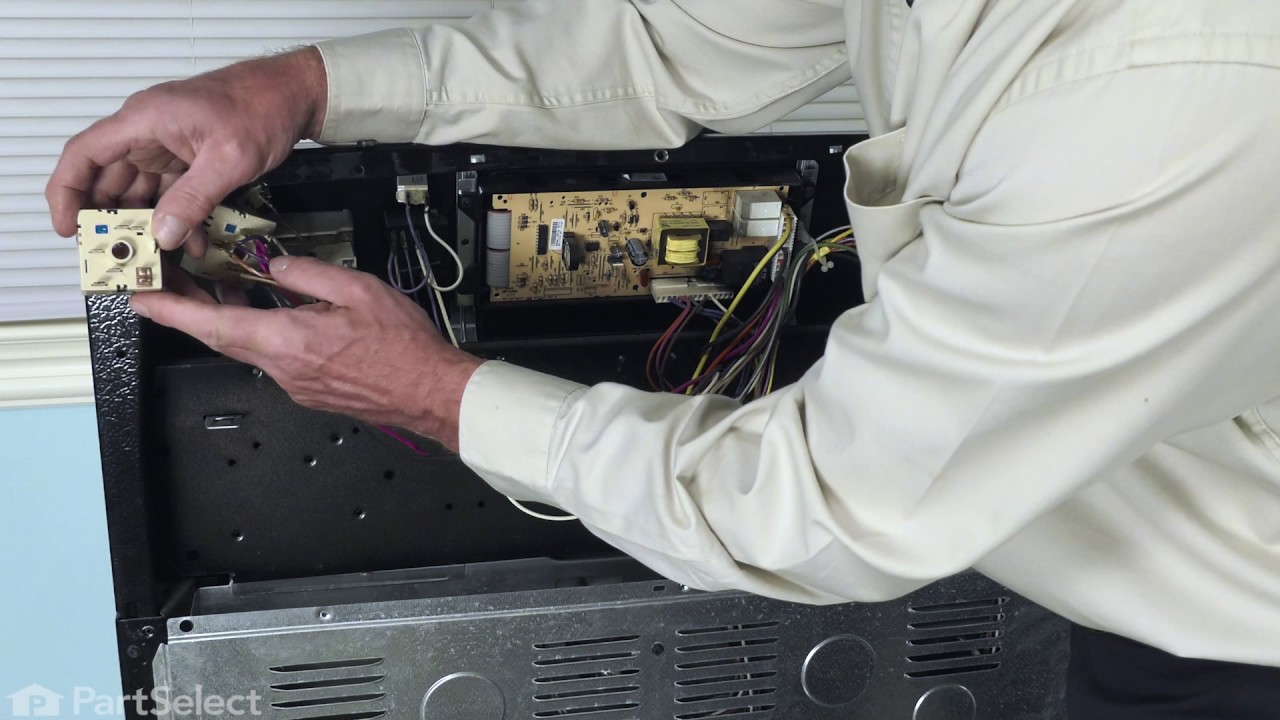
This switch controls the stove top surface burner. This surface element control switch is for ranges. Surface element control switch turns the surface element on and off and controls how much heat the element produces. Unplug the range or shut off the house circuit breaker for the range before installing this part.
Light Indicator - 125v – Part Number: 316022500
$68.86
In Stock
Light Indicator - 125v
Part #316022500
Fan Blade Retainer Nut – Part Number: 316136600
$39.95
In Stock
Screw – Part Number: 5303288565
$9.95
In Stock
Screw
Part #5303288565
This is an authentic mounting screw, which works with ranges, wall ovens, cooktops and warming drawers.
PROBE – Part Number: 5304525427
$62.31
In Stock
PROBE
Part #5304525427
This genuine OEM oven temperature sensor probe monitors the internal temperature of the oven to ensure accurate and consistent cooking performance. By sending temperature readings to the control system, it helps regulate heating and prevent overcooking or undercooking. Ideal for replacing a faulty sensor, it restores proper temperature control and even cooking results. For safe installation, always disconnect power and allow the oven to cool before beginning the repair.
MOTOR – Part Number: 139008500
$245.40
In Stock
LAMP ASSEMBLY – Part Number: 139001800
No Longer Available
LAMP ASSEMBLY
Part #139001800
Oven Door Handle Mounting Screw – Part Number: 316001002
$34.95
Special Order
Oven Door Handle Mounting Screw
Part #316001002
*Sold Individually. Washerhead Screw 10 - 24 x 1.81
BULB – Part Number: 318946400
$63.37
In Stock
ELEMENT – Part Number: 5304521498
$107.50
In Stock
ELEMENT
Part #5304521498
If your oven isn’t broiling properly or heating from the top, this broiler element might be the fix. It’s the part that gives off heat for broiling and is built to handle high temperatures. It’s easy to install—just make sure to turn off the power first. Check your model number before ordering to make sure it fits.
Toe Panel Insulation – Part Number: 318372017
$33.95
In Stock

Common Symptoms of the 79097413410

How this model fails, and the parts that fix it.

Watch our pros, then fix it yourself.
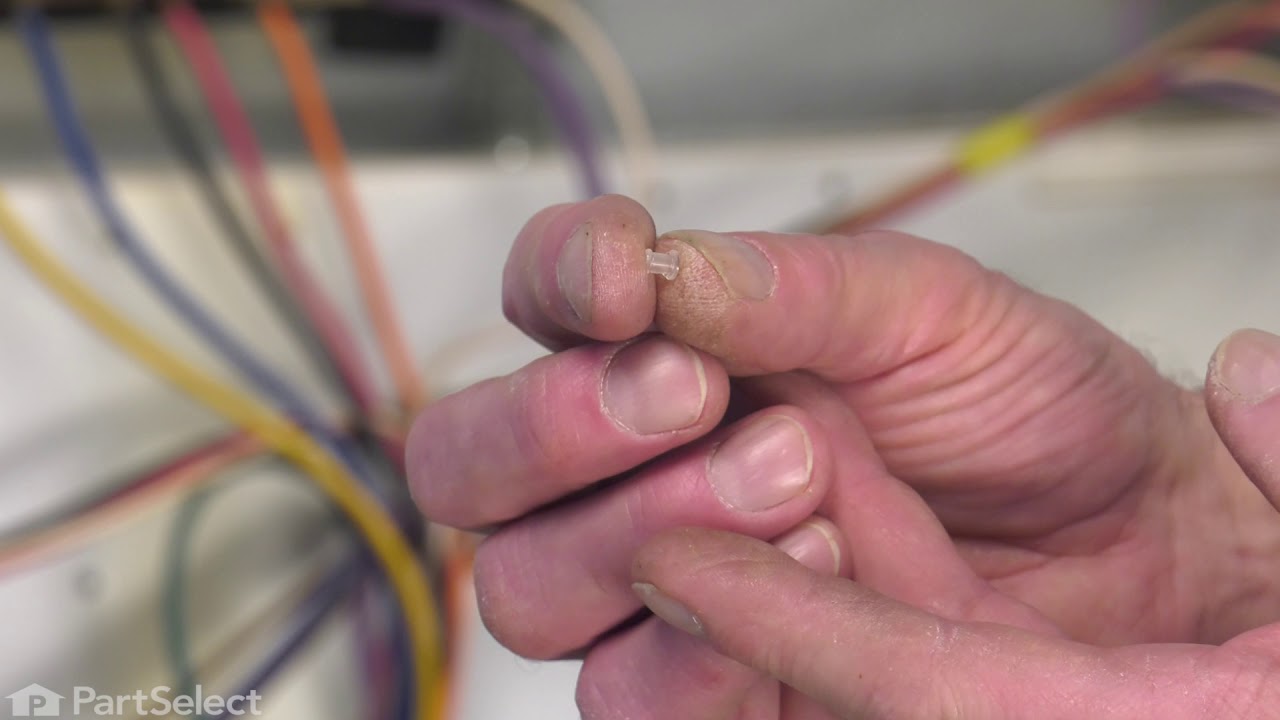
See how others fixed this model. Time, tools, difficulty, and steps that lead to victory! View More

Search repair tips from other customers using simple keywords like "replace", "fit", "remove", "inspect". DIY doesn't mean you have to do it alone!

Search filter:
Clear Filter
Your search term must have 3 or more characters.
Burner indicator light lense broke off
5 of 5 people found this instruction helpful.
  • Kathy from NEW BERN, NC
  • Really Easy
  • Less than 15 mins
  • Nutdriver
The light apparatus was loose behind the panel. Remove the remaining part of the lens. Install the new lens from the outside of the panel and hold it in position, protruding into the inside of the panel. Slide the light apparatus onto the lens from the inside, allowing the bracket to hold it in place - it will be spring loaded, which will hold it in place.
Was this helpful?
Thank you for voting!
The range element was not coming on
2 of 2 people found this instruction helpful.
  • William from BENTON, IL
  • Really Easy
  • 15 - 30 mins
  • Socket set
After settling that it was the Surface Element Switch, ordering and securing the switch, the first step was to disconnect the power to the Oven/Range. Next pull out the Range and remove the back and disconnect the switch from the top of the Range. Using the new switch I removed the wire connectors from the old switch and reconnected them to the new switch in the same spot that they came from. After connections were secure I reattached the switch to the back of the Range and reattached the back of the Range. When everything was back in place the power source was reconnected and that was it.
Was this helpful?
Thank you for voting!
Washer would not spin.
1 of 3 people found this instruction helpful.
  • John J from UPTON, MA
  • Really Easy
  • 15 - 30 mins
  • Screw drivers
Remove two screws in back to release the top.
Lift the top from the back and pull backwards to remove.
Open washer door and unscrew two screws to release the switch.
Reach down inside from the front and remove the switch.
Unplug the switch and replace with the new one. Reverse the process to install.
I found it ea sier to have someone hold the switch while I screwed it back in.
Was this helpful?
Thank you for voting!