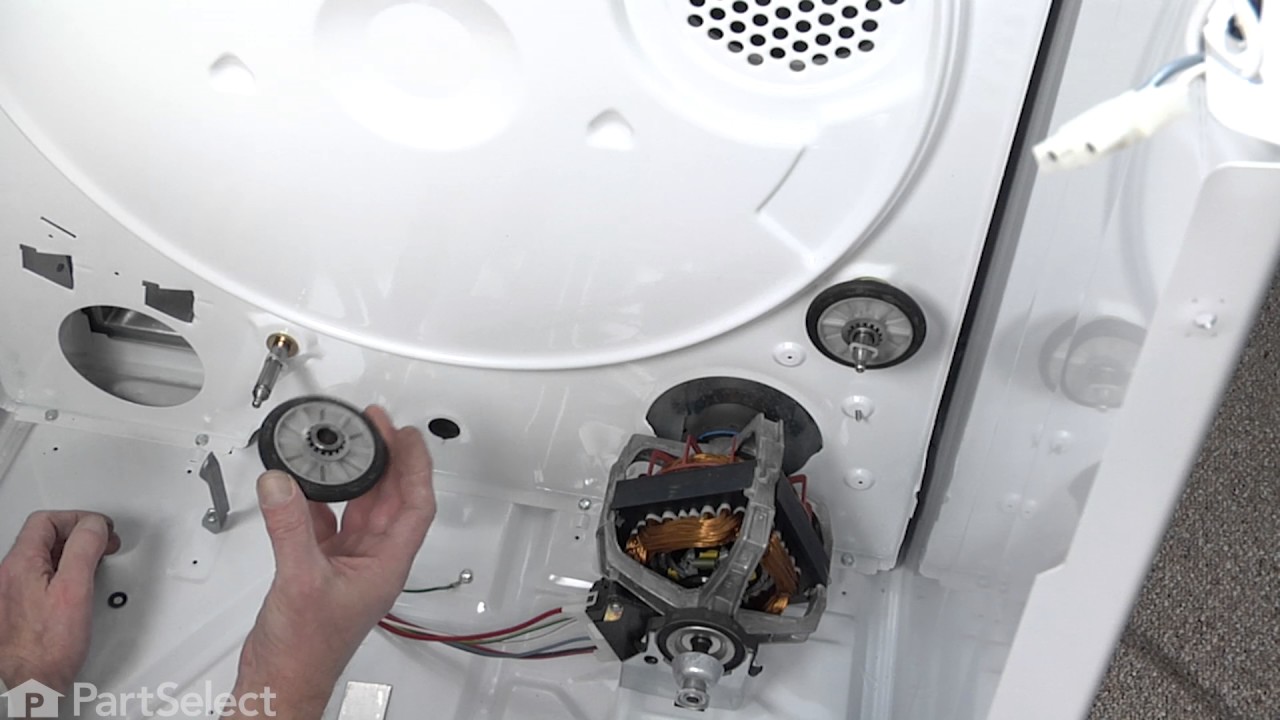
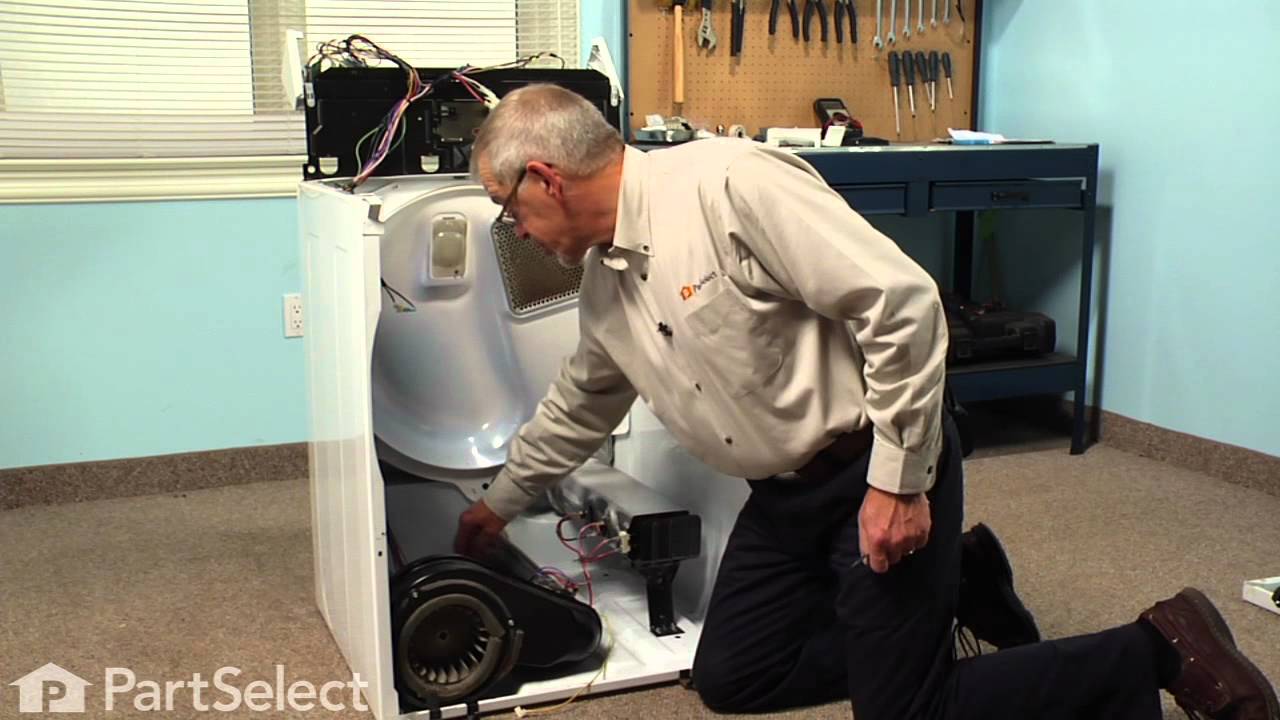
This dryer drum roller kit is designed to restore smooth and quiet operation in a wide range of dryer models. It includes two drum rollers, four tri-rings, and one to two retaining washers, providing all necessary components for a complete replacement. The rollers support the drum as it rotates, and worn or damaged rollers can cause exces...Read moresive noise, poor tumbling performance, or even leave marks on clothing. Replacing these components can resolve issues such as rumbling, squealing, or grinding sounds during operation. Compatible with many units from Whirlpool, Kenmore, Sears, and other brands, this kit offers a reliable solution for maintaining optimal dryer performance.
If you notice that your dryer is noisy or will not tumble, you may need to replace the tri ring. This part is triangular, and is less than an inch in size. Tri rings can be found both on the idler pulley shaft, or on the rear drum roller shaft. In either case, you will need to remove the front panel of the dryer and the drum to access the...Read more part for repair. Once you have accessed the damaged tri ring, you will simply need to slip it off and replace it with the new one. This part is sold individually. Be sure to disconnect the power source from the dryer before you begin this repair.
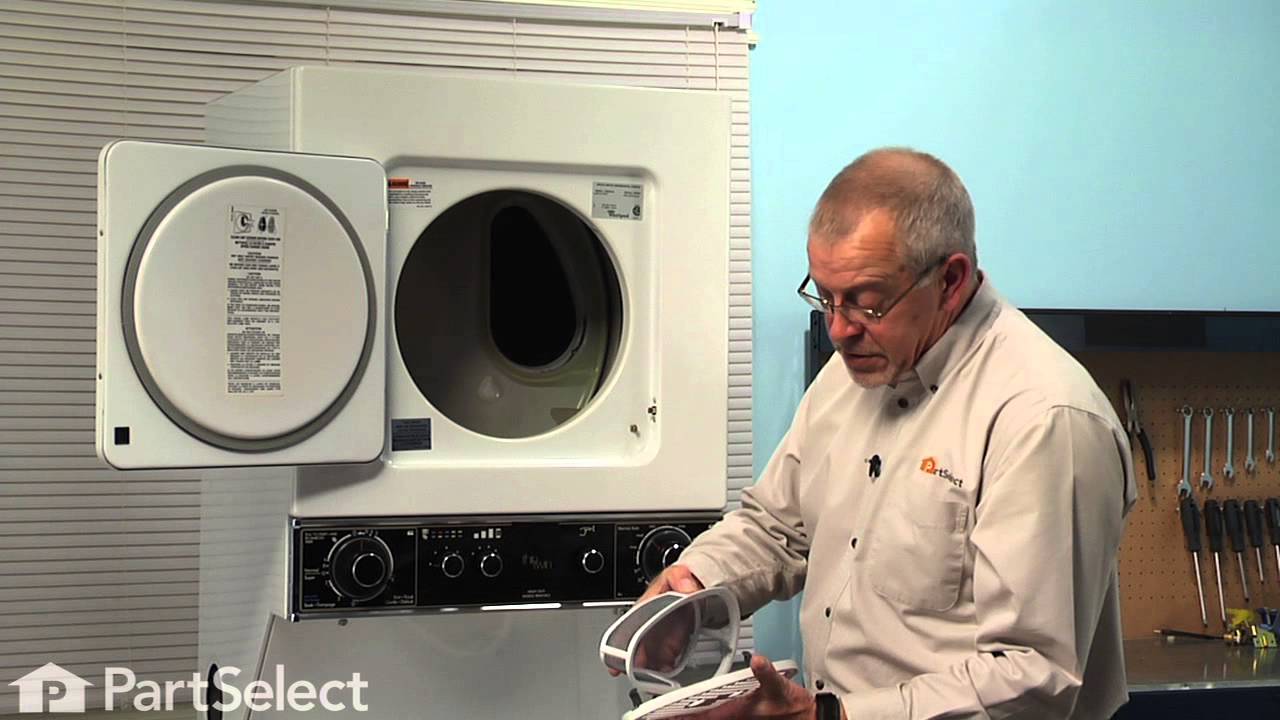
This dryer lint filter and screen assembly is a genuine replacement part designed to trap lint and fibers during the drying cycle, helping to maintain airflow and prevent blockages in the vent system. Its kidney-shaped screen is constructed from durable steel and ABS plastic, housed within a cover that features four metal clips for secure...Read more installation. By capturing debris, it supports efficient drying times and reduces the risk of overheating or fire hazards. Compatible with various Whirlpool, Kenmore, and associated brand dryers, this OEM part replaces several previous versions and ensures a precise fit. Regular inspection and replacement of the lint filter are recommended to maintain optimal dryer performance.
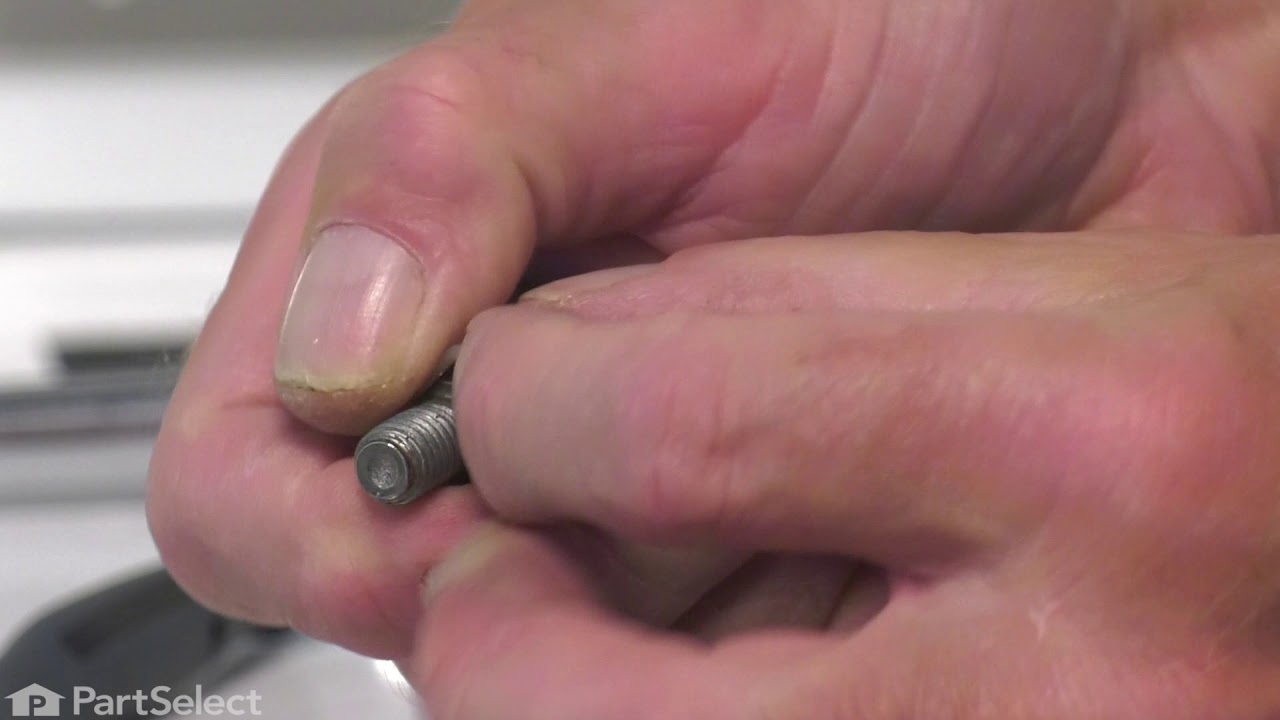
Replace the shaft of your left side drum support roller with this part from Whirlpool/Kenmore. This replacement shaft is 2-7/8 inches long. It is meant for use with many of Whirlpool/Kenmore's gas and electric clothes dryers that have been manufactured since 1965. Also known as Drum Roller Shaft.
If your dryer isn’t heating properly, this adjustable thermostat kit could be the solution. It helps keep the dryer at the right temperature by turning the heat on and off as needed. You can set it anywhere between 135°F and 155°F, and it kicks the heat back on when the temperature drops by 20°F. The kit comes with everything you need—the...Read morermostat, jumper wires, and wire nuts—and is a great fix for dryers that aren’t warming up like they should.
Replace the shaft of your right side drum support roller with this part. This replacement shaft is 3-3/16 inches long, but does not require a washer or a nut.
Ask our experts a question about this model and we'll get back to you as soon as possible!
We may have answered a similar question already! Search questions and answers left by others using simple keywords like "fit", "broken", "easy", or "quality" to find questions that match.
Search filter:
Clear Filter
Your search term must have 3 or more characters.
Sort by:
Prev
1
Next
Sorry, we couldn't find any existing answers that matched.Try using some different or simpler keywords, or submit your new question by using the "Ask a Question" button above!
Brian - For model number 11084422610
November 8, 2024
Dryer doesn't heat up.
Hello Brian, thank you for your question. Our first recommendation is the Heating Element Connection Wire Kit and cycling thermostat PS11743793. The other is the Dryer High-Limit Thermostat PS11741677 .The thermostat monitors and regulates the temperature inside the dryer. It shuts off the heating element or burner when the dryer overheats. Good luck with your repair.
See how others fixed this model. Time, tools, difficulty, and steps that lead to victory!View More
Search repair tips from other customers using simple keywords like "replace", "fit", "remove", "inspect". DIY doesn't mean you have to do it alone!
Search filter:
Clear Filter
Your search term must have 3 or more characters.
lint filter screen was broken
63 of 72 peoplefound this instruction helpful.
Kevin from Seattle, WA
Really Easy
Less than 15 mins
replace lint filter with new part. Great service and quick delivery! Thanks!
Was this helpful?
Thank you for voting!
Replacing worn drum support rollers and shafts.
60 of 69 peoplefound this instruction helpful.
Gary from Canton, CT
Easy
15 - 30 mins
Nutdriver, Pliers, Screw drivers
Very easy once I figured out how to open it up to see what was the matter. 1 Remove power. 2 Open the lint filter cover and remove the 2 Phillip screws. 3 Pry the front of the top cover up to separate the cover from the plastic clips that secure to the top front panel. 4 Remove the 2 nut screws securing the top of the
... Read morefront panel to each side cover. 5 Pull front panel out slightly to detach wiring from the cover switch. 6 Pull front panel straight up and set aside. 7 Remove drum belt from tensioner and motor pulley under the drum. 8 Remove drum by pulling it toward the front between the 2 sides. 9 Locate the 2 support rollers and their mounting shafts. Change the shafts at this point if they are worn. (Mine were OK) 10 Remove the support bracket from the shaft if present. 11 Remove the plastic triangular retainer from the shaft and slide the old wheel off of the shaft. 12 Clean the shaft from any bearing debris. 13 Replace the rollers and retainers. 14 Insert drum through the front side panels making sure the seal on the rear of the drum is centered around the opening and not folded inside the opening. 15 Place the belt on the drum and thread the belt through the tensioner and around the motor pulley. 16 Position the front cover on the lower clips on each of the sides. 17 Re-attach the 2 wires for the cover switch. 18 Pull the drum up so the opening on the drum and front cover align. 19 Screw together the side panels to the front panel using the 2 hex headed screws. 20 Check for binds by rotating the drum several times by hand. 21 Press the front of the top panel down toward the front panel to engage the plastic clips attaching the top to the front. Watch for the lint filter housing alignment as you push the top panel down. 22 Replace the 2 screws to attach the lint filter to the top cover. 23 Plug in machine and test.
Good luck, It s not as bad as it sounds.
Read less
Was this helpful?
Thank you for voting!
Temperature setting not working
19 of 23 peoplefound this instruction helpful.
Robert from Buffalo, NY
Easy
30 - 60 mins
Nutdriver, Screw drivers
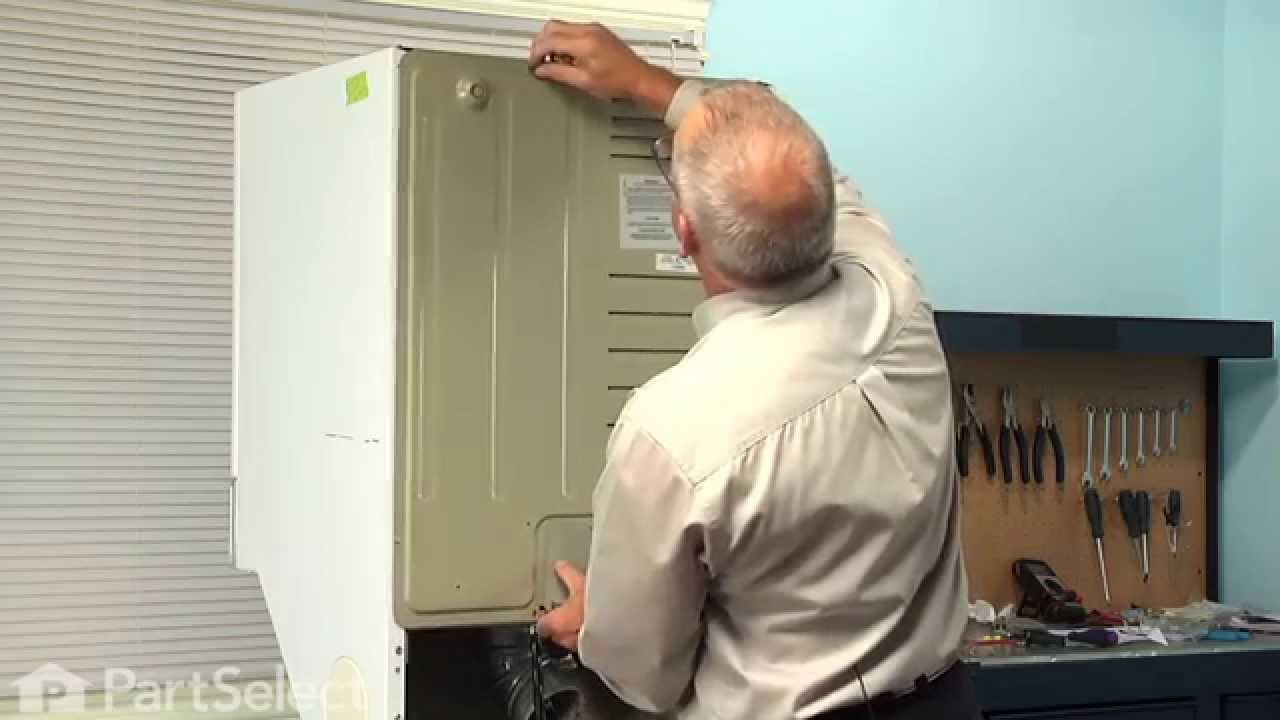
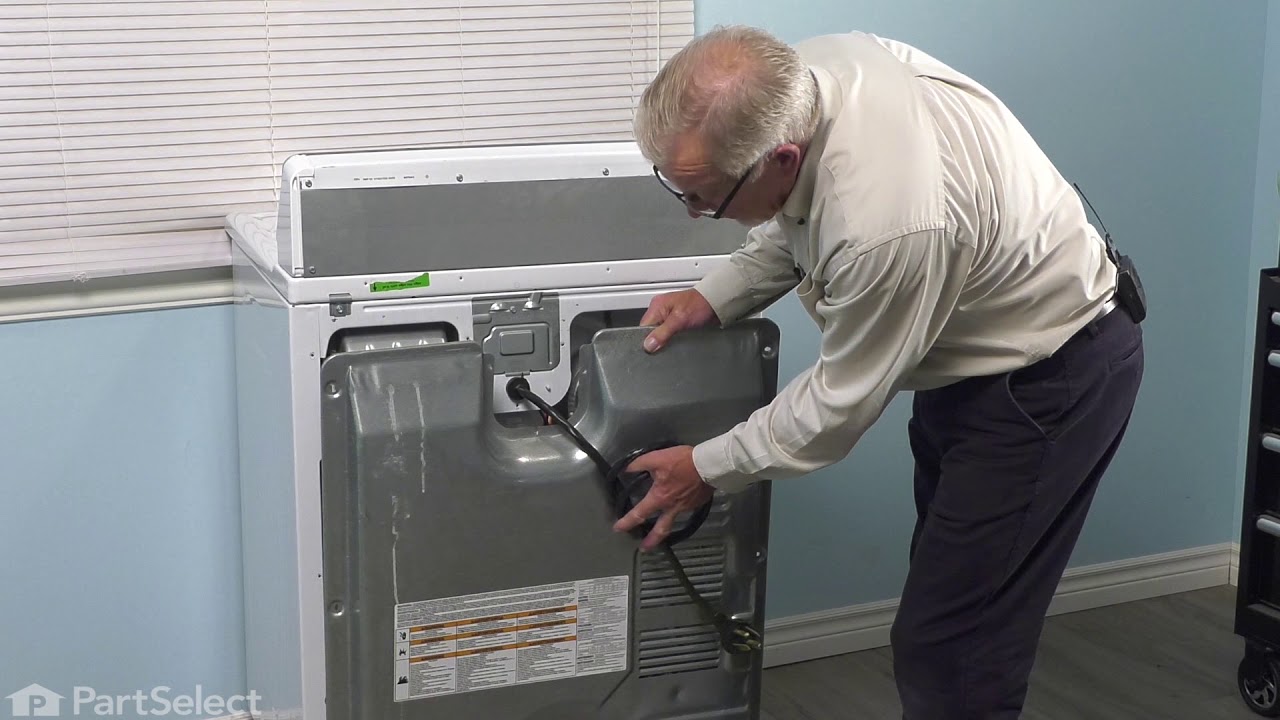
Took off back cover, thermostat was easily identified because of photos I've seen on website. Took 2 connectors off, removed 2 screws and removed old thermostat. That was pretty much it!
NOTE: Replacement thermostat 694674 has an adjustable temperature range setting that MUST be manually set prior to installing! You need to use
... Read more the enclosed chart to find your original part# and make sure the setting is matched. My original part# 341146 had a "D" setting so I had to change but very easy to do.



 My Orders