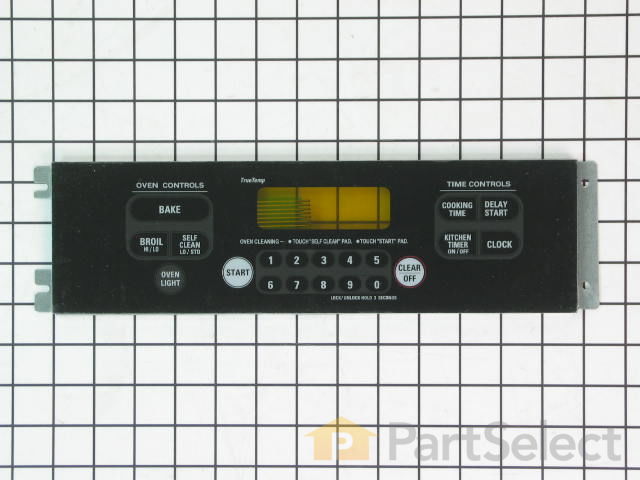
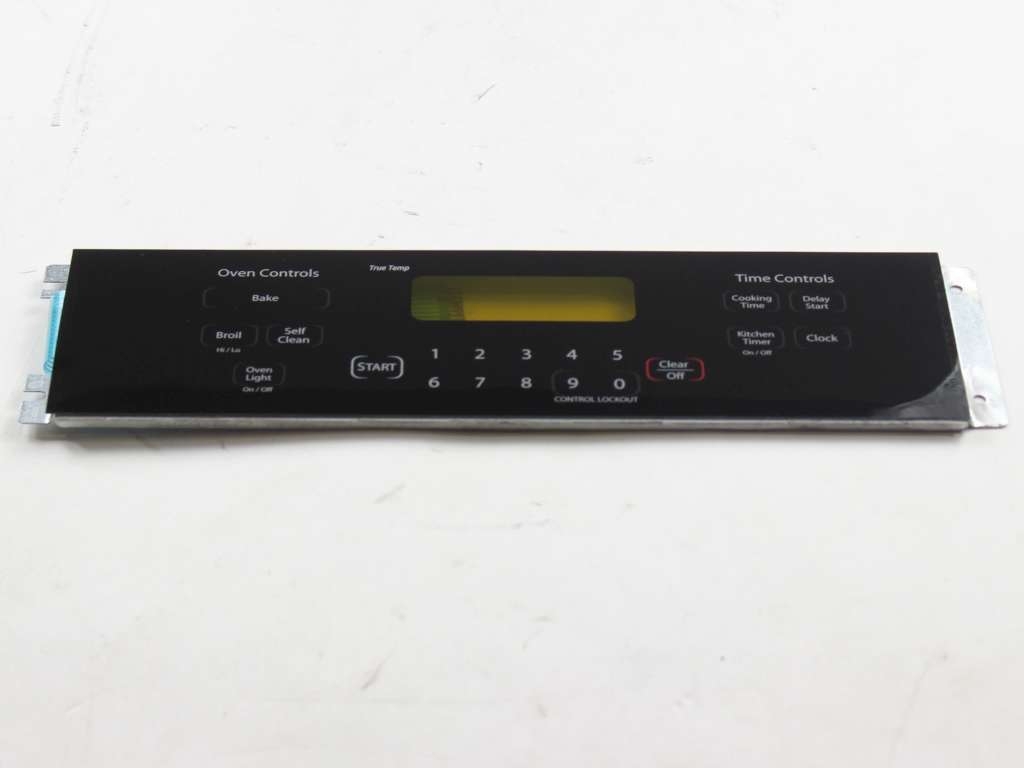
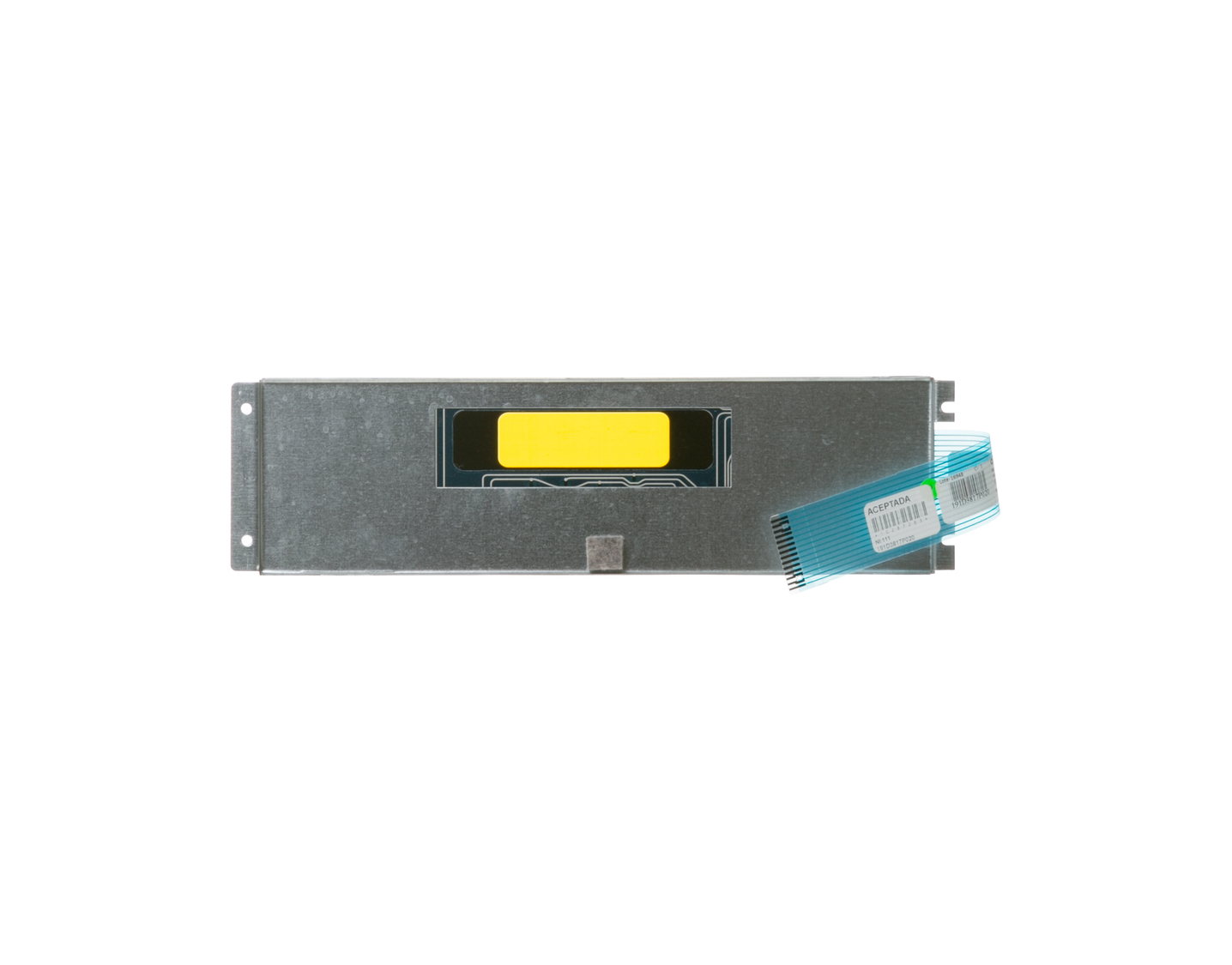
Keypanel with Support Assembly - Black Specifications
Need a solution for your oven's programming issues? The Black Keypanel with Support Assembly from GE could be just what you're looking for. This part is the brains of your oven range ? it controls the selection keys that set your oven's programming, helping everything run smoothly. Your safety is important to us. So, before installing this part, we recommend you unplug your range and wear work gloves for added protection. By doing this, you'll protect yourself and help maintain the top-quality performance of your oven range. Produced by GE, a leading brand in the appliance sector, this Keypanel with Support Assembly guarantees durability and peak efficiency. Invest in this reliable component today, and you'll bring a new lease of life to your oven, while making your cooking more precise and effortless. This black Keypanel with Support Assembly is designed to integrate seamlessly into your GE range. If you're looking for tried-and-true quality solutions for your kitchen, look no further, this part delivers on all fronts.
How Buying OEM Parts Can Save You Time and Money
Troubleshooting
This part fixes the following symptoms:
Touchpad does not respond
This part works with the following products:
Range.
This part works with the following products:
General Electric.
Part# WB27T11076 replaces these:
AP4411791, 1536531, WB27T10481
Customer Repair Stories
Average Repair Rating: 4.5 / 5.0, 1 reviews.
What's this?
< Prev
1
Next >
Sort by:
Search filter:
Clear Filter
Your search term must have 3 or more characters.
Keep searches simple. Use keywords, e.g. "leaking", "pump", "broken" or "fit".
Sorry, we couldn't find any existing installation instruction that matched.
Buttons stopped working on the keypad.
Everybody said the Electronic clock oven control needed to be replaced, not the keypad. It was the keypad. Unpluged the range. Pulled the 4 burner control knobs off, Unscrewed the 4 burner contol knob bottoms to remove the panel cover, removed 2 of the keypad screws an loosened the other 2. Removed 4 screws holding the oven control panel. Turned the panel over to access the keypad wiring ribbon. Released the ribbon, turned the panel over to remove the old keypad. Put the new keypad ribbon through the panel and pushed the ribbon into the ribbon slot, put the anel beck in place with 4 screws, slipped the keypad in place on 2 loosened screws. put the remaining 2 screws back in. tightened all four screws. replace the control panel cover and knobs. Plug back in and viola.
Ask our experts a question about this part and we'll get back to you as soon as possible!
7 questions answered by our experts.
< Prev
1
Next >
Sort by:
Search filter:
Clear Filter
Your search term must have 3 or more characters.
Keep searches simple. Use keywords, e.g. "leaking", "pump", "broken" or "fit".
Sorry, we couldn't find any existing answers that matched.Try using some different or simpler keywords, or submit your new question by using the "Ask a Question" button above!
Jim
March 12, 2019
We have an f7 code and then a e6 code. Can you tell me what parts i would need?
For model number JSP47SOH1SS
Hi Jim,
Thank you for your question. The F7 E6 error code is referring to a shorted key on the touch panel. Cut power to the range to see if this fixes the issue. If the error returns, you will need to replace the electronic control board. I hope this helps. Thank you and have a great day!
3 people found this helpful.
Was this helpful?
Thank you for voting!
Rosie
August 9, 2017
The only problem that we had with our stove was the plastic on the key panel was dry and brittle. Did we have to purchase the entire key panel with support assembly.
For model number PS2359868
Hi Rosie,
Thank you for your inquiry. Yes you would have had to order this part to replace your key panel. Good luck with your repair!
2 people found this helpful.
Was this helpful?
Thank you for voting!
Brian
November 2, 2017
My GE oven was flashing F7. I threw the breaker to reset numerous times but the problem continued. I replaced the control panel and this worked for a short time. Unfortunately f7 reappeared. Will replacing the keypad resolve this? Brian
For model number JSP47BF4BB
Hi Brian,
Thank you for your question. I believe that it would. The F7 error code indicates that the keypad has shorted or has a stuck button. This could be what the issue is with your appliance. I hope that helps. good luck with your repair.
2 people found this helpful.
Was this helpful?
Thank you for voting!
Tim
February 5, 2019
During operation of stove and oven all stove burners quit working and displays appeared intermittent then stopped all together. Will replacement of the key panel support assembly correct this?
For model number JSP42SN1SS
Hello Tim, Thank you for the question. Since the burners are not controlled by the Keypanel it sounds like there is another issue. I suggest starting at the terminal block where the power cord attaches tot he appliance and work your way up checking the wiring. If both the oven and cooktop have stopped working there might be an issue with the wiring. Hope this helps, good luck with this repair!
1 person found this helpful.
Was this helpful?
Thank you for voting!
Wesley
August 3, 2017
How do i release the ribbon on the existing control panel?
For model number Part Number PS2359868
Hi Wesley,
Thank you for your inquiry. There should be a little release catch where the touchpad ribbon connects to the electronic control board. In that plug area, you have to lift up the release catch around the edge of the plug to be able to release the ribbon from its spot. I hope that helps!
1 person found this helpful.
Was this helpful?
Thank you for voting!
John
July 5, 2024
The start button doesn’t work do I have to replace the entire panel?
For model number JSP42SK5SS
Hi John, thanks for reaching out to us! If the start button is not working for you, first, we recommend checking the connections between the Keypanel (User Interface) and the Oven Control board below, to make sure nothing has wiggled loose. If the connection seems snug, then yes it could be that the keypanel needs to be replaced or the board underneath it is not responding to the Keypanel. We hope this helps. Good luck with your repair.
The control panel does not work or light up at all
For model number JGSP48BH4BB
Hi Marvin,
Thank you for your question. It is likely that you will have to replace your electronic control board. I could suggest unplugging your appliance for about 5 minutes. When you plug it back in, if your control board is still not responding, it will have to be replaced. Good luck with your repair.
Was this helpful?
Thank you for voting!
< Prev
1
Next >
✖
Ask a Question
Ask our experts a question on this part and we'll respond as soon as we can.
Fresh Flow Produce Preserver is made for your refrigerator to help keep produce fresh for longer by absorbing the chemical, ethylene, that causes your fruits and vegetables to ripen quicker. Your produce could be fresh f...
Having a problem with a funky-smelling washing machine, or one that just doesnt seem to clean your clothes as well as it used to? Say hello to the Affresh Washing Machine Cleaner by Whirlpool. This powerful washing helpe...
Affresh dishwasher Cleaner is specially formulated to help remove limescale and mineral build-up that can be unsightly and could affect your dishwasher's performance. Each tablet is designed to clean inside your machine ...
Make your cooktop shine with Frigidaire ReadyClean Glass and Ceramic Cleaner. Our scratch-free, streak-free formula removes smudges, grease, burnt-on food, dirt and oil, while protecting and polishing to repel dust and d...
[{"position":0,"name":"Home","title":"Home","url":"/"},{"position":1,"name":"Circuit Board or Touch Pad","title":"Circuit Board or Touch Pad","url":"/Range-Circuit-Boards-and-Touch-Pads.htm"},{"position":2,"name":"WB27T11076","title":"WB27T11076","url":""}]