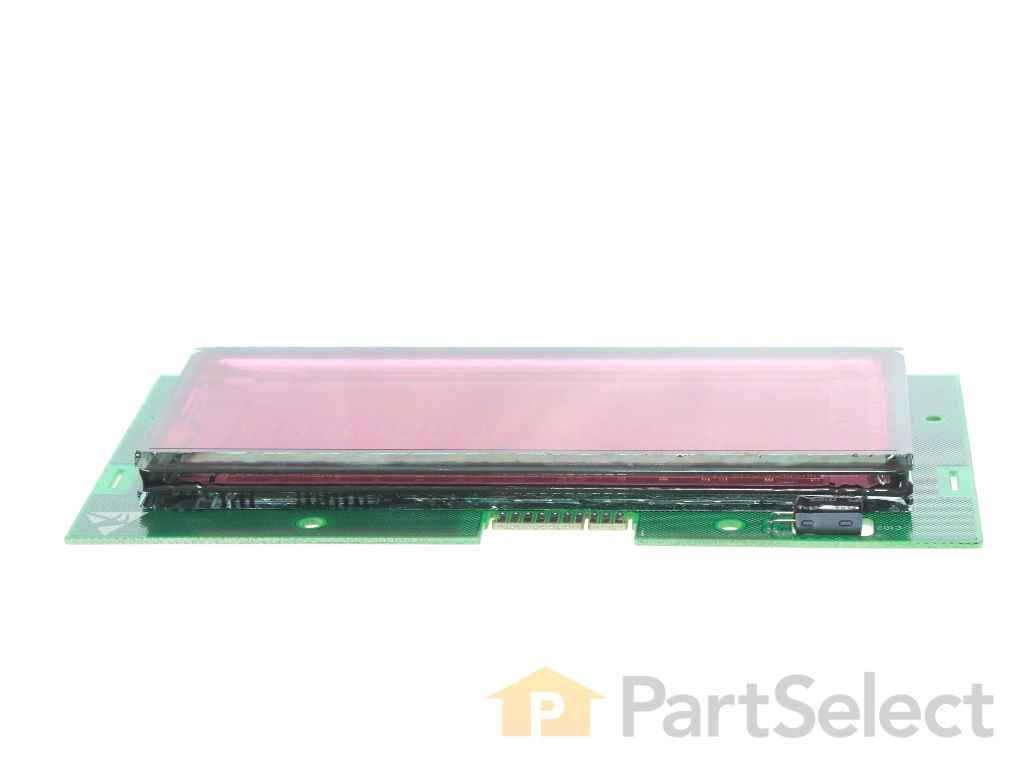
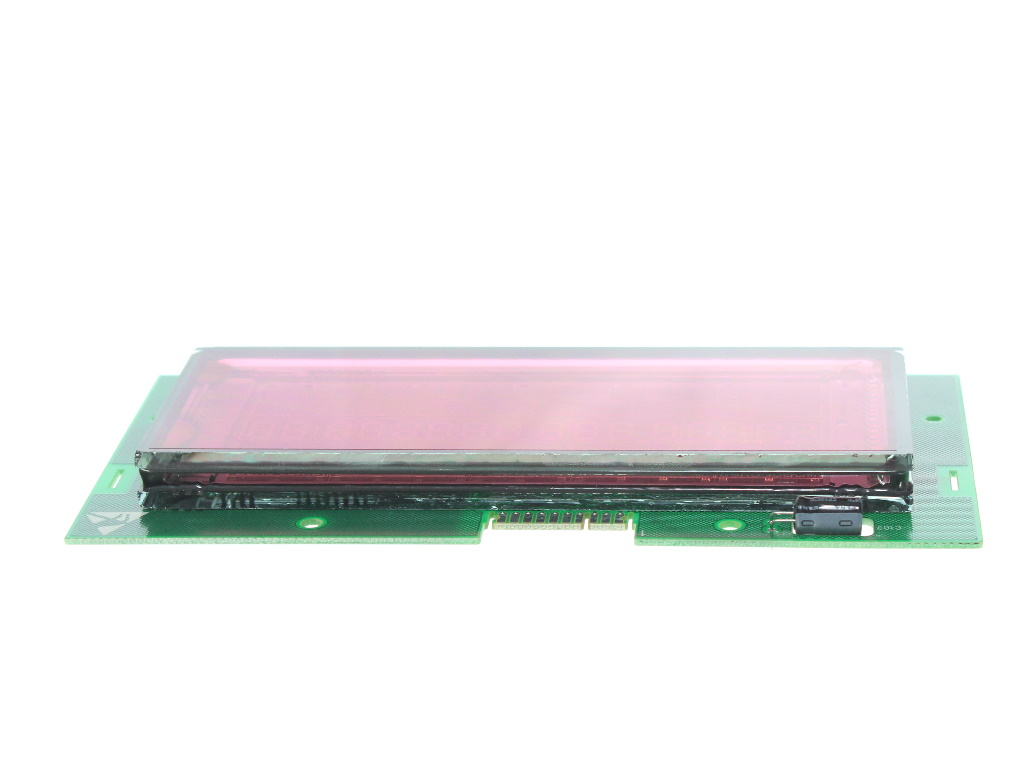
Need a new display module for your Bosch, Thermador, or Gaggenau appliances? You're in the right place! We have the authentic Bosch Display Module that's built specifically for these brands. This important little piece is the brain behind your oven's operations - it controls everything from the time and temperature, to other key oven settings. What does that mean for you? A rejuvenated cooking experience with your oven feeling just like new. Before you begin the repair, remember to stay safe. Turn off your house circuit breaker or unplug your oven ? don't overlook this step. It's also a good idea to wear some durable work gloves to keep your hands protected. Before you hit purchase, do check that this part is the right fit for your specific model, as there might be slight variations. Bring the joys of cooking back and feel confident knowing you're backed up by Bosch's reliability and high-quality design.
How Buying OEM Parts Can Save You Time and Money
Troubleshooting
This part fixes the following symptoms:
Touchpad does not respond
This part works with the following products:
Range, Wall Oven, Microwave Oven Combo.
This part works with the following products:
Bosch.
Part# 12029207 replaces these:
00758968, 758968
Customer Reviews
Average Rating:
★★★★★
★★★★★
3 Reviews
5.0
Filter By Rating:
5 Stars
3
4 Stars
0
3 Stars
0
2 Stars
0
1 Star
0
< Prev
1
Next >
Sort by:
Search filter:
Clear Filter
Your search term must have 3 or more characters.
Keep searches simple. Use keywords, e.g. "leaking", "pump", "broken" or "fit".
Sorry, we couldn't find any existing reviews that matched. Try using some different or simpler keywords.
★★★★★
★★★★★
Dave C - April 3, 2025
Verified Purchase
Great pricing and even quicker delivery...
Well packaged, easy installation and low and behold we are back using our oven. everything functions as it should....one noticeable difference between old and new display module...I don't know how it is associated, but the timer notifications, the temperature achievement beep and even the keypad functions are all louder than the previous display.
I don't know if this was due to this being a store display model or what...but it sure nice to know when the turkey is done...
★★★★★
★★★★★
Warren R - December 3, 2024
Verified Purchase
The correct part and it arrived sooner than expected
I ordered a display module for my oven. The part came sooner than expected and worked great once installed.
★★★★★
★★★★★
Patty S - June 26, 2020
Verified Purchase
Easy Repair, great experience
The part was just as described and worked perfectly. Quick delivery! We are back up and running.
< Prev
1
Next >
Customer Repair Stories
Average Repair Rating: 5.0 / 5.0, 1 reviews.
What's this?
< Prev
1
Next >
Sort by:
Search filter:
Clear Filter
Your search term must have 3 or more characters.
Keep searches simple. Use keywords, e.g. "leaking", "pump", "broken" or "fit".
Sorry, we couldn't find any existing installation instruction that matched.
Control panel would randomly flicker, fade to black or become non-responsive when subjected to the heat/steam of the open range.
Watch the YouTube video. Turn off power or unplug the range. Remove 5 gas control knobs. Remove four T20 screws on Control panel. one on each end, L and R, two underneath, L and R. Pull off control panel and carefully flip it up onto the range, being careful not to stretch the wiring harness. Carefully remove two wiring connectors (pinch and pull method) Remove four T20 screws securing the Control panel mount then turn it over 180 degrees. Straighten the mounting tabs until the control panel easily slides off of its mount. Remove and replace the control panel and sheet. Reverse the procedure to reinstall. It took me longer to clean the components and the area that to repair the problem. Tip: Isopropyl alcohol in a spray bottle and a cloth cuts the grease and grime, if needed, with very little effort and no scratching.
Ask our experts a question about this part and we'll get back to you as soon as possible!
5 questions answered by our experts.
< Prev
1
Next >
Sort by:
Search filter:
Clear Filter
Your search term must have 3 or more characters.
Keep searches simple. Use keywords, e.g. "leaking", "pump", "broken" or "fit".
Sorry, we couldn't find any existing answers that matched.Try using some different or simpler keywords, or submit your new question by using the "Ask a Question" button above!
John
April 25, 2023
Oven display light not working? Other wise range works fine
For model number HE18054U/03
Hi John, thank you for reaching out. We believe your range is having this problem because of the faulty display module, part number PS12742171. We hope this solves your problem!
1 person found this helpful.
Was this helpful?
Thank you for voting!
Nicolas
June 9, 2023
Hello , the number 4 on the screen is not working anymore , is it the part I need to replace the screen only ? If not , witch one do I need ? Thanks
For model number HBN8451UC
Hello Nicolas, thank you for the question. You may need to replace the entire display to fix the issue. The display board for model number HBN8451UC (01) is part number PS12742171. The display board for model number HBN8451UC (02) is part number PS10057855. We hope this helps!
The time on the oven runs fast. I can set it and in a 24 hour period it will advance about 6 hours more than it should. I also think it is affecting the timer.
For model number HBN8651UC
Hello William, thank you for your inquiry. Based on our understanding of the issue, we would suggest checking the control board, part number PS12742171, to solve the problem. We hope this helps.
Was this helpful?
Thank you for voting!
Craig
October 5, 2022
The display is blank but the stove will not respond to inputs of the keypad. Example: We can press 4,0,0, Bake and nothing happens. Could the display being out also disrupt function?
For model number BOSCH HEI8054U
Hello Craig, thank you for your question. We have researched your model and found that the issue is probably with the Front Panel, part number PS11759846. If that does not take care of the issue, then the problem is most likely to be related to the Display Module, part number PS12742171. If you require assistance to place an order, please contact customer service. We hope that helps!
Control module goes on and off but keeps time and allows us to use the stove.
For model number hei8054u
Hi Phil, thank you for reaching out. According to our research on the model, the Display Module appears to be faulty and you may need to replace it with part number PS12742171. If you require assistance placing an order, please contact customer service. We hope that helps!
Was this helpful?
Thank you for voting!
< Prev
1
Next >
✖
Ask a Question
Ask our experts a question on this part and we'll respond as soon as we can.
Fresh Flow Produce Preserver is made for your refrigerator to help keep produce fresh for longer by absorbing the chemical, ethylene, that causes your fruits and vegetables to ripen quicker. Your produce could be fresh f...
Having a problem with a funky-smelling washing machine, or one that just doesnt seem to clean your clothes as well as it used to? Say hello to the Affresh Washing Machine Cleaner by Whirlpool. This powerful washing helpe...
Affresh dishwasher Cleaner is specially formulated to help remove limescale and mineral build-up that can be unsightly and could affect your dishwasher's performance. Each tablet is designed to clean inside your machine ...
Make your cooktop shine with Frigidaire ReadyClean Glass and Ceramic Cleaner. Our scratch-free, streak-free formula removes smudges, grease, burnt-on food, dirt and oil, while protecting and polishing to repel dust and d...
[{"position":0,"name":"Home","title":"Home","url":"/"},{"position":1,"name":"Circuit Board or Touch Pad","title":"Circuit Board or Touch Pad","url":"/Range-Circuit-Boards-and-Touch-Pads.htm"},{"position":2,"name":"12029207","title":"12029207","url":""}]