SEARS General Electric Range - Overview

Sections of the SEARS

[Viewing 1 of 1]
Keep searches simple, eg. "belt" or "pump".
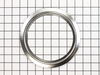
Trim Ring - 6 Inch – Part Number: WB31X5013
Trim Ring - 6 Inch
PartSelect #: PS244475
Manufacturer #: WB31X5013
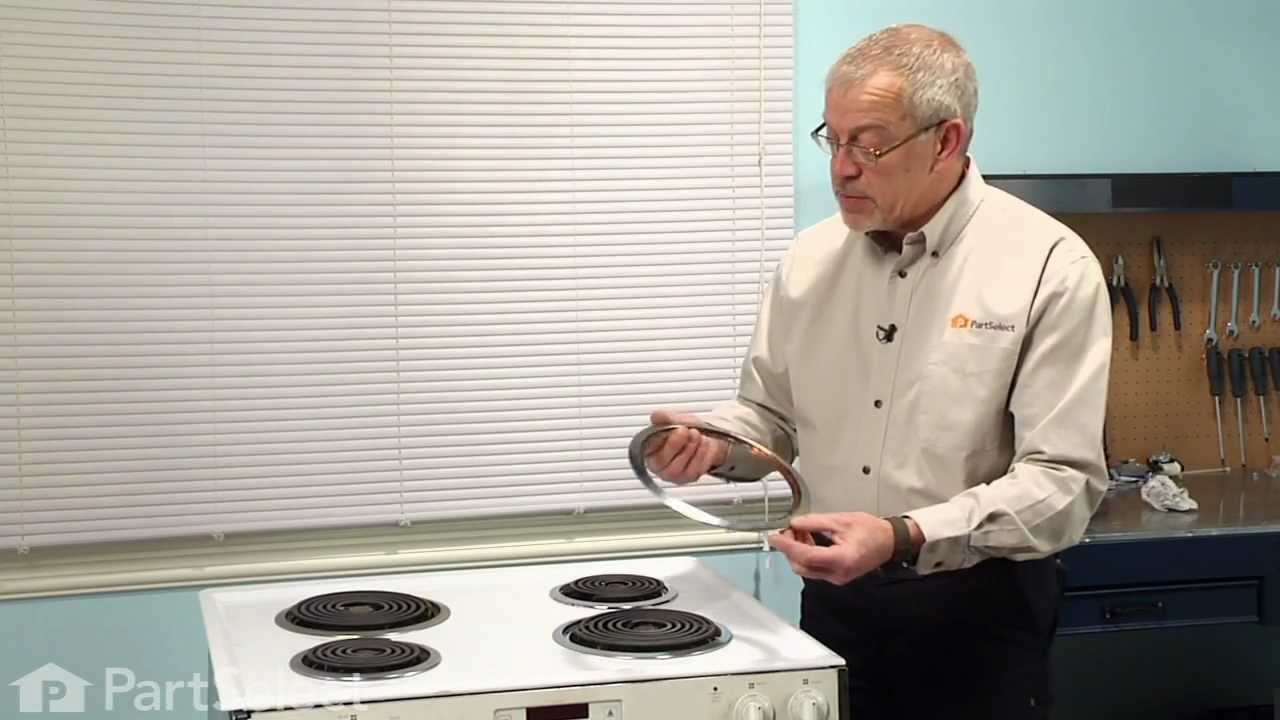
This 6 inch high rise burner trim ring is intended for use with detached style low rise tilt lock surface mount burners on ranges.
$13.95
  Special Order
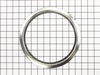
Trim Ring - 8 Inch – Part Number: WB31X5014
Trim Ring - 8 Inch
PartSelect #: PS244479
Manufacturer #: WB31X5014
This 8 inch high rise burner trim ring is intended for use with detached style low rise tilt lock surface mount burners on ranges.
$15.95
  Special Order
Range Infinite Heat Switch Kit – Part Number: WB21X36771
Range Infinite Heat Switch Kit
PartSelect #: PS16216966
Manufacturer #: WB21X36771
The infinite switch controls the stove top surface burner. This switch will work with most of the electrical range models with coil burner elements.
  No Longer Available
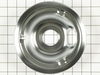
Drip Bowl - 6" – Part Number: WB31K5024
Drip Bowl - 6"
PartSelect #: PS244255
Manufacturer #: WB31K5024
This is a drip bowl for your range or cooktop. The drip bowl sits beneath the burner of an electric range and collects any spills that occur while cooking. The bowl is 6 inches in diameter and represe...
$21.95
  Special Order
Fan Blade – Part Number: WB2X8351
Fan Blade
★★★★★
★★★★★
(1)
PartSelect #: PS243069
Manufacturer #: WB2X8351
$27.95
  Special Order
Clock control lens with buttons – Part Number: WB12K5006
Clock control lens with buttons
PartSelect #: PS231238
Manufacturer #: WB12K5006
  No Longer Available
INSULATION-BACK & Bottom – Part Number: WB35K5113
INSULATION-BACK & Bottom
PartSelect #: PS245358
Manufacturer #: WB35K5113
  No Longer Available
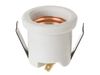
OV LAMP Holder – Part Number: WB8K5029
OV LAMP Holder
PartSelect #: PS256831
Manufacturer #: WB8K5029
$34.95
  Special Order
6 INCH PORCELAIN GRAY BU – Part Number: WB31K5045
6 INCH PORCELAIN GRAY BU
PartSelect #: PS244278
Manufacturer #: WB31K5045
  No Longer Available
"6"" TRIM RING " – Part Number: WB31K5044
"6"" TRIM RING "
PartSelect #: PS244277
Manufacturer #: WB31K5044
  No Longer Available
CLOCK/OV CNT FACEPLATE – Part Number: WB12K5007
CLOCK/OV CNT FACEPLATE
PartSelect #: PS231239
Manufacturer #: WB12K5007
$119.57
  Special Order
End Cap - Stainless - Right Side – Part Number: WB36K5193
End Cap - Stainless - Right Side
PartSelect #: PS246004
Manufacturer #: WB36K5193
  No Longer Available

Questions And Answers for SEARS

Be the first to ask our experts a question about this model!

Common Symptoms of the SEARS

[Viewing 5 of 5]
Element will not heat
Fixed by
these parts
Fixing Fixing
Show All
Little to no heat when baking
Fixed by
these parts
Fixing
Show All
Oven not heating evenly
Fixed by
these parts
Fixing
Show All
Oven is too hot
Fixed by
these parts
Fixing
Show All
Will Not Start
Fixed by
these parts
Fixing
Show All
Keep searches simple. Use keywords, e.g. "leaking", "pump", "broken" or "fit".
Oven tempature was approximately 150 degrees to low
This repair is EASY if you know how to use an ohm meter. If not, seek help for this step.

SYMPTOM:
The oven (JKP27WOP3WG or JKP27WP3WG and many ovens like it ) was not getting hot enough. Verifying the cooking temperature with an typical oven thermometer, I was able to determine that the oven was cooking temperature was about 150 degrees to low.

FAILURE POINTS:
There are two logical failure points (1) The oven sensor ( WB21X5301 about $75), or the (2) the controller board (PS238233 about $252). In my case it was the controller board. When replaced the oven worked beautifully.

REPAIR:
As with any repair, you MUST DISCONNECT POWER TO THE UNIT BEFORE SERVICING!!!

Pull oven from the wall:
- Disconnect power by flipping the circuit breaker to the OFF position.
- Remove the top flange / cowling from the top of the oven (it just pulls off)
- Remove two screws under the top flange / cowling
- The whole unit easily slides out, but it is highly recommended that you use two people to place the oven on the floor.

As a diagnostic between these two parts, if the oven sensors measure approximately 1.1K ohms of resistance at room temperature, then it is probably not the sensor. The oven sensor wires are connected to two white wires that run up to the controller board. You need to disconnect the oven sensor to make the measurement. You may either completely remove the oven sensor by cutting the wire (be sure to allow yourself enough slack so that they may be safely reconnected) where it connects to the white wires, OR, (preferred method) if leaving the oven sensor partially installed,
- Remove the top sheet metal cover (10 screws)
- Remove the service connect cover (2 screws - this is where the main Power cord comes into the unit)
- Disconnect the white wires from the controller board (this connector which also includes other circuits is on the left side when looking at the controller board).
- Remove two screws from oven sensor but just let in dangle down so that you can put the sensor in the ice water / boiling water.

Measure the resistance under the following conditions. Your ohm meter should read APPROXIMATELY...
- 1.02K ohms in ice water
- 1.09K ohms at room temperature
- 1.36K ohms in boiling water.
If you get approximately these readings, then it is NOT the oven sensor. If that checks out then re-install the sensor AND the connector.

If it is NOT the sensor, replace the controller board.
- Take a moment to write down the color of the wire to the LETTERING (N, L, G, C / COM,,,) on the controller board. The connectors are in different locations on the new controller board so the wire color to the letter designation is significant.
- Carefully remove the wires one at a time
- VERY carefully remove the keypad ribbon cable from the right side of the controller board.
-- The ribbon cable will disconnect by releasing some little pressure clips on the side of the connector.
- Remove the controller board (4 screws)
- Install new controller board (4 screws)
- VERY carefully connect the keypad ribbon cable on the right side.
-- Make sure that the connector is in the OPEN position first, then,
-- Slide in the cable ensuring that all parts of the ribbon made it into the connector, then
-- Press down on the connector locking tabs.
- Reconnect each wire to the correctly lettering on the board.
-- Again, the connectors MAY BE in a different order on the replacement controller board. Match color to letter.
- Reconnect the (5 wire?) connector that includes the white oven sensor wires.
- Make sure everything looks normal, (i.e. no wires are pinched, remove tools from top of oven area, etc.)
- Re-install top cover.
- Re-install service connect cover.

You can test the unit while it is out of the cabinet,
- Make SURE that all sheet metal covers are in place.
- Flip power breaker to "On".
- Test that oven gets to the desired temp.
Parts Used:
Oven Sensor
  • James from Austin, TX
  • Difficulty Level:
    Easy
  • Total Repair Time:
    1- 2 hours
  • Tools:
    Nutdriver, Screw drivers
224 of 264 people found this instruction helpful.
Was this instruction helpful to you?
Thank you for voting!
Oven would not heat to the correct temperature
First I removed the two screws that hold the element in place. I then pulled the element out about 3 inches and disconnected the two wires
Parts Used:
Oven Sensor
  • Michael from Lawrenceville, GA
  • Difficulty Level:
    Really Easy
  • Total Repair Time:
    Less than 15 mins
  • Tools:
    Screw drivers
40 of 63 people found this instruction helpful.
Was this instruction helpful to you?
Thank you for voting!
F2 error message on my GE oven indicated need for new heat sensor
After unscrewing the old heat sensor from inside the oven, I pulled the range away from the wall, got behind it and removed the small panel over the heat sensor. Naturally, the plastic clips connecting the heat sensor to the range wiring wouldn't come apart, so I eventually had to simply pry them apart with two pliers. Then, naturally, the new plastic connector clip on the replacement part didn't match the clip from the range, so I had to cut off both receptacles and strip the wires, then used the provided wire nuts to make the connections. After that, it was easy, just secured the heat sensor inside the oven and replaced the panel. I didn't push the range back against the wall until I tested the repair. It worked fine!
Parts Used:
Oven Sensor
  • Joseph from Brick, NJ
  • Difficulty Level:
    A Bit Difficult
  • Total Repair Time:
    30 - 60 mins
  • Tools:
    Nutdriver, Pliers
25 of 29 people found this instruction helpful.
Was this instruction helpful to you?
Thank you for voting!