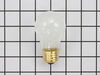
This an authentic OEM 40-Watt replacement light bulb, used in a number of household appliances. It is specially designed to withstand extreme temperatures, which is why these replacement bulbs are mos...
The oven sensor detects the temperature within the oven cavity and sends the information to the control board. If your oven is not heating evenly, has little or no heat when baking, or is too hot, you...
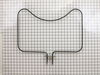
This oven bake element is a 2800-watt, 240-volt electrical heating component located at the bottom of the oven cavity. It is engineered to convert electrical energy into consistent radiant heat, suppo...
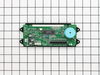
This oven control board and clock is for ranges.
Oven control board and clock monitors the oven temperature and controls the oven heating functions in the range, and includes the digital display fo...
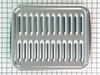
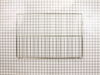
This oven rack provides a stable and reliable surface for cookware during baking and broiling. Measuring approximately 23.5 inches by 16 inches, it is constructed from durable metal with a chrome fini...
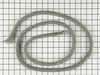
This oven door gasket is designed to create a tight, heat-resistant seal around the oven door, helping to maintain consistent internal temperatures during cooking. By preventing heat from escaping, it...
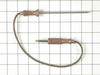
This temperature probe consists of two ends joined together by an insulated wire. The small end is almost four inches long, whereas the longer end is almost seven inches long. The small end, the jack,...
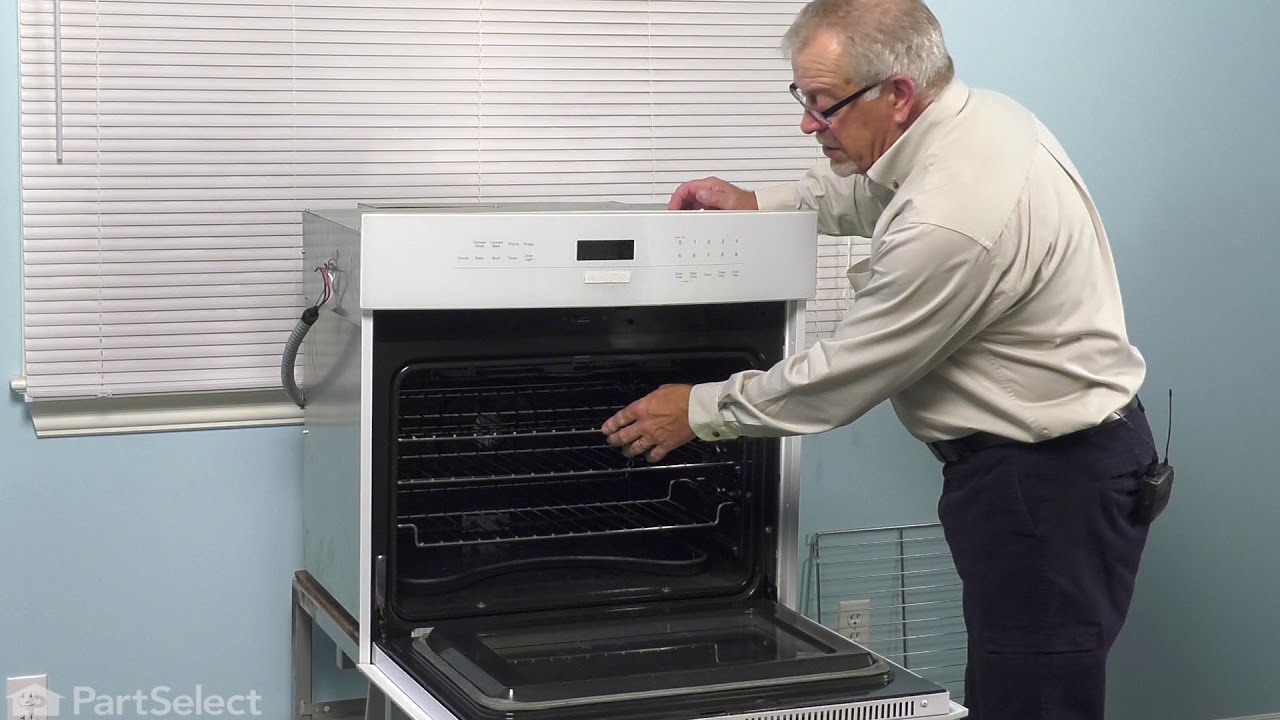
Removed the oven door by opening slightly, then pic door up to remove. Remove 2 screws holding oven sensor in place, gently pull on sensor to remove, had to remove about 8 inches to get at plastic connector. Unplug connector, had to use an adapter cable supplied with the PartSelect kit to install new sensor, push cable back into opening, reinstall 2 screws. The oven works fine! Note that due to thermal lag the temperature overshoots to 370 degrees and undershoots to 340 degrees, this appears to be normal oven operation. Putting door back in place was easy.
Removed the 4 phillip head screws that hold the trim plate on the bottom of the display panel (and you probably could skip this step). Next, I removed the knobs from the front of the display panel. Then I removed the 4 phillip head screws that were located (1 each) behind the knobs. Finally, I removed the 4 hex head screws from the bottom of the front panel. You caan then remove the panel a few inches and remove the two cable connectors. The trick part is to get the flat ribbin cable disconnected. If you squeeze the two small tabs (one on each end of the connector), the connector moves up and spreads open to CAREFULLY remove the ribbon cable. The clock assembly has just two hex head screws holding it in place. Remove them, and reassemble everything in reverse. If you did everything correctly, you should have a very bright stove clock again!
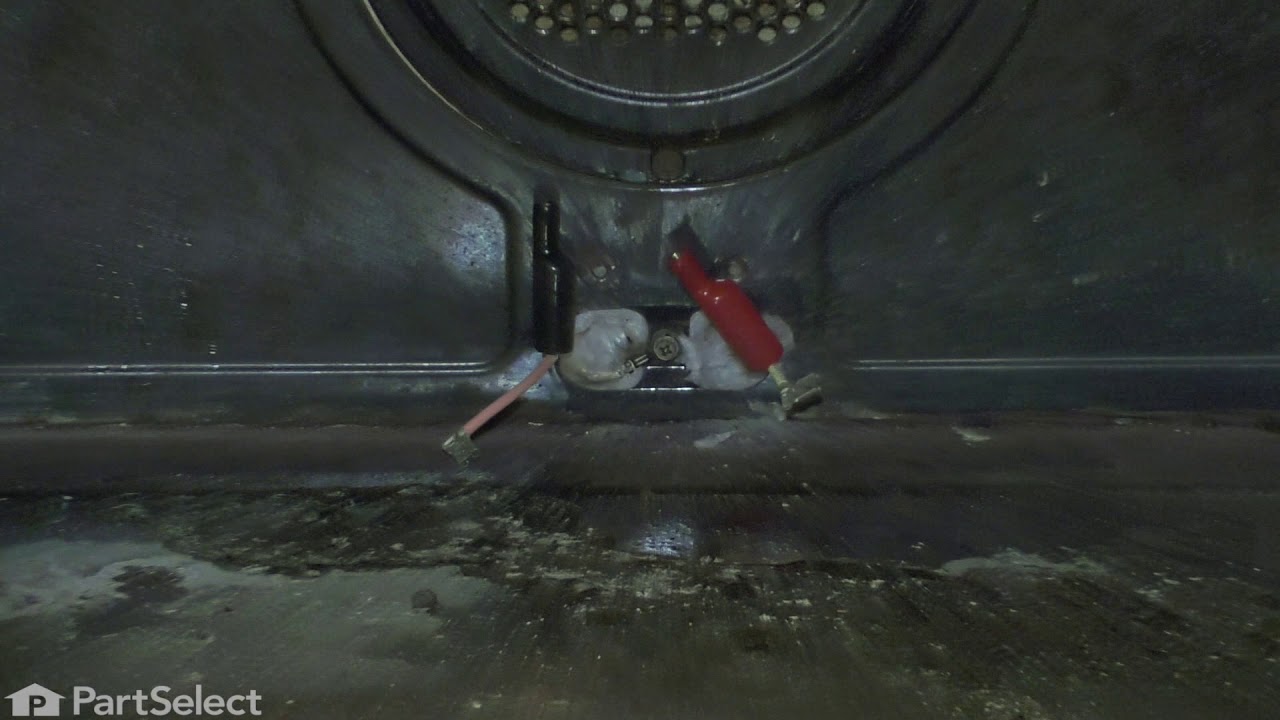
First I removed the two screws that hold the element in place. I then pulled the sensor out about 3 inches and disconnected the two wires. Next, I connected new sensor and screwed the new sensor back in place. One area for caution. Make sure that the electrical connection is pushed in past the insulation on the back side of the oven. Failure to do so will cause the plastic plug connector to melt from oven heat.