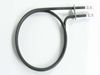
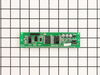
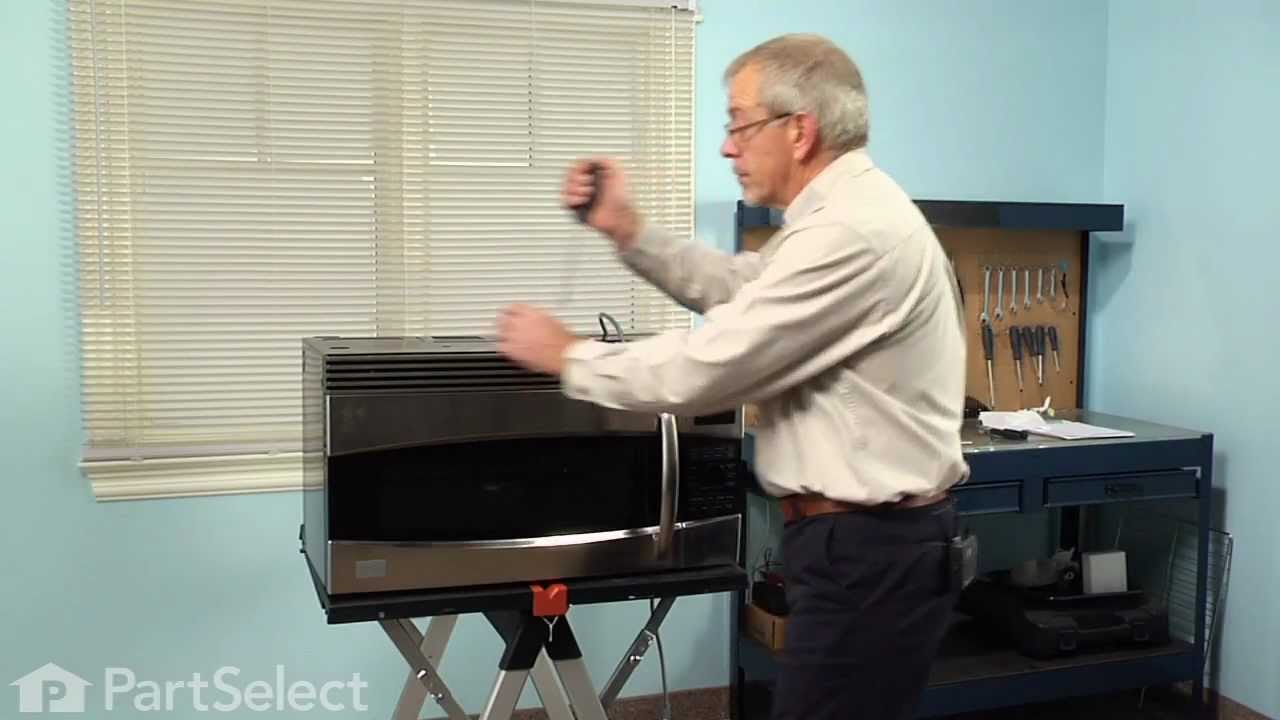
This ceramic microwave fuse is just over an inch in length. It is white in the center, and metal on both ends. This is a 20-amp fuse, and is used to power your microwave. If the touch pad on the micro...
If your microwave won’t start even though the door is shut, this switch might be the reason. It helps your microwave know the door is closed so it can run safely. This genuine part is easy to install ...
Looking for a reliable solution to ensure your microwave works safely and efficiently again? The GE Microwave Thermostat is what you need. It plays a crucial role in preventing any overheating, which ...
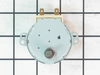
Isn't it frustrating when your microwave doesn't heat your food evenly? Solve that issue with this genuine GE turntable motor. Its primary job is to smoothly rotate the glass tray in your microwave. T...
Ask our experts a question about this model and we'll get back to you as soon as possible!
2 questions answered by our experts.
< Prev
1
Next >
Sort by:
Search filter:
Clear Filter
Your search term must have 3 or more characters.
Keep searches simple. Use keywords, e.g. "leaking", "pump", "broken" or "fit".
Sorry, we couldn't find any existing answers that matched.Try using some different or simpler keywords, or submit your new question by using the "Ask a Question" button above!
Stephen
March 26, 2025
Our microwave/convection oven seems to be working very well but the displays flicker and cannot be read consistently. it was okay for a while by turning off and on. Butnow it continually flickers. We can still use but, for example we have to kind of guess when setting times. I would like to replace the appropriate oart myself as it seems relatively straightforward. But I want to make sure I get the correct part. Can you confirm which part is most likely the culprit? Thank you.
For model number SCB1000KBB01
Hi Stephen, thank you for reaching out. Based on your description of the issue, the most likely culprit is the display board that drives the display. The fact that the display flickers and cannot be read consistently suggests a problem with the display itself and needs to be replaced, the part number is PS1018741. We hope this solves your problem!
Front panel screen not working is there a motherboard for the screen?
For model number SCB1000KBB01
Hello Mike, thank you for contacting us. The display control board you are looking for is part number PS1018741. If you need help placing an order, customer service is open 7 days a week!
Turned out the issue was easily solved by replacing a single, inexpensive fuse.
First off, UNPLUG THE MICROWAVE.
The fuse is located under the plastic grill at the top of the microwave. It's held on by two screws. Once you've removed the screws and taken off the plastic grill, you go to the right side of the microwave and remove another screw that holds a small metal grill in place. Removing the small metal grill is probably the toughest part of this repair. You kind of have to rock it back and forth a bit to get it to release. Once that's off, you can get to the fuse. I removed the burnt out one with a pair of needle nose pliers. I also put a small piece of cardboard under the fuse when I did this so I didn't accidentally drop it into the innards of the microwave. I did the same thing when I replaced the new fuse. I then plugged the appliance back in and made sure it worked. Once that was confirmed, I replaced both grills.
Turned of f the circuit breaker to the microwave. Unscrewed the cover (1 screw!) popped out the old bulbs and plugged in the new ones, using the bubblewrap as a handle to be sure my skin didn't touch the light bulbs so the oil from my hands didn't damage or shorten the life of the new bulbs. Turned the circuit back on. That's it!