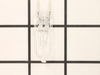
You can always rely on our GE Halogen Lamp to keep your appliance shining bright. This high-performance halogen lamp was made by GE, specifically for your appliance. Wondering why it's such a critical...
This ceramic microwave fuse is just over an inch in length. It is white in the center, and metal on both ends. This is a 20-amp fuse, and is used to power your microwave. If the touch pad on the micro...
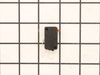
If your microwave won’t start even though the door is shut, this switch might be the reason. It helps your microwave know the door is closed so it can run safely. This genuine part is easy to install ...
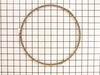
The rotating ring in your microwave rests under the microwave plate, and allows it to rotate when the microwave is running. It is a round plastic ring with 3 wheels spaced out around the perimeter. If...
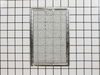
This replacement microwave grease filter features multiple layers of aluminum that work together to capture grease and minimize odors. By preventing debris from entering the recirculation system, it h...
Dealing with a microwave that's not performing as it should? Consider the 2 Stirrer Fan Cover Assembly ? it could be just the solution you need. This vital component is crafted to keep dirt and grease...
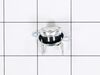
Looking for a reliable solution to ensure your microwave works safely and efficiently again? The GE Microwave Thermostat is what you need. It plays a crucial role in preventing any overheating, which ...
No Longer Available
Questions And Answers for PVM1790SR1SS
We're sorry, but our Q&A experts are temporarily unavailable.
Please check back later if you still haven't found the answer you need.
13 questions answered by our experts.
< Prev
1
2
3
Next >
Sort by:
Search filter:
Clear Filter
Your search term must have 3 or more characters.
Keep searches simple. Use keywords, e.g. "leaking", "pump", "broken" or "fit".
Sorry, we couldn't find any existing answers that matched.Try using some different or simpler keywords, or submit your new question by using the "Ask a Question" button above!
Ken
June 6, 2023
Key Pad works. lights work. When I try to microwave nothing turns on. timer counts down but no power to turntable or power to microwave???
For model number PVM1790SR1SS
Hi Ken, thank you for writing in. Our research shows that the SWITCH MONITOR INTERLOCK part number PS11766871 and the Primary Door Interlock Switch part number PS237015 should fix your issue. This switch monitor interlock monitors the door latch position of your microwave and communicates to the electronic control board whether the latch is open or closed. If the switch is damaged, your microwave may not start, even though the door latch is closed. We hope this helps.
are the plugs and harness available that plug into the door switches. My upper switch melted the plastic plug
For model number PVM1790SR1SS
Hello Ken, thank you for contacting us. The compatible wire harness that plugs into the door switches is part number PS3505407. It includes the wires and the plugs. Please reach out to customer service if you need help placing an order, anyone will be happy to assist you!
1 person found this helpful.
Was this helpful?
Thank you for voting!
Antoine
December 4, 2019
There is digital display, but the turntable does not turn. When the time is pressed it works, but there is no heat.
For model number PVM1790SR1SS
Hi Antoine,
Thank you for your question. If the turntable is not turning, you will need to check the rotating ring, the glass turntable tray, the turntable motor and the coupler. If the microwave is not producing any heat when it is on, you will need to check the line fuse, the diode, the terminal micro-switch, the magnetron, the monitor switch, the thermostat and the heater sheath. I hope this helps. Thank you and have a great day!
1 person found this helpful.
Was this helpful?
Thank you for voting!
Craig
December 5, 2019
How do you replace the handle ?
For model number PVM1790SR1SS
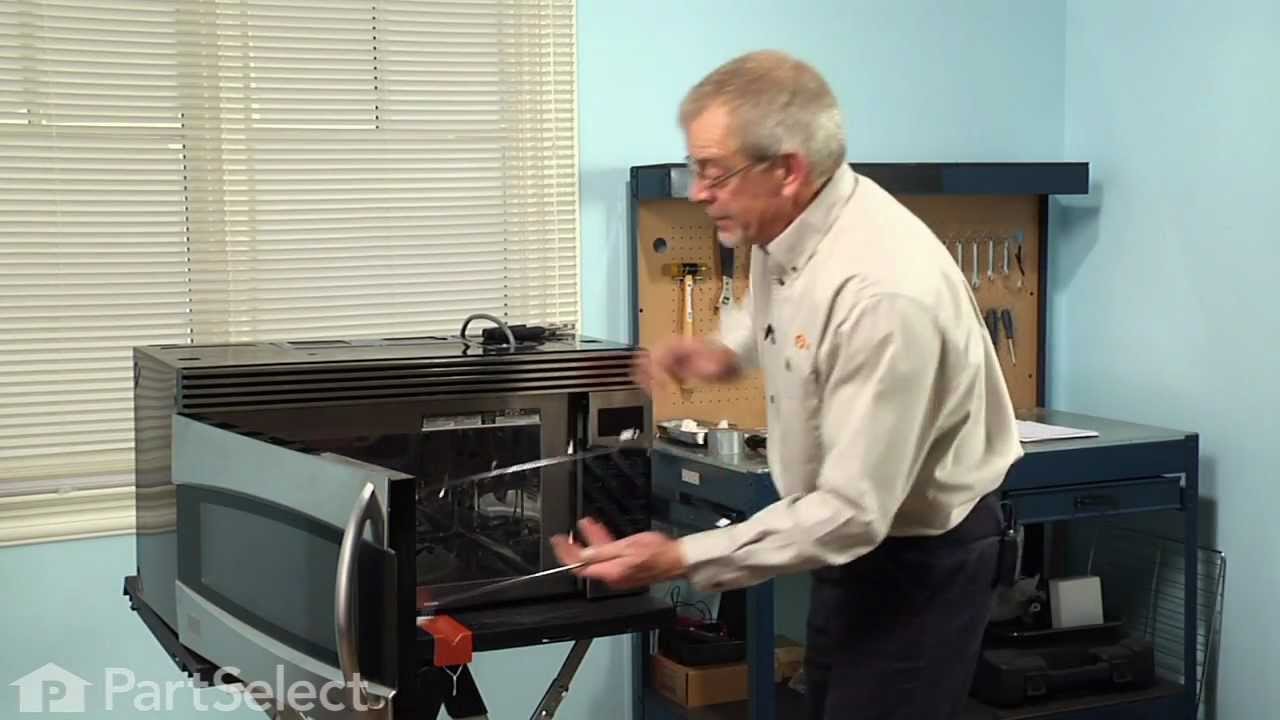
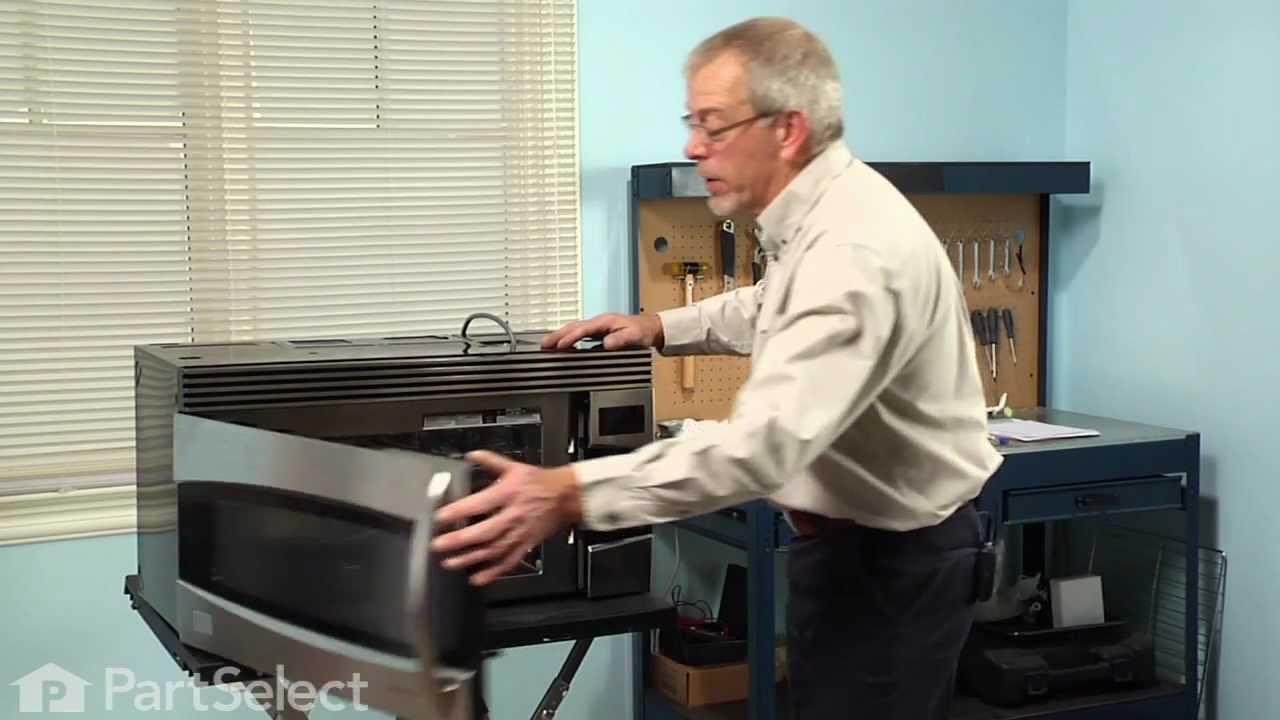
Hello Craig, thank you for your question. All of our parts are pre packed from the manufacture so we can not guarantee the instructions will be in the package but, to access the door handle screws, the door choke will need to be removed. The door choke is the black plastic part around the inside of the door around the glass . It is removed by using a putty knife, carefully prying the choke cover away from the door frame. There are clips on the inside and outside of the door choke so you will have to alternate to remove both sides. Once the thre sides are removed, a Phillips head screwdriver can be used to remove the door handle screws. Hope this helps
1 person found this helpful.
Was this helpful?
Thank you for voting!
Troy
February 6, 2020
How do i change the door handle ?
For model number PVM1790SR1SS
Hello, Thank you for your question. Before you begin any repair please unplug the appliance from the electrical outlet. You will need to remove the plastic lining around the inside of the door. There are retainer clips holding the liner in place and you will need to use a putty knife to remove it. Depending on the type of microwave you have, you may have to come in from the bottom or from the top to remove the lining. Gently slide the putty knife in between the lining and the frame and go around the frame and gently pry it loose. On the hinge side you will need to come in from the backside to pry the lining off. The door latch is held in place by tension. There is a spring that is usually attached to the latch and to one of the fins on the door to provide it. With the inner lining removed you can now remove the old latch. Install the new latch by slipping it into the slots in the door and attach the spring to the bottom fin to allow for tension in the latch. Reinstall the lining and close the door. Plug the microwave back in.
Turned out the issue was easily solved by replacing a single, inexpensive fuse.
First off, UNPLUG THE MICROWAVE.
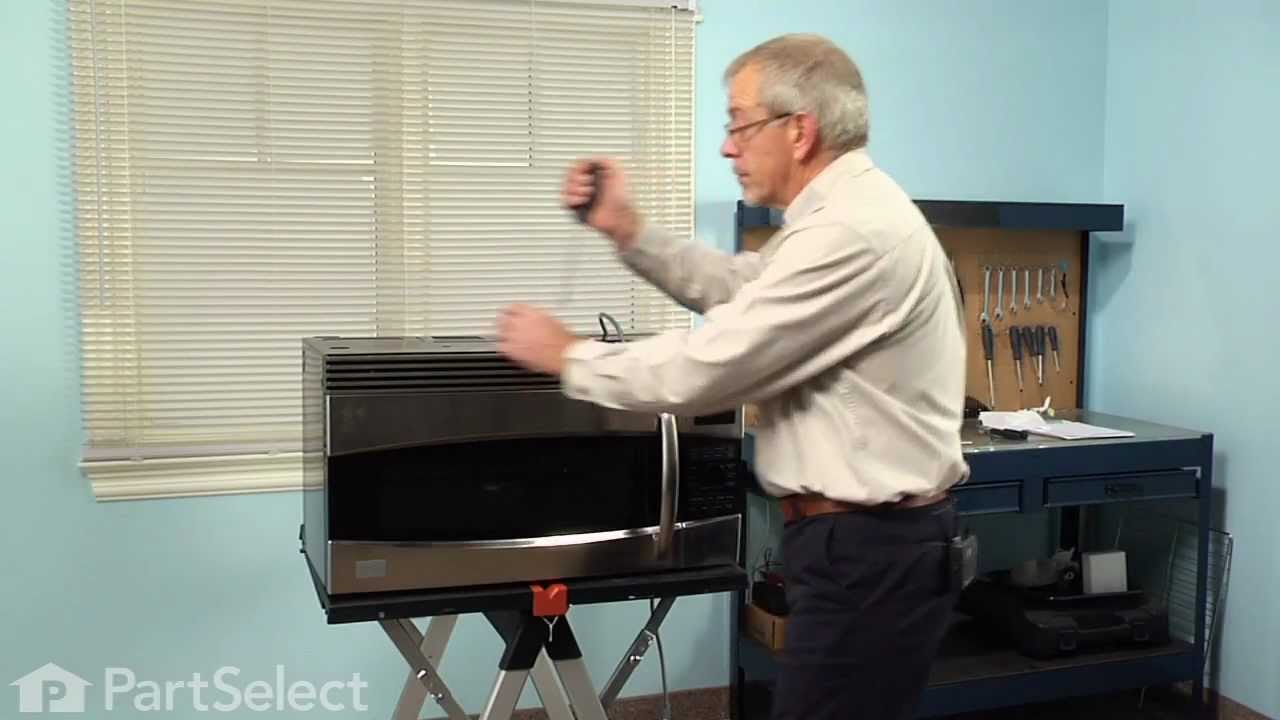
The fuse is located under the plastic grill at the top of the microwave. It's held on by two screws. Once you've removed the screws and taken off the plastic grill, you go to the right side of the microwave and remove another screw that holds a small metal grill in place. Removing the small metal grill is probably the toughest part of this repair. You kind of have to rock it back and forth a bit to get it to release. Once that's off, you can get to the fuse. I removed the burnt out one with a pair of needle nose pliers. I also put a small piece of cardboard under the fuse when I did this so I didn't accidentally drop it into the innards of the microwave. I did the same thing when I replaced the new fuse. I then plugged the appliance back in and made sure it worked. Once that was confirmed, I replaced both grills.
Turned of f the circuit breaker to the microwave. Unscrewed the cover (1 screw!) popped out the old bulbs and plugged in the new ones, using the bubblewrap as a handle to be sure my skin didn't touch the light bulbs so the oil from my hands didn't damage or shorten the life of the new bulbs. Turned the circuit back on. That's it!