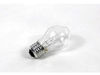
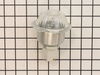
This 40-Watt light bulb is sold individually.
It is specially designed to withstand extreme temperatures, so this bulb is compatible with a variety of appliance types including refrigerators, ranges,...
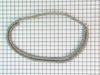
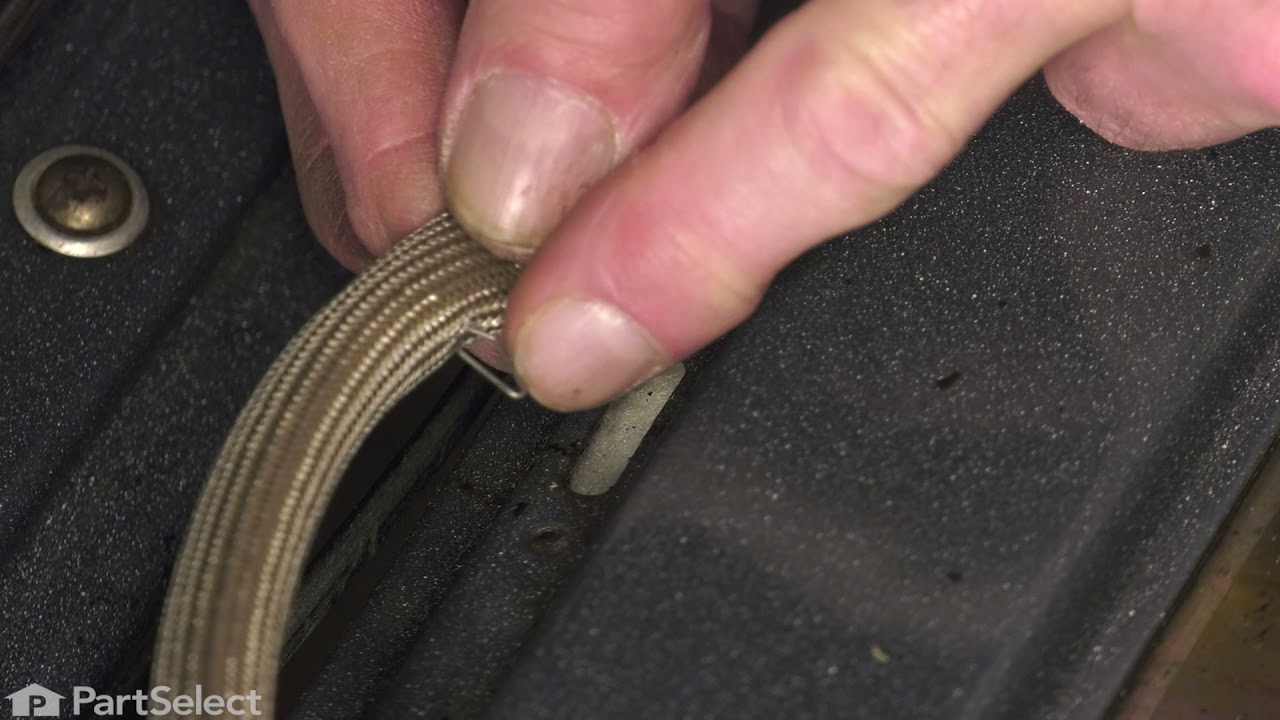
If your oven isn’t heating evenly or feels hot around the door, it might be time to replace the door gasket. This flexible seal keeps heat inside the oven, helping your food cook properly and saving e...
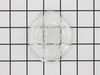
This part is the replacement oven bulb lens cover. It is made of glass and is approximately 3 inches in diameter. The lens cover is rigid and protects the oven light bulb from being damaged. The main ...
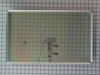
The GE Oven Door Window Pack Assembly is a genuine OEM part that fits select GE ranges and ovens. It includes a heat-resistant inner glass panel, frame, and seals, providing insulation and clear visib...
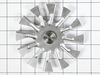
Safeguard the long-lasting performance of your GE wall oven with this premium cooling fan kit. The fan serves a major role by continuously circulating air through your oven's control area, keeping vit...
This part is a replacement screw for your oven. It is made of black metal and is sold individually. This screw is approximately 1/4 inch in diameter and about 1/2 inch in length. It is designed to con...
Ask our experts a question about this model and we'll get back to you as soon as possible!
1 question answered by our experts.
< Prev
1
Next >
Sort by:
Search filter:
Clear Filter
Your search term must have 3 or more characters.
Keep searches simple. Use keywords, e.g. "leaking", "pump", "broken" or "fit".
Sorry, we couldn't find any existing answers that matched.Try using some different or simpler keywords, or submit your new question by using the "Ask a Question" button above!
Herman
October 5, 2023
F2 shows up on control panel comes on a random when oven is not on
For model number PT956SM4SS
Hello Herman, thank you for getting in touch. The error code F2 on the oven means that the temperature sensor has detected a temperature in excess of the preset threshold. First, unplug the oven for 30 seconds. Plug the oven back in and see if the error code appears again. At times, glitches will occur and the error code will randomly appear. If the code does not reappear, then it was just a glitch and you can continue to use the oven as normal. If, after resetting the oven, the F2 error code still appears, inspect the relay that is located on the control board. If you can see that the relay is damaged, you will need to replace the oven’s electronic control board, part number PS1517461. We hope this helps, good luck with this repair!
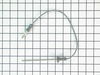
I had to remove the oven from the wall because the sensor plug connction is behind the unit. Two screws hold the sensor inside the oven and then I disconnected the lead and pulled the sensor out from the front. I installed the new sensor, tightened the two screws holding it in and connected the lead. Then reinstalled the oven into the wall. Overall, a very easy repair once you get the oven out.
removed two phillips screws. Unplugged electrical connections replaced unit from PartSelect. They sent holder cover and new bulb (surprise). Great store with great directions.
Removed the oven door for easy acces to oven. Unscrewed (philips screwdriver) the screw holding temp sensor in place. Gently pulled the wiring until quick connector was located. Pushed down on locking level on quick connect while holding other end of wiring (so wiring would not fall back behind oven). Connected the new sensor and screwed back in place. Reinstalled oven door. Tested temperature settings by turning on oven and comparing with a separate oven thermometer.