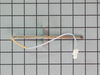
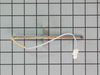
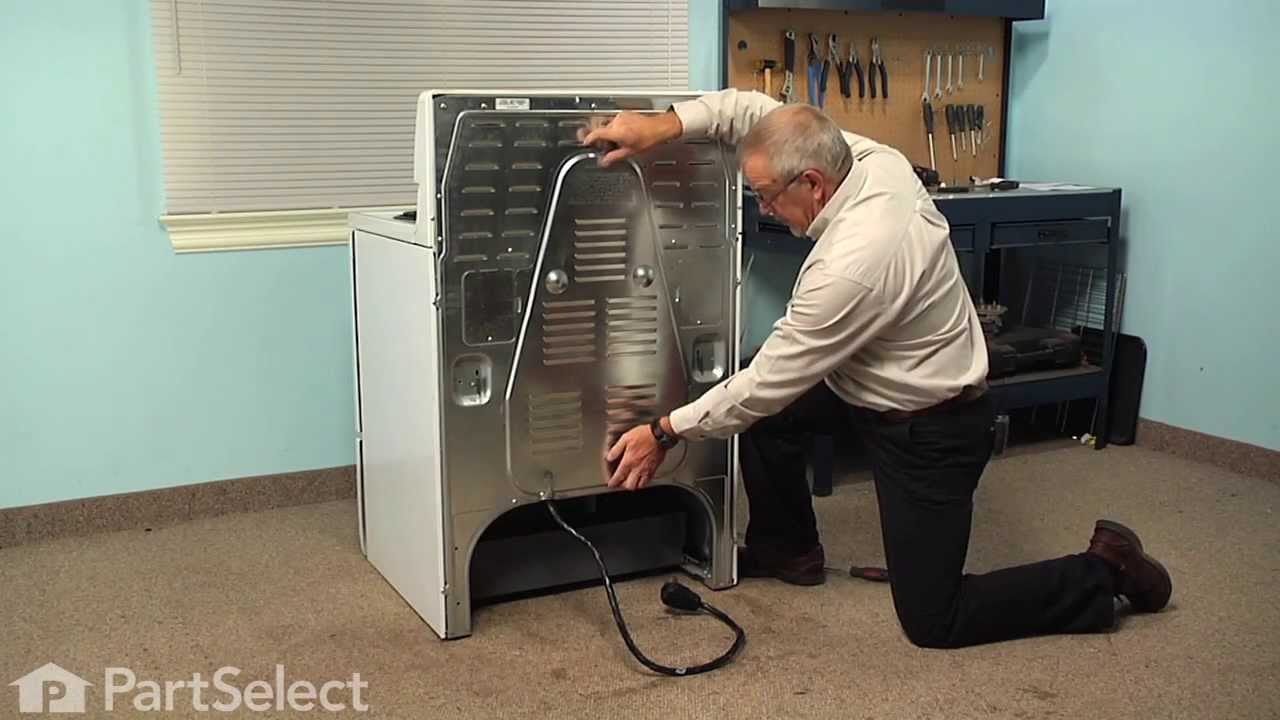
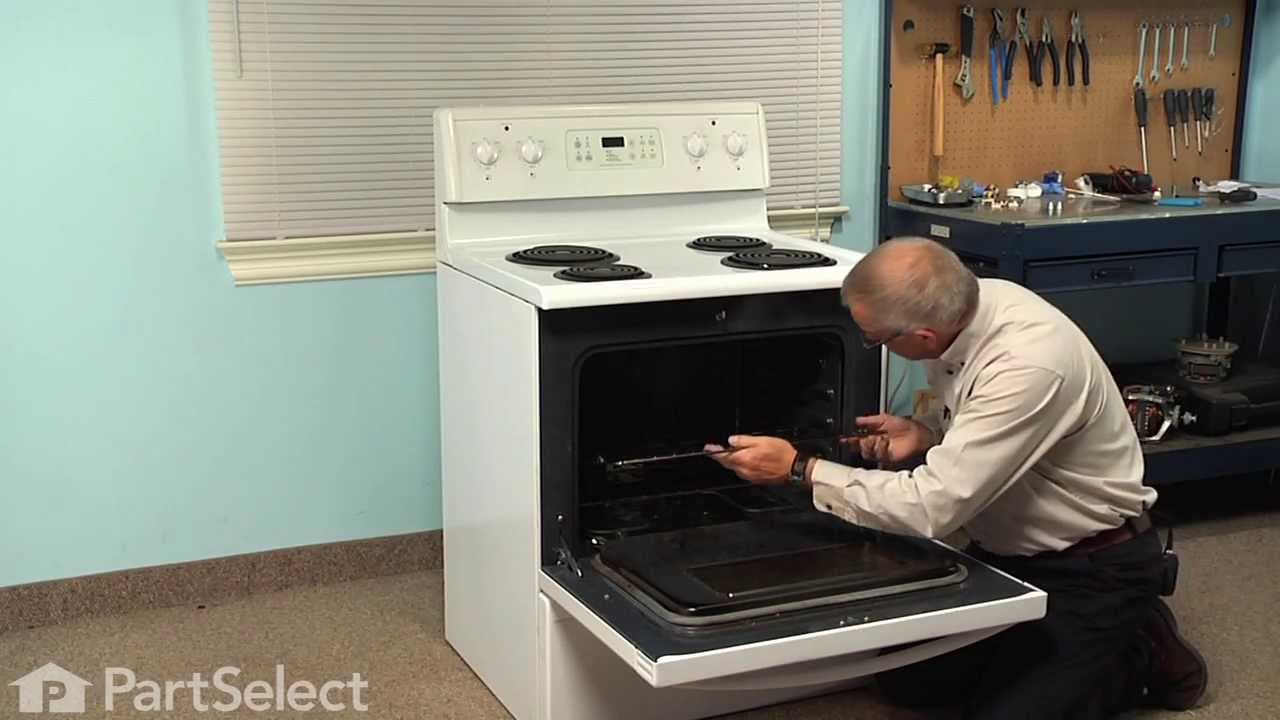
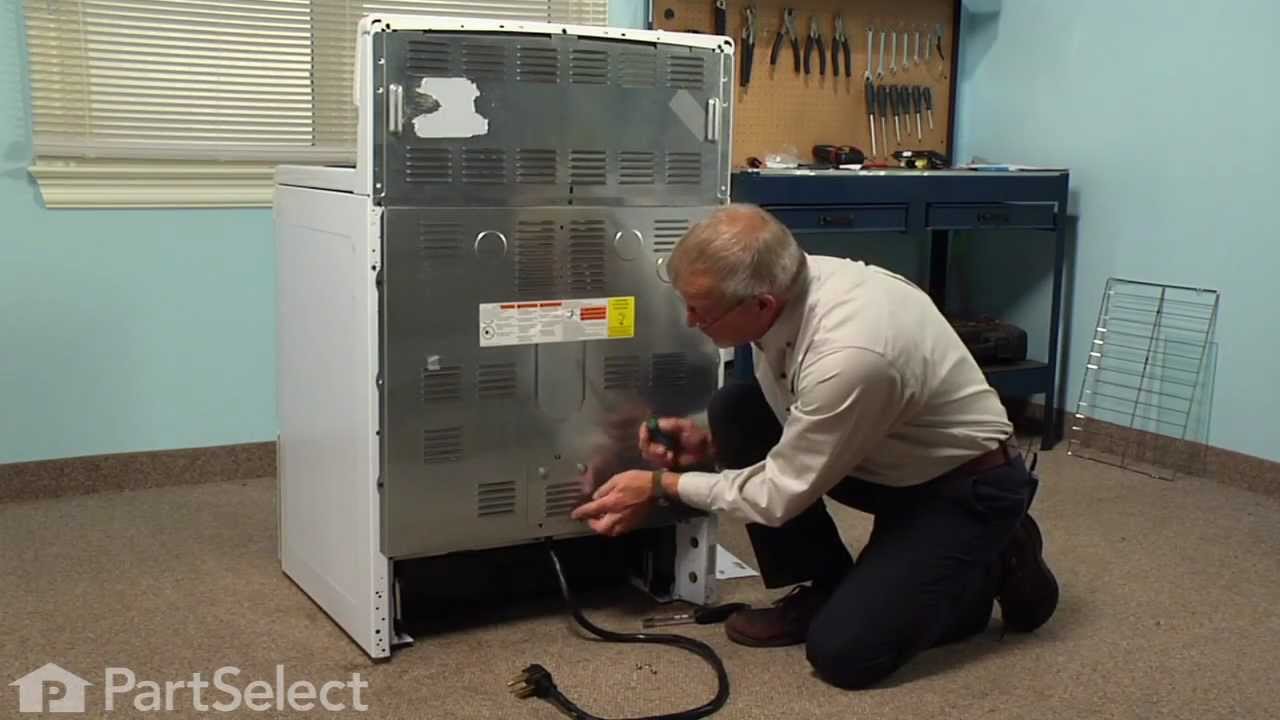
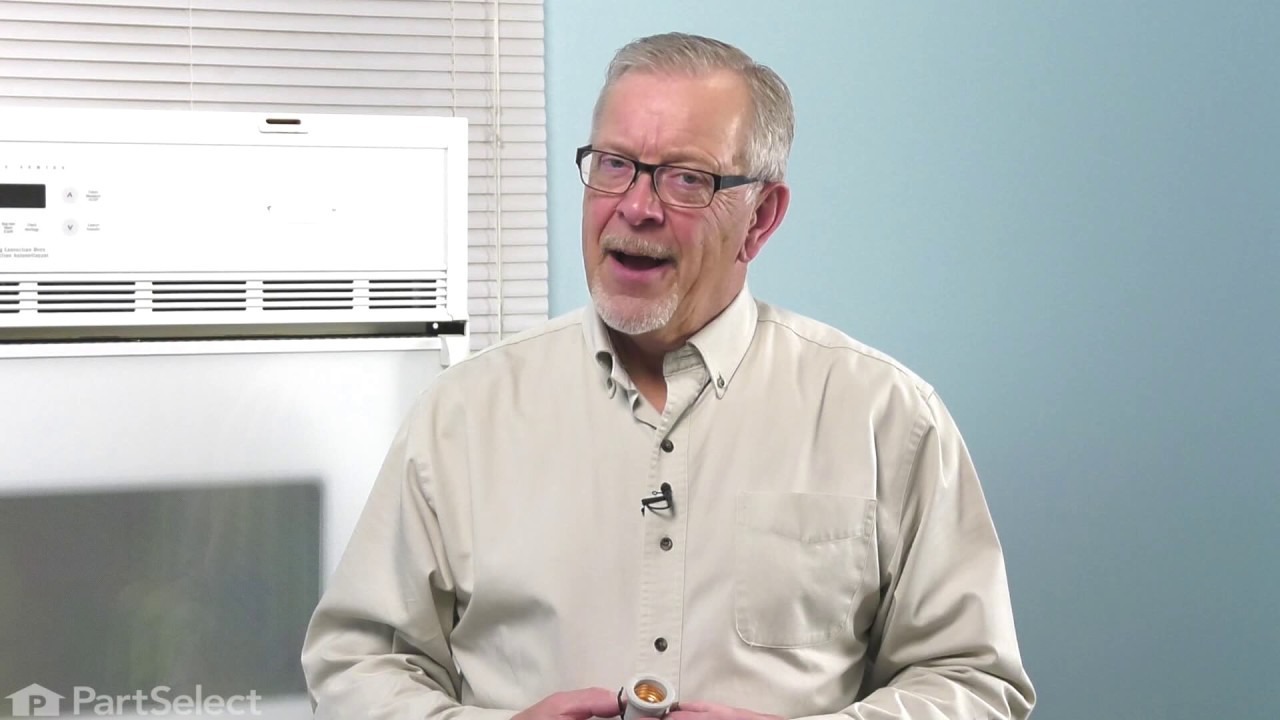
Also known as Probe. The quick connect on this part may be different than your original part. If it doesn't fit, you have to cut off the quick connect and wire together with porcelain wire nuts.
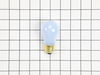
This 40-watt appliance light bulb is a reliable replacement for use in select ranges, refrigerators, freezers, and microwaves. It provides bright, consistent lighting to help you see clearly inside yo...
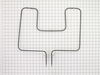
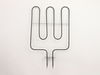
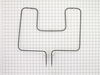
This broil element is found on the roof of the oven and heats food. The most common reasons you would need to replace this part is due to the oven not giving off enough heat, not turning on, or not ba...
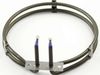
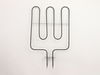
This convection element generates heat to support even air circulation and consistent cooking performance. Its high-output design allows for efficient temperature recovery and uniform results. Replaci...
Ask our experts a question about this model and we'll get back to you as soon as possible!
1 question answered by our experts.
< Prev
1
Next >
Sort by:
Search filter:
Clear Filter
Your search term must have 3 or more characters.
Keep searches simple. Use keywords, e.g. "leaking", "pump", "broken" or "fit".
Sorry, we couldn't find any existing answers that matched.Try using some different or simpler keywords, or submit your new question by using the "Ask a Question" button above!
Sharon
March 30, 2023
How do you change from the warmer oven to the large oven?
For model number PLEF489CCC
Hello Sharon, thank you for asking. We have researched and found that the warmer zone is operated with a warmer zone control dial. The purpose of the warmer zone is to keep hot cooked foods at serving temperature. To set the warmer zone control you may follow the following steps:
1. To set the control, push in and turn the knob. The temperatures are approximate and are designated by high, med, and low. However, the control can be set at any position between high and low for different levels of heating.
2. When done, turn the control off. The warmer zone will remain warm until the hot surface indicator light goes off.
To set the bake control you may follow the following steps:
1. Arrange oven racks while the oven is still cool.
2. Turn the temperature control knob to the desired oven temperature. When the oven is first turned on, the oven indicator light below the temperature control knob will glow.
3. Preheat the oven for 10 to 12 minutes before baking. Preheating is not necessary when roasting, cooking casseroles, or broiling most foods. When the desired temperature is reached, the oven indicator light will go out. The light will then go on and off as the element cycles on and off to maintain the desired temperature.
4. When cooking is finished, turn the temperature control knob off.
We hope this information helps!
Was this helpful?
Thank you for voting!
< Prev
1
Next >
✖
Ask a Question
Ask our experts a question on this model and we'll respond as soon as we can.
The repair was simple; first I removed the 2 screws from the old element and disconnected the wires and then I inserted the new element reconnected the wires and replaced the screws . The repair was easy and took less that 15 min. The oven works as good as new and I saved alot of money by doing it myself.
Replaced clock control by removing surface burner control knobs and plastic nuts, and then the cover over the oven control. Two screw hold the clock in place, after removal and disconnecting the plug-in you can reinstall the new clock control. The Heat Sensor inside the oven will also need to be replaced. It is located inside the oven and attached with two screws; the back of the oven will need to be removed to unplug. Reverse removal procedure and turn the power back on to the stove.
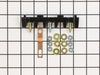
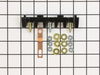
PF alarm appeared on display. Noticed clicking when cord was moved. Had arced for some time and melted original block. New part slightly different. Only has 3 lugs, old one had six. Stack using washers provided. Take note of colors before disassembly. Use caution while working through access opening. The edges are sharp. Only tools needed are phillips screwdriver, deep socket for lug nuts. Nut driver optional. Hope this is helpful.