This ceramic microwave fuse is just over an inch in length. It is white in the center, and metal on both ends. This is a 20-amp fuse, and is used to power your microwave. If the touch pad on the micro...
The grease filter can be found on the bottom of the microwave. If your grease filter is damaged, it will not effectively capture grease that builds up when your microwave is in use. To replace the gre...
If your microwave won’t start even though the door is shut, this switch might be the reason. It helps your microwave know the door is closed so it can run safely. This genuine part is easy to install ...
The rotating ring in your microwave rests under the microwave plate, and allows it to rotate when the microwave is running. It is a round plastic ring with 3 wheels spaced out around the perimeter. If...
Dealing with a microwave that's not performing as it should? Consider the 2 Stirrer Fan Cover Assembly ? it could be just the solution you need. This vital component is crafted to keep dirt and grease...
This part will trip once the inside of the cavity overheats and exceeds the recommended temperature.
$44.34
Special Order
Questions And Answers for JVM1790CK01
We're sorry, but our Q&A experts are temporarily unavailable.
Please check back later if you still haven't found the answer you need.
4 questions answered by our experts.
< Prev
1
Next >
Sort by:
Search filter:
Clear Filter
Your search term must have 3 or more characters.
Keep searches simple. Use keywords, e.g. "leaking", "pump", "broken" or "fit".
Sorry, we couldn't find any existing answers that matched.Try using some different or simpler keywords, or submit your new question by using the "Ask a Question" button above!
John
March 23, 2025
WHAT NEW MODEL GE PROFILE WOULD I PURCHASE, TO REPLACE THIS OLDER ONE?
For model number JVM1790CK01
Hi John, thank you for reaching out. We sell OEM parts and provide repair information only. We do not sell appliances. Based on our research, your model has approximately the following dimensions:
Height: 16 7/16 inches.
Width: 29 15/16 inches.
Depth: 15 3/8 inches.
You can replace it with any model having the same dimensions. We hope this information helps!
1 person found this helpful.
Was this helpful?
Thank you for voting!
Laura
July 11, 2023
surface light bulb, 40W or 50W, 120 V or 130 V?
For model number JVM1790CK01
Hello Laura, thank you for your inquiry. The light bulb compatible with your model is part number PS2351821. It is 120V and 20W. We hope this information helps!
Hi Judy, thank you for the question. Based on our research, your model comes with one fuse, which is located on the noise filter. You may need to remove the top panel to access the noise filter. We hope this helps!
Was this helpful?
Thank you for voting!
Jorge
January 29, 2020
How to disassemble the front panel to have access to the display board so as to replace the board?
For model number JVM1790CK01
Hi Jorge,
Thank you for your question. Before you begin any repair please unplug the appliance from the electrical outlet. Use a Phillips head screw driver to unthread the screws securing the grill. With the screws removed, open the microwave oven door and then the slide the grill to the left or just lift it right up to remove it. Next remove the control panel mounting screw then lift the control panel up to detach. Note the orientation of the wires attached to the electronic control board. Then depress the locking tabs on the control board to detach if necessary. Free the hinge tab from the front panel and remove the screw and washer securing the grounding wire. Release the ribbon connector and remove the screws securing the main control board and housing from the control panel. Depress the retaining tabs
and pull the housing out. Prepare the new touchpad and control for installation by removing it from the plastic packaging it came in and the protective coverings. Then align the control board housing with the new panel and snap it into place. Secure it with the screws. Connect the ribbon connector. Secure the grounding wire with the screw and washer. Insert the hinge tab into the front panel and reconnect the remaining wires to the terminals on the board. Insert the control panel tabs into the front panel slots and push the panel down and secure it with the mounting screw. Realign the grill and snap it into place. Then secure it with the screws. The repair is now completed, and you can plug it back in. The microwave should now work for you. We hope this helps. Thank you and have a great day!
Turned out the issue was easily solved by replacing a single, inexpensive fuse.
First off, UNPLUG THE MICROWAVE.
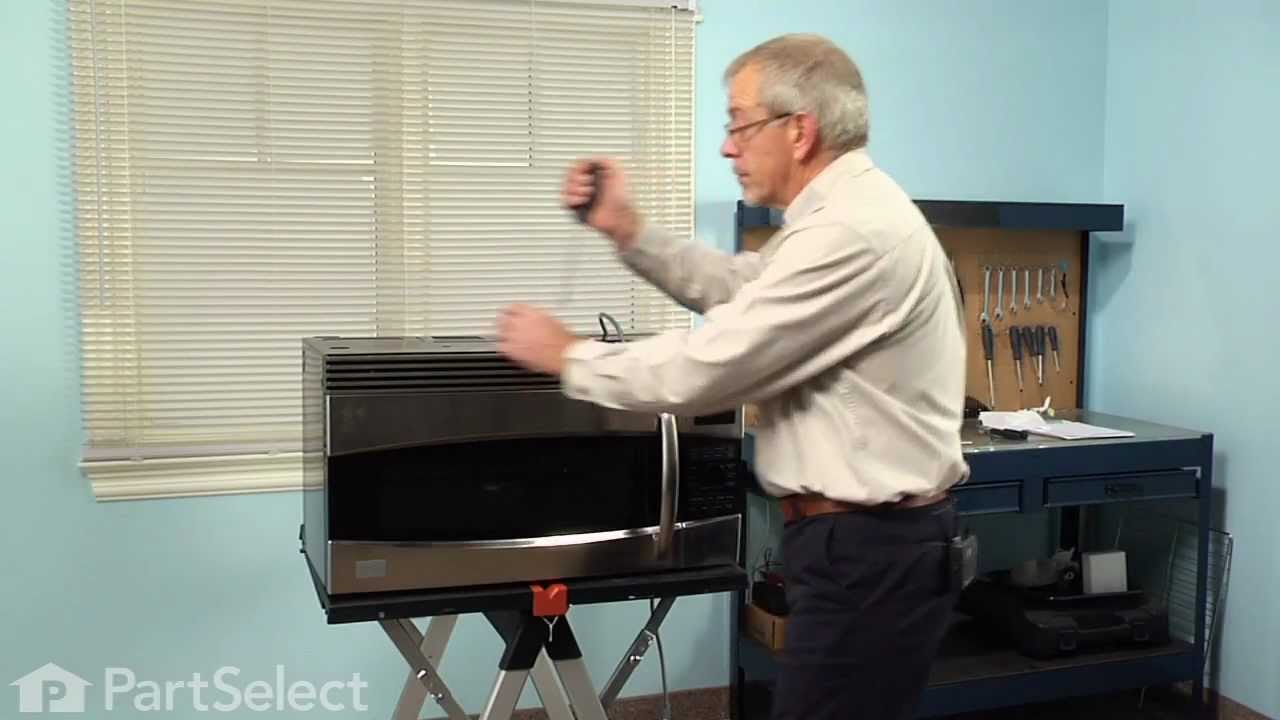
The fuse is located under the plastic grill at the top of the microwave. It's held on by two screws. Once you've removed the screws and taken off the plastic grill, you go to the right side of the microwave and remove another screw that holds a small metal grill in place. Removing the small metal grill is probably the toughest part of this repair. You kind of have to rock it back and forth a bit to get it to release. Once that's off, you can get to the fuse. I removed the burnt out one with a pair of needle nose pliers. I also put a small piece of cardboard under the fuse when I did this so I didn't accidentally drop it into the innards of the microwave. I did the same thing when I replaced the new fuse. I then plugged the appliance back in and made sure it worked. Once that was confirmed, I replaced both grills.
Turned of f the circuit breaker to the microwave. Unscrewed the cover (1 screw!) popped out the old bulbs and plugged in the new ones, using the bubblewrap as a handle to be sure my skin didn't touch the light bulbs so the oil from my hands didn't damage or shorten the life of the new bulbs. Turned the circuit back on. That's it!