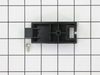
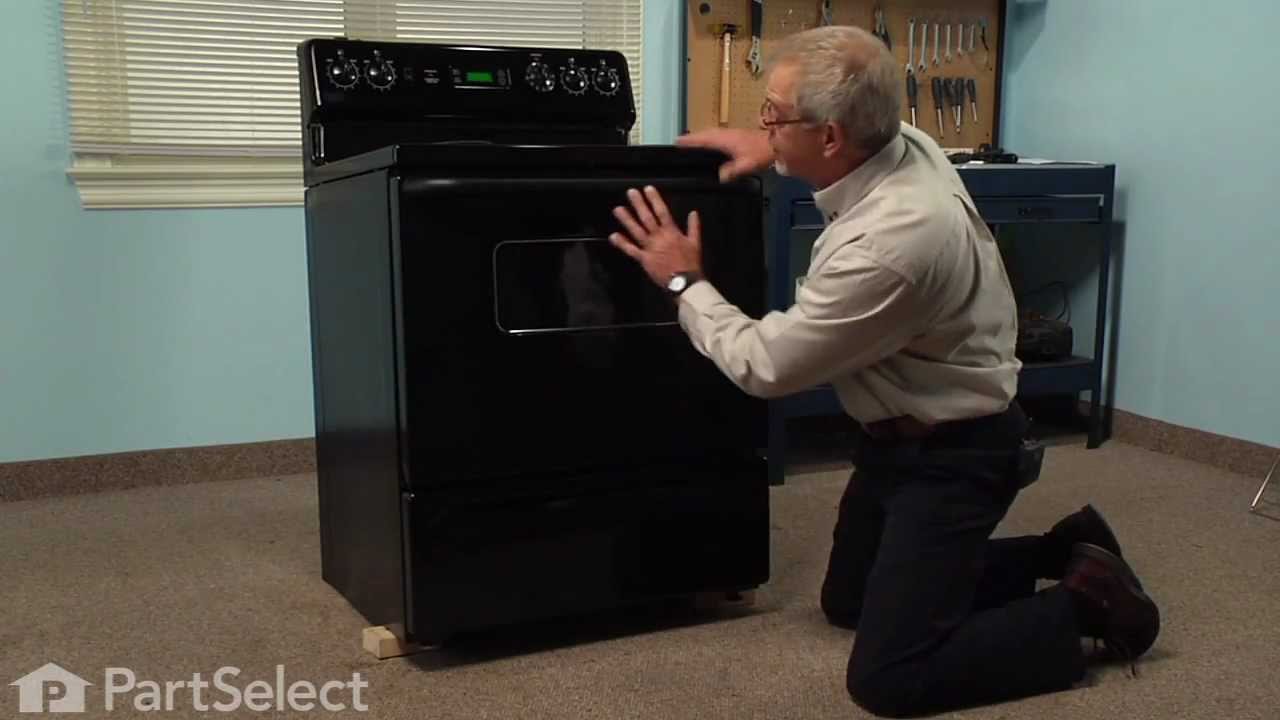
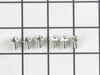
This genuine GE drawer support is an original replacement part sourced from the manufacturer and is designed for use with electric ranges. Made of durable plastic, it attaches to the rear of the drawe...
Looking to fix your range drawer? You're in the right place. First things first, the GE Front Drawer Support is the key to maintaining stability'and without it, your range drawer might wobble or becom...
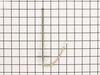
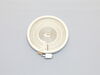
This surface element is for ranges. Surface elements supply the heat to a cooking area on top of the range. Unplug the range or shut off the house circuit breaker for the range before installing this ...
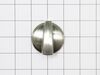
Is your GE range's knob assembly worn out or missing? Don't worry, we have the perfect replacement for you! Our GE Surface Burner Knob Assembly is designed to not only refresh the look of your range b...
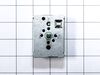
This surface element control switch is for ranges.
Surface element control switch turns the surface element on and off and controls how much heat the element produces.
Unplug the range or shut o...
Ask our experts a question about this model and we'll get back to you as soon as possible!
11 questions answered by our experts.
< Prev
1
2
3
Next >
Sort by:
Search filter:
Clear Filter
Your search term must have 3 or more characters.
Keep searches simple. Use keywords, e.g. "leaking", "pump", "broken" or "fit".
Sorry, we couldn't find any existing answers that matched.Try using some different or simpler keywords, or submit your new question by using the "Ask a Question" button above!
Linda
January 22, 2023
Tri-ring element turns on and stays on hi even though I turn it to low. Will not cool down
For model number JS750SF3SS
Hi Linda, thank you for reaching out. The issue seems to be with the Infinite Control Switch and you may need to replace it, the part number is PS11771843. The Infinite Control Switch turns the surface element on and off and controls how much heat the element produces. If that does not help, we would recommend checking the Surface Element, part number PS8754838. Please reach out to customer service if you need help placing an order, anyone will be happy to assist you. We hope that helps.
All burners are working fine. Left front Burner Light will not turn off.
For model number JS750SF3SS
Hello Nick, thank you for reaching out. It seems that the front left infinite burner switch is defective and needs to be replaced. The part number for the infinite switch compatible with your model is PS236751. If you require assistance to place an order, please contact customer service. We hope that helps!
The big burner no work , and the light it’ s on always
For model number JS750SF3SS
Hello Cesar, thank you for your question. We have researched the model you have provided and have found the part number PS11771843 is the correct part for your appliance. I hope this helps!
1 person found this helpful.
Was this helpful?
Thank you for voting!
Kip
March 28, 2023
I need instructions for replacing the infinite switch, part # WB24X26408 for this model stove. It is the front right burner. I need to know how to access this part. Thanks in advance.
For model number JS750SF3SS
Hello Kip, thank you for getting in touch. You can remove the infinite switch using the following instructions:
1. Remove the switch knob.
2. Remove the crystal retainer underneath the knob.
3. Remove the control panel overlay.
4. Unscrew the control panel and lift the panel.
5. Dislocate the wires from the old infinite switch control.
6. Insert the new switch and attach wires.
7. Place the panel back and thread the screws.
8. Insert the control panel overlay, plastic holding plate, and knob back into place.
We hope this is what you were looking for!
1 person found this helpful.
Was this helpful?
Thank you for voting!
Dan
September 29, 2025
What does fault code F71 mean
For model number JS750SF3SS
Hi Dan, thank you for your inquiry. The F71 error code typically indicates a malfunctioning touchpad, which can be caused by a sticking button or internal damage. Carefully examine the touchpad for any visible signs of damage, such as cracks, burn marks, or corrosion. If you suspect a moisture issue or a sticky button, you can use a hair dryer to warm the surface of the touchpad. If these steps don't work, the problem likely lies with the control boar and touchpad assembly, part number PS11700842. Glad to be of help!
1 person found this helpful.
Was this helpful?
Thank you for voting!
< Prev
1
2
3
Next >
✖
Ask a Question
Ask our experts a question on this model and we'll respond as soon as we can.
I had to remove the oven from the wall because the sensor plug connction is behind the unit. Two screws hold the sensor inside the oven and then I disconnected the lead and pulled the sensor out from the front. I installed the new sensor, tightened the two screws holding it in and connected the lead. Then reinstalled the oven into the wall. Overall, a very easy repair once you get the oven out.
The existing terminal block on my Ge oven/Range had melted due to a loose wire causing sparking and starting the plastic casing of the terminal block on fire and melting it, Part select made the part easy to find and had it at my house in 2 days. All I had to do was remove six screws to take the back sheet metal cover off of the oven. Unscrew the terminal connections remove two mounting screws that held the terminal on to the oven body. This was a little trickier than it should have been because the melted plastic had reformed making it very hard to access the mounting screws. i then mounted the new piece and plugged the oven in, it took 15 minutes and was very easy. definitely saved me at-least a $100 for the service call i would have made if finding the part wasn't so convenient
The repair went very easy. The replacement part was designed differently than the original part. It installed on the rear of the drawer with a screw as the original snapped into the side. This was a bit confusing when researching and looking up the part online.