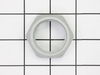
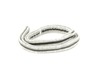
This is a multi-use and multi-appliance screw. It can be used on a microwave, refrigerator, range/oven, air conditioner, dehumidifier, washer, or dryer. The measurements of this screw are 8 x 1/2 inch...
Introducing the Drum Support Roller & Axle, a vital component specifically suited for Samsung, Amana, and Kenmore dryers. This premium quality product ensures a smooth tumble for your dryer drum, ther...
Enhance the performance of your home appliances with our Drive Belt, designed specifically for Samsung Dryers, Samsung Washers, Amana Dryers, and Kenmore Dryers. Made to meet the exact design specific...
Revive the wide array of your appliances including your Samsung Refrigerator, Samsung Dryer, Samsung Washer, and even your Samsung Dishwasher with the Tapping Screw, a crucial component engineered by ...
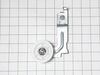
Revitalize your Samsung, Amana, Maytag, or Kenmore dryer with our robust Idler Pulley Assembly, designed to ensure long-term functionality. This part, undoubtedly an ideal replacement piece from the r...
Keep your Samsung or Amana Dryers and Samsung Washer operating at peak performance with this authentic Thermistor, also compatible with your Kenmore Dryer. Expertly produced by world-leading brands Sa...
Revitalize your Samsung Dryer, Samsung Washer, or Kenmore Dryer with the genuine Moisture Sensor part, a premium component directly from Samsung and Kenmore. This vital part enhances your appliance's ...
The Samsung, Kenmore DC61-02740A is a high quality spring designed for specific use in Samsung Dryers, Samsung Washers and Kenmore Dryers. This essential component has been meticulously crafted to cou...
Upgrade your Samsung Dryer or Samsung Washer with this genuine Control Knob. Specifically designed by Samsung, it provides an optimal level of control and compatibility. This authentic product ensures...
We understand that a leaky washing machine isn't just an annoyance'it disrupts your day and causes a mess. The solution may be more straightforward than you think ? introducing the original Samsung Ga...
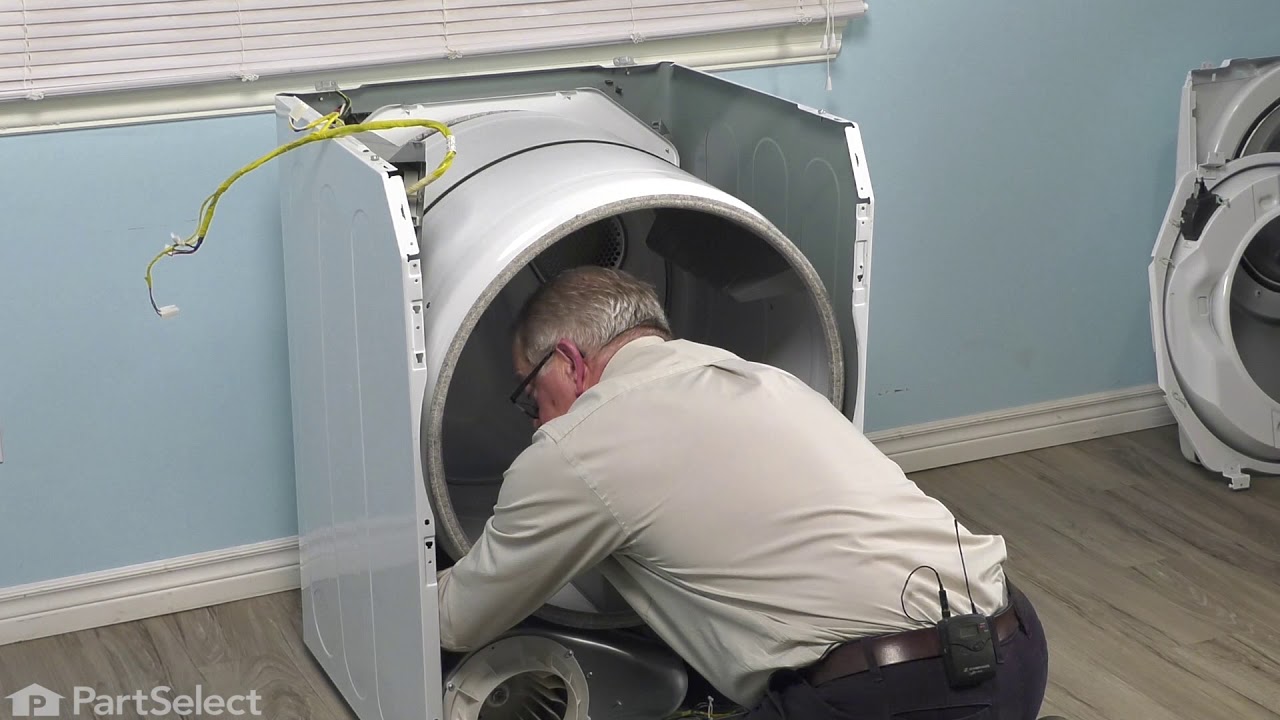
YouTube, YouTube, YouTube. I YouTubed many videos on how to take a dryer apart to reach the drum support roller and axle. After watching numerous videos, I settled on one that had my exact model of dryer. For my dryer, previous inputs said I needed two rollers to for my model. That is not the case. My model actually has 4 rollers, 2 in the front and two in the back. I ordered 2 initially but only needed 1 thankfully since only one roller was bad. Keep it simple stupid is how I got it done. Dryer's are pretty simple machines mechanically. Don't trash your noisy dryer. We bought ours in 2014 and it only recently started giving us issues. This is after 2 moves and being run daily for a family of 6. I'm glad I found partselect.com. They saved me a ton of money.
Cleaned the sensors from inside the drum with alcohol and that did not work. Ordered two sensors. Lift top cover. Remove screws on each of the front side that secures front cover. Unplug door sensor and pull front cover towards you and lift at same time removing from frame. I own dogs and immediately noticed dog hair and surprisingly lint all over the place. Remove the screws from the lint trap. (Theres one you access from inside the drum.) Unplug your sensor wires. Remove lint trap. The sensors simply push in/out. While I was in there I removed the cover for the lint tube and cleaned it out good. Lint had started to gather around the fan. Reverse your process and your done. TIP: Keep your screws orderly as you unscrew them. If you have this problem, just a good cleaning of hair, lint, dirt may do the trick as it essentially packs around the plug of the sensors. I had already ordered my sensors so I just put them in. I took my time and cleaned good and it was about an hour. It could be done in 15-30 minutes easily.