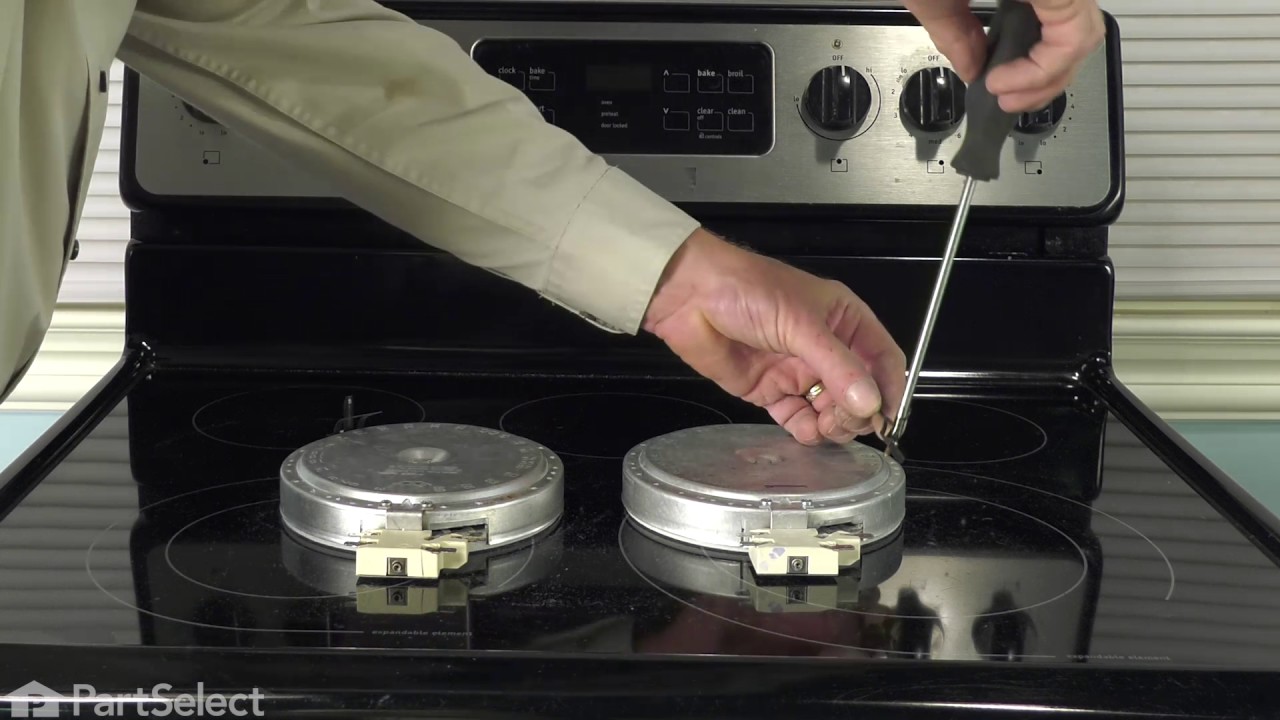
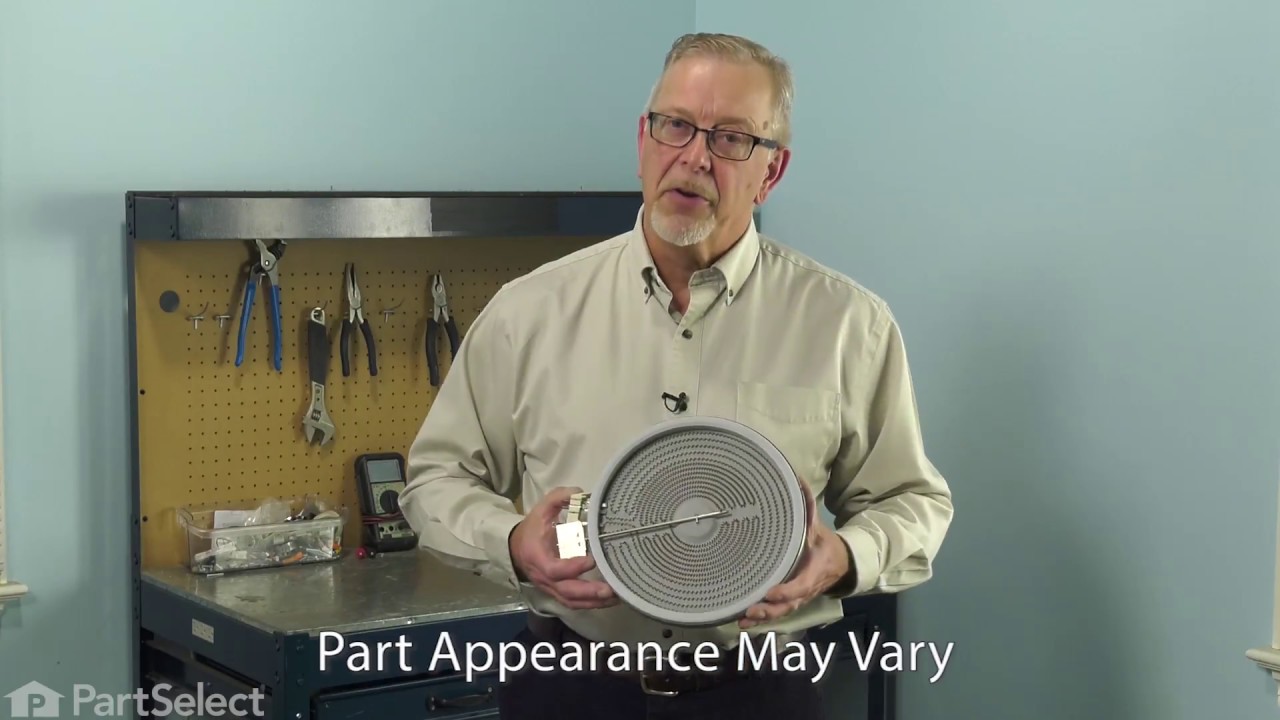
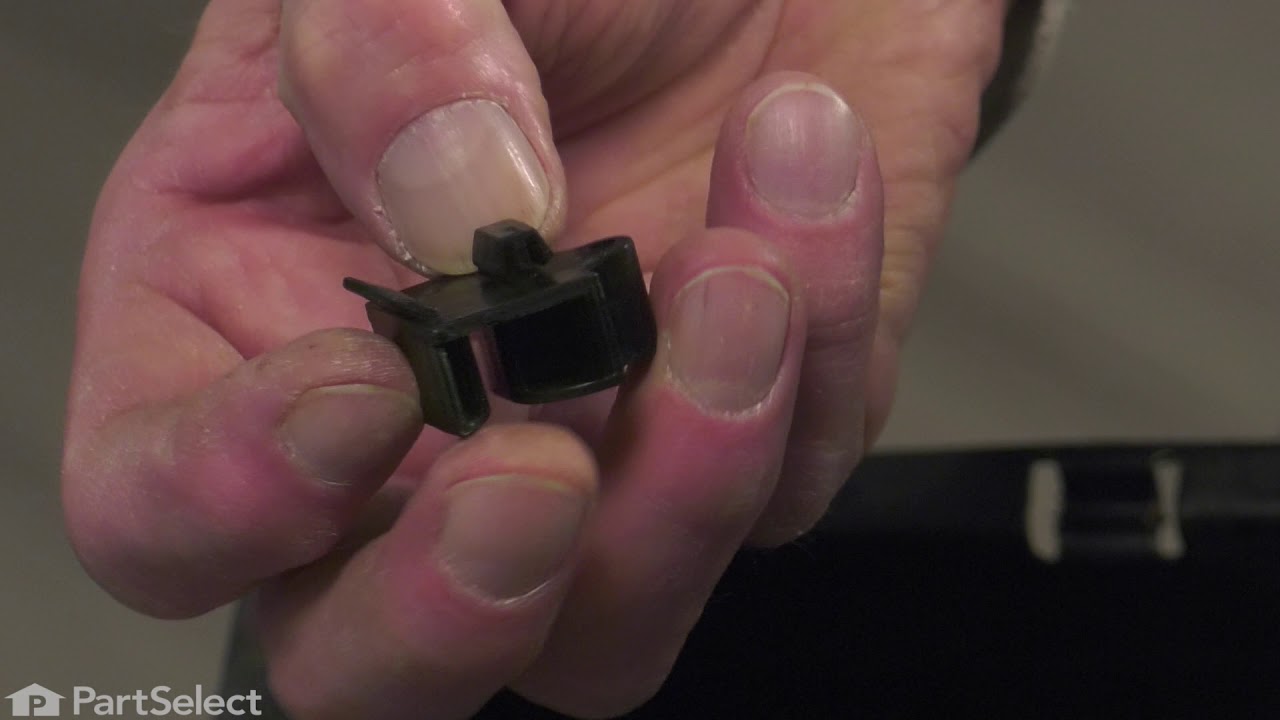
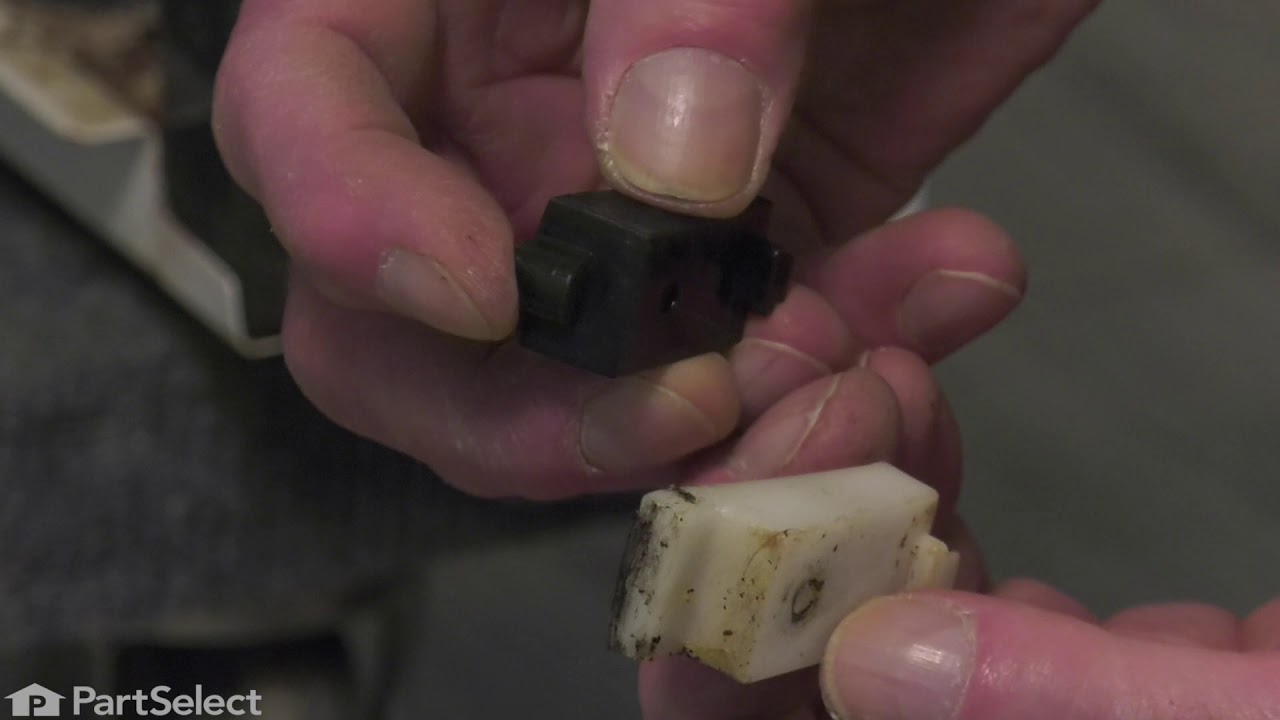
This surface burner switch controls the stove top 8-inch surface burner temperature. This switch is 240-volt, 2100-2600 watt, and 8.8-10.8 amp. If your element is not defective but will not heat, you may need to replace the switch. This burner switch is a genuine OEM part. It is recommended to disconnect the power to your range before you start your repair.
The temperature sensor, also known as an oven probe, detects the temperature within the oven cavity. This temperature sensor is 9 inches in length and is a genuine OEM part. If your oven is too hot, not heating evenly, or has little to no heat when baking, you may need to replace the temperature sensor. Please make sure to disconnect the power to your range before starting your repair.
This 40-watt appliance light bulb is a reliable replacement for use in select ranges, refrigerators, freezers, and microwaves. It provides bright, consistent lighting to help you see clearly inside your appliance. Installation is simple—just unscrew the old bulb and replace it with the new one. If the existing bulb is broken, disconnect p...Read moreower and use needle-nose pliers to safely remove the remaining base. Sold individually, this bulb is a commonly replaced part—consider keeping a spare on hand.
The 6” radiant cooking element with limiter fits under the glass cooktop and supplies heat to the cooking area. If your element is not heating, you can test the element for continuity with a multimeter. If the element doesn’t have continuity you will need to replace the element. If it doesn’t have continuity it is suggested to check the e...Read morelement switch because it could be defective and need to be replaced. This element is 1200 watts and is a genuine OEM part. The manufacturer suggests making sure the cooking element is cooled before starting the repair. Please remember to disconnect the power to the appliance before starting the repair.
This cooktop element gives you two heating sizes in one—9 inches and 6 inches—so you can cook with different pots and pans easily. It heats up fast and evenly, helping meals cook just right. If your current burner isn’t working well or heating unevenly, this part is a great replacement. It’s built to last and fits many models. Just be sure to turn off the power before installing.
This is a replacement rack for your oven. The oven rack fits into grooves on the side of the oven wall, and acts as a shelf that you can place food items on when you want to cook them in the oven. This rack is 24 inches wide and 16 inches long, and is chrome in color. Occasionally, the rack will become warped or distressed, or it may be m...Read moreissing from your oven. In these cases, it will need to be replaced. To replace the rack, simply slide out the old rack and replace it with the new one.
Ask our experts a question about this model and we'll get back to you as soon as possible!
We may have answered a similar question already! Search questions and answers left by others using simple keywords like "fit", "broken", "easy", or "quality" to find questions that match.
Search filter:
Clear Filter
Your search term must have 3 or more characters.
Sort by:
Prev
1
Next
Sorry, we couldn't find any existing answers that matched.Try using some different or simpler keywords, or submit your new question by using the "Ask a Question" button above!
James - For model number 79094172310
January 9, 2025
Left rear small burner will not come on. Tried to locate switch online but I can’t locate one with this model number.
Hi James, thank you for reaching out. The switch for the left rear burner is part number PS1145039. We hope this information is useful!
2 peoplefound this instruction helpful.
Was this helpful?
Thank you for voting!
Alice - For model number 79094172310
December 4, 2024
A code came up and it is F 10
Can you help me with that?
Hi Alice,
Thank you for your great question. The F10 error code indicates that the oven's temperature is outside the safe operating range. This may be caused by loose or faulty wiring connections, power surges, or malfunctioning parts. To resolve the issue press cancel on the control panel and unplug the range from the electrical outlet or turn the circuit breaker off for 2 minutes. If the error code reappears when you plug it back in, you will need to check the temperature sensor and the electronic control board. We hope this helps!
See how others fixed this model. Time, tools, difficulty, and steps that lead to victory!View More
Search repair tips from other customers using simple keywords like "replace", "fit", "remove", "inspect". DIY doesn't mean you have to do it alone!
Search filter:
Clear Filter
Your search term must have 3 or more characters.
Back Burner didn't function
136 of 152 peoplefound this instruction helpful.
William from Burke, VA
Easy
15 - 30 mins
Screw drivers
We moved into our townhouse about 6 yrs ago. During the home inspection we checked the range and saw the Red light come on when we turned on each burner. After moving in we realized the large back burner did not work. The light came on but the element never got hot. I of course replaced the element but that did not work. Several years
... Read more passed and we just ignored the issue. We just got by with 3 burners. Lately we realized how much easier it would be to have all four burners working. Knowing that we will be selling our townhome soon we figured we should either fix the problem or replace the range.
I didn't want to call a repair man because I didn't want to be charged a $150 to have him come out and they to pay extra for parts (and of course a 2nd visit). So I went to www.Partselect.com and typed in the model of my range. Found the diagrams for my range and saw that from the switch ran a pair of wires to a Universal Receptacle (aka Terminal Block Kit). I figured since the Red light turns on when I turn the switch on it has to be the Terminal Block.
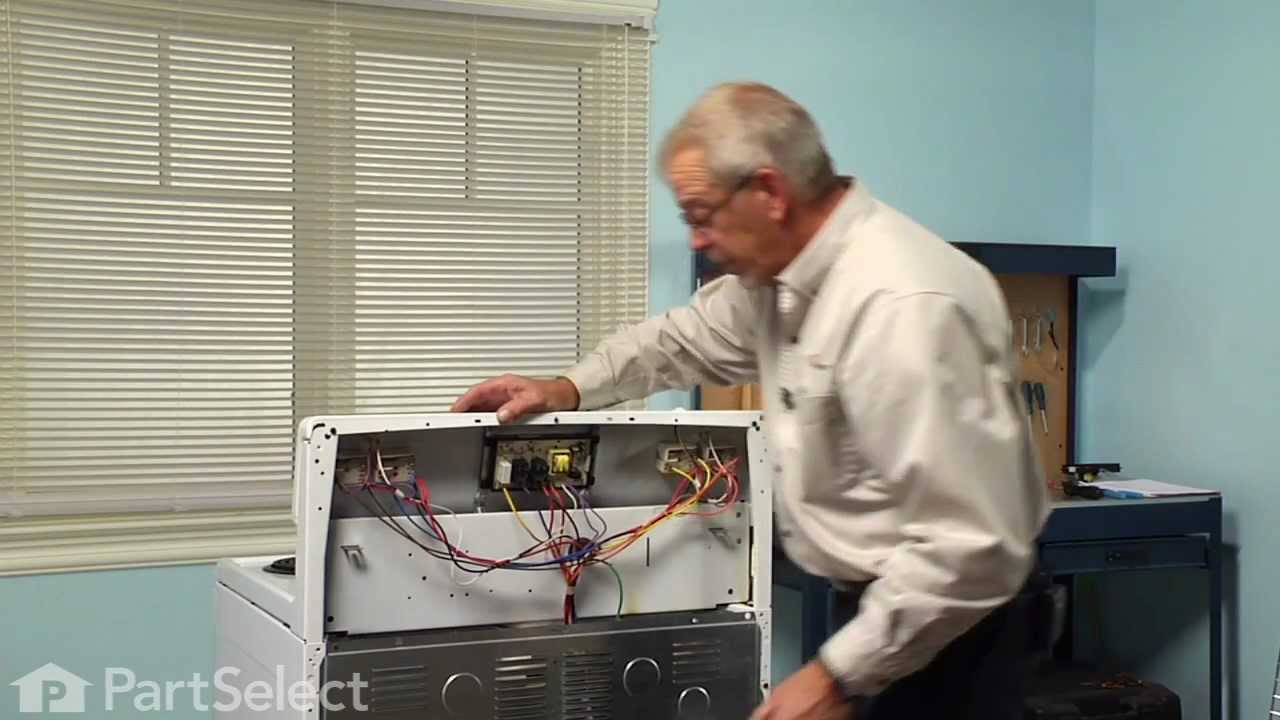
I ordered the part from www.Partselect.com ($14.00 including shipping) and replaced the part. The burner still would not get hot. I decided to test the switch. I removed the Control Panel cover (which is secure by 2 screws just below the digital clock). Once the cover was off, I saw the Blue wires going from the switch to the Terminal Block. To test the switch, I disconnected the two Blue Wires from connectors H1 and H2 and temporarily connected them to H1 and H2 of another switch. Sure enough, when I turned the other switch the element got hot.
So I placed another order from www.Partselect.com for a replacement switch ($50 including shipping). When that part came, I flipped the electrical circuit going to the range. I then removed the Control Panel cover again. With the new switch in hand (holding it near the old switch still attached to the Control Panel, I used the pliers to pull out each wire from it's connector and place it to it's corresponding connector on the new switch. Once all the wires were connected to the new switch, I pulled the knob of the switch off then used a phillips screwdriver to remove the two screws holding the switch to the control panel. I replaced the old switch with the new one put the screws back in, replaced the knob. Turned the circuit back on and tested to make sure that the element got hot. When it did, then I replaced the Control Panel cover and enjoyed a nice dinner that was cooked in less time than we're accustomed to because of the new burner. So I spent a total of $64.00 to fix our range. Less than half the amount I would've spent if I called for a technican. And far less then buying a new range.
Partselect is a great resource for information. They have diagrams and schematics available to view and/or download. And when ordering it's a snap because there's an "Add to Cart" button next to each part it lists. So there's no confusion. I've already recommended Partselect.com to about 5 people. And will continue to do so!!
Read less
Was this helpful?
Thank you for voting!
Oven wouldn't operated. Error code F9
76 of 101 peoplefound this instruction helpful.
Richard from Centennial, CO
Really Easy
Less than 15 mins
Nutdriver
I called a repair place. They charged $54 to diagnose, (said it needed a new latch motor) then wanted $220 to complete the repair. I checked online prices and did it myself for about 15 minutes work and the latch motor itself ($44?).
Was necessary to uplug the range, pull it away from the wall and remove the back panel sheet m
... Read moreetal, then 3 screws that mount the motor. Replace motor, reattach sheet metal. Plug in. Done. Ready to bake cookies.
Read less
Was this helpful?
Thank you for voting!
burned out burner
70 of 99 peoplefound this instruction helpful.
Lori from Winter Haven, FL
Easy
Less than 15 mins
Pliers, Screw drivers
First we removed two screws under the rim of the range top to open the lid. Lifted the lid and removed the screws from the bracket that holds the elements, Be careful with the clips that hold the element in, if you break them or bend them there aren't any more! Also note which holes they were in, they are marked according to the differ
... Read moreent sizes of elements. Disconnected the wires, needed needlenose pliers to grip them...connected new element, popped it back in place, replaced bracket, closed top ...Easy peasy!!!



 My Orders