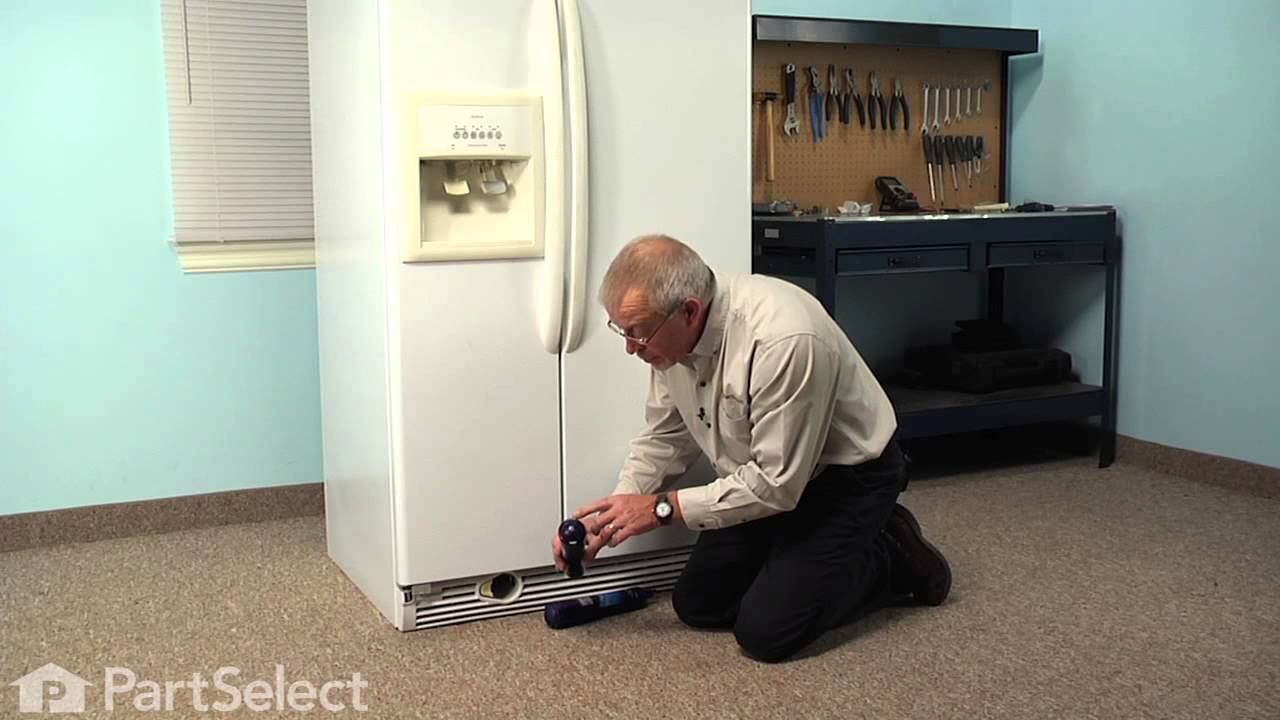
This advanced refrigerator water filter utilizes Triple Filtration Technology to reduce a wide range of contaminants, including mercury, lead, and trace pharmaceuticals, ensuring cleaner and safer water for drinking and food preparation. Certified to meet NSF standards, it is designed to deliver high-quality filtration performance across ...Read morecompatible refrigerator models. The filter should be replaced every six months or after filtering approximately 300 gallons to maintain optimal contaminant reduction. A noticeable decrease in water flow from the dispenser may also indicate the need for replacement. Installation is quick and tool-free, and it is recommended to flush at least two gallons of water through the system before use.
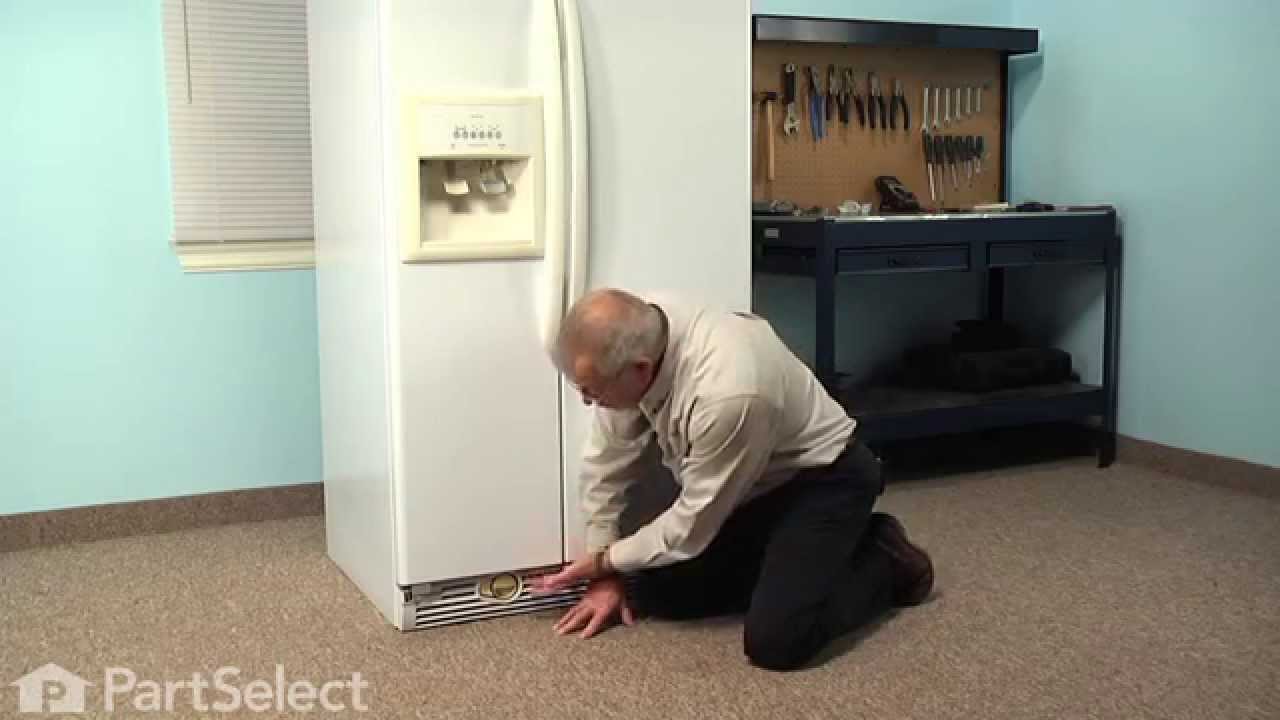
The lower door closing cam is used in refrigerator doors, it can be located on the fresh food side or the freezer side. It helps hold the door open. This cam is made out of plastic, so it might crack or wear down over time. If your door will not open and close properly you may need to replace the door closing cam. To successfully install ...Read morethis part, you will need a 5/16 nut driver and a small flat blade screwdriver. Before you begin, unplug your appliance and disconnect the water supply. Lubricating this part may help with installation. This replacement part is sold individually. This part will fit both the left and right side of your refrigerator door. To make the repair, remove the top hinge cover, then the top hinge support. Lift the door from the bottom support and remove the old door cams. Replace the cams, using a little lubricant if necessary, and place the door back on the lower hinge support. Replace the top hinge support and your repair is complete!
This 18 ml bottle of white appliance touch-up paint is used to cover scratches or marks on your appliance. The white touch-up paint can be used on refrigerators, microwaves, ranges, clothes dryers, and freezers. This is a genuine OEM part and includes a brush applicator. Please remember to wear gloves to protect your hands when applying this paint.
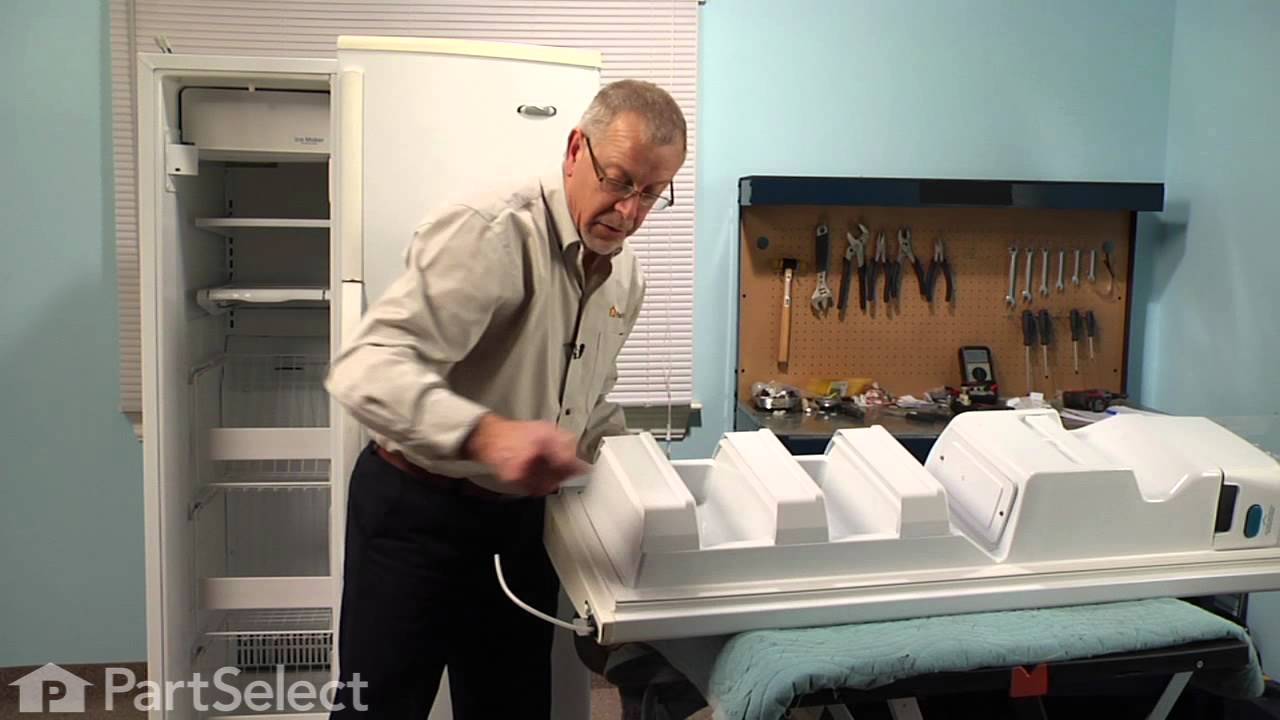
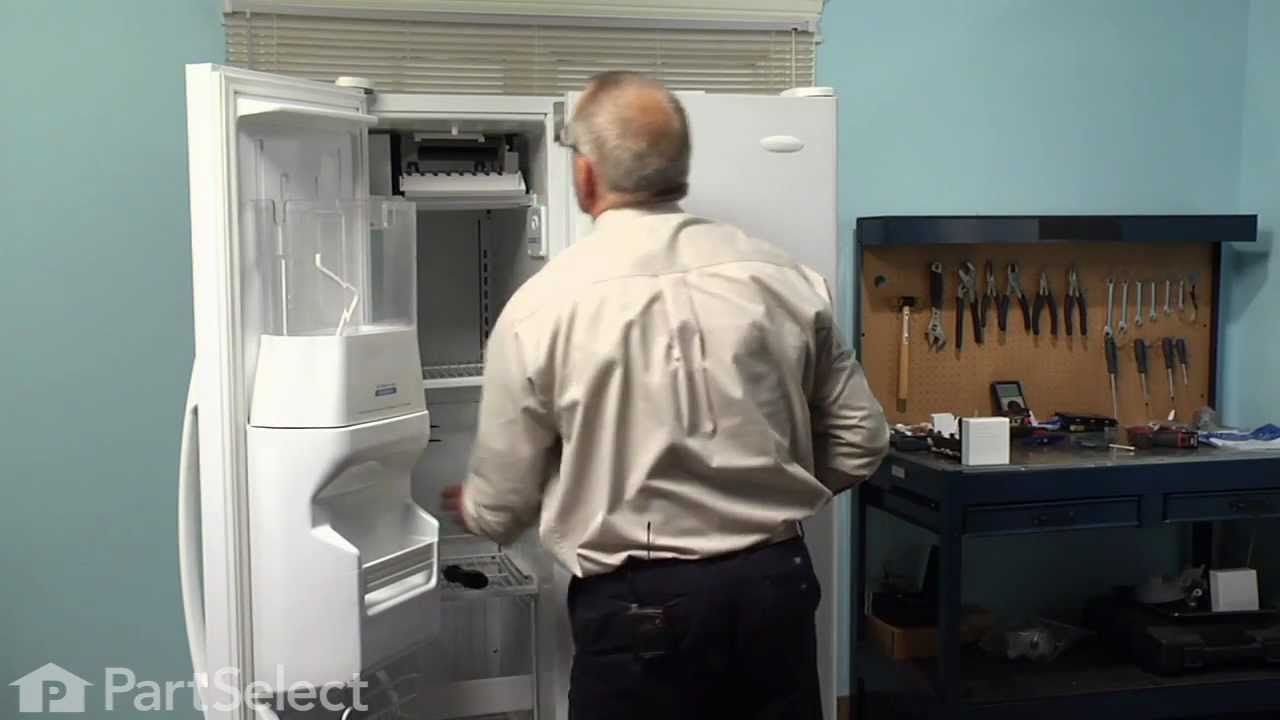
This icemaker can be used with 25-27 cubic feet refrigerators that have a vertical auger dispenser located on the freezer door. Reuse bottom bracket from the original icemaker and attach to the new.
This twenty-five watt microwave light bulb is two and a half inches long. It has a small, screw-in base and it carries 120V. This item sells in a quantity of one, though many microwaves require two.
Ask our experts a question about this model and we'll get back to you as soon as possible!
We may have answered a similar question already! Search questions and answers left by others using simple keywords like "fit", "broken", "easy", or "quality" to find questions that match.
Search filter:
Clear Filter
Your search term must have 3 or more characters.
Sort by:
Prev
1
2
3
Next
Sorry, we couldn't find any existing answers that matched.Try using some different or simpler keywords, or submit your new question by using the "Ask a Question" button above!
Jim - For model number KSCS25INSS00
March 17, 2020
The outside of the wall between the fridge and the freezer seems very hot. I'm talking about the area where the doors close to. I checked it with my infrared thermometer, it is 147 degrees. The fridge and the freezer seem to be working fine, it keeps things at the proper. Is this normal?Thanks
Hello Jim, thank you for your question. It is normal for this part to be quite warm, but it should not be as hot as you are describing. The condenser fan motor, PartSelect number PS1957416, is more than likely causing this issue. You will want to check this motor to be sure it is running as it should. If there is debris blocking the fan blades from circulating the air over the condenser coils, this symptom may arise. If there is nothing blocking the fan blades, and the motor is not working as it should, it is recommended that this part be replaced. We hope this helps.
3 peoplefound this instruction helpful.
Was this helpful?
Thank you for voting!
Danny - For model number KSCS25INSS00
March 6, 2025
My refrigerator runs for several hours then turns off and beeps and the lights flash, has anyone had that problem? What could it be?
Hello Danny, Thank you for contacting us. Researching your model, this usually indicates an issue with the control board or the wiring. We would recommend checking the main control board and inverter board for the compressor. Good luck with your repair.
1 personfound this instruction helpful.
Was this helpful?
Thank you for voting!
Frank - For model number KSCS25INSS00
July 13, 2021
Lost freezer and cooler temperature
Hello Frank, Thank you for the question. If the Temperature inside the Freezer is too warm, we suggest testing the Bi-Metal Defrost Thermostat. The best way to do this is to remove the Thermostat from the refrigerator so you can control the temperature of the sensor. You can let the sensor warm up to room temperature. With the sensor warmed up to room temperature the sensor should read approximately 6.2K Ohms at 68°F. With the thermistor submerged is a glass full of ice water, the sensor should be very close to 32°F which should read approximately 16.3K Ohms. If the values that you are getting are far off from these readings, then the sensor is bad and should be replaced. Hope this helps
Model was manufactured 2005, can you give me dimensions and compartment capacity. Unfortunately it is getting old and needs to be replaced. Thanks
Hello Tim, Thank you for contacting PartSelect.com. Very sorry but we do not have the size of the appliance, just parts lists and diagrams. For more specialized assistance or to speak with someone about this, we would suggest calling the manufacturer of the appliance directly. We hope this helps!
Was this helpful?
Thank you for voting!
Jim - For model number KSCS25INSS00
March 18, 2020
Thanks for your advice. In regards to your answer:Hello jim, thank you for your question. it is normal for this part to be quite warm, but it should not be as hot as you are describing. the condenser fan motor, partselect number ps1957416, is more than likely causing this issue. you will want to check this motor to be sure it is running as it should. if there is debris blocking the fan blades from circulating the air over the condenser coils, this symptom may arise. if there is nothing blocking the fan blades, and the motor is not working as it should, it is recommended that this part be replaced. we hope this helps.
you were right, the condenser was completely clogged. 1/2 hour after cleaning the whole bottom out, the temp of the wall dropped to 125. this still seems hot. the fan has not been running, but the compressor is running. should this fan be running at all times that the compressor is running, or does it only run at times that it needs extra cooling?
Hi Jim,
Thank you for your question. The heat coming for the compressor discharge port, should never be higher than 300°F. If the temperature is higher than this, then the refrigerant will start to degrade and the compressor will need to be replaced. If the condenser fan motor has not been not running since you cleaned it, you will need to check to see if it damaged or worn. Unplug the refrigerator and then see if you can can turn the fan blade. If not it likely seized or damaged and it will need to be replaced. If it is fine, you may need a technician to check the refrigerator for you. We hope this helps. Thank you and have a great day.
Was this helpful?
Thank you for voting!
Prev
1
2
3
Next
✖
Ask a Question
Ask our experts a question on this model and we'll respond as soon as we can.
See how others fixed this model. Time, tools, difficulty, and steps that lead to victory!View More
Search repair tips from other customers using simple keywords like "replace", "fit", "remove", "inspect". DIY doesn't mean you have to do it alone!
Search filter:
Clear Filter
Your search term must have 3 or more characters.
No ice
567 of 688 peoplefound this instruction helpful.
Daniel from Suwanee, GA
Easy
15 - 30 mins
Screw drivers, Socket set
removed flap door in front of icemaker...removed 3 screws with bolt heads...removed one additional screw with bolt head and ice unit slid out. I removed motor unit (pops out no screws). Replaced and had ice within 3 hours.
Was this helpful?
Thank you for voting!
there were directions
754 of 1282 peoplefound this instruction helpful.
Kate from Jacksonville, FL
Very Difficult
30 - 60 mins
We didn't know where the product went and it was very difficult to install.
Was this helpful?
Thank you for voting!
Ice maker stopped functioning
463 of 495 peoplefound this instruction helpful.
Phil from Auberry, CA
A Bit Difficult
15 - 30 mins
Nutdriver, Screw drivers
Remove the icemaker service door... gently pry the door pins from the hinge sockets. Remove the 3 screws from the under side of the icemaker with a nut driver (1/4"). Gently remove the icemaker . It's a tight fit between the top of the compartment and the icemaker lower support tray. Next, disconnect the electrical connector at the ri
... Read moreght side. You're done! Reverse procedure for installing. Good luck. Remember, your working with cold plastic...take your time and don't force too much.



 My Orders