


 My Orders


JCKP70DP1WW General Electric Wall Oven - Overview
Diagrams for JCKP70DP1WW
See every part. Know exactly what you need.


Enter a part description. DIY Heroes keep it simple, eg. "belt" or "pump".
Search filter:
Clear Filter
Your search term must have 3 or more characters.

$36.73
Special Order
Temperature Sensor
Part #WB21X22134
The temperature sensor detects the temperature within the oven cavity. If your oven is too hot, not heating evenly, or has little to no heat when baking, you may need to replace the temperature sensor. The sensor is usually located in the back of the oven. This is a genuine OEM part. Please make sure to disconnect the power to your range before starting your repair.

No Longer Available
Halogen Bulb Kit
Part #WB49X29679
This light bulb is used in the interior oven. NOTE: This bulb has looped pins, not the straight pins.

$13.95
Special Order

$48.14
Special Order

$20.24
Special Order
NUT
Part #WB02T10017

$32.17
Special Order
LENS OVEN LAMP
Part #WB25T10027

$144.43
Special Order
ELEMENT BROIL Assembly
Part #WB44T10099
If your oven isn’t broiling like it used to, this broil element might be the fix. It sits at the top of your oven and gives off strong, even heat to help brown and cook food from above. It’s perfect for things like melting cheese or crisping up the top of a dish. If your current element looks bent, damaged, or just isn’t heating well, it’...Read mores probably time for a replacement. Just make sure it matches your oven model before installing.
Read less

$81.06
Special Order

No Longer Available

$13.95
Special Order
Range Screw
Part #WB01T10008
This part is a replacement screw for your oven. It is made of black metal and is sold individually. This screw is approximately 1/4 inch in diameter and about 1/2 inch in length. It is designed to connect the different parts of your oven door. This part is an authentic OEM part sourced directly from the manufacturer.

$18.42
Special Order
Range GE Badge
Part #WB02T10359

$99.08
Special Order
Wall Oven Rack
Part #WB48T10045
The wall oven rack provides a stable surface for cookware in the oven.
Common Symptoms of the JCKP70DP1WW
How this model fails, and the parts that fix it.
Little to no heat when baking
Fixed by
these parts
these parts

Show All
Oven not heating evenly
Fixed by
these parts
these parts
Show All
Oven is too hot
Fixed by
these parts
these parts
Show All
Element will not heat
Fixed by
these parts
these parts

Show All
Will Not Start
Fixed by
these parts
these parts
Show All
Little to no heat when broiling
Fixed by
these parts
these parts
Show All
Touchpad does not respond
Fixed by
these parts
these parts

Show All
Watch our pros, then fix it yourself.
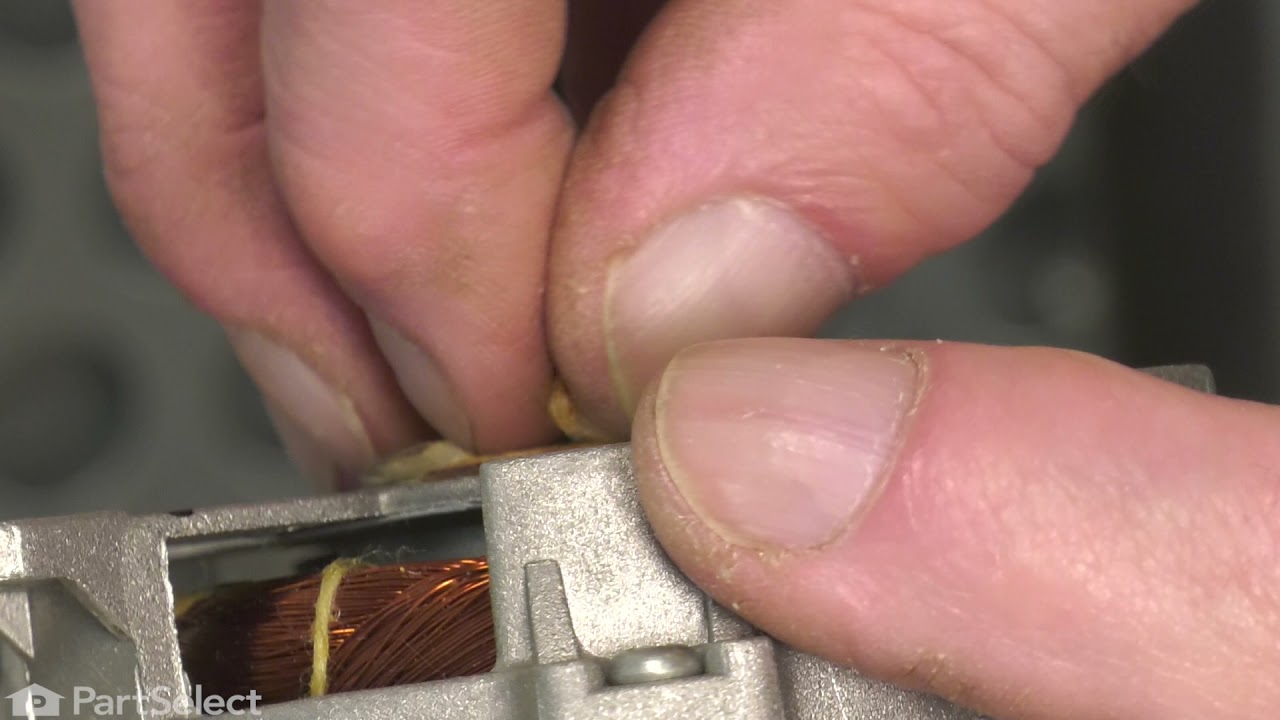
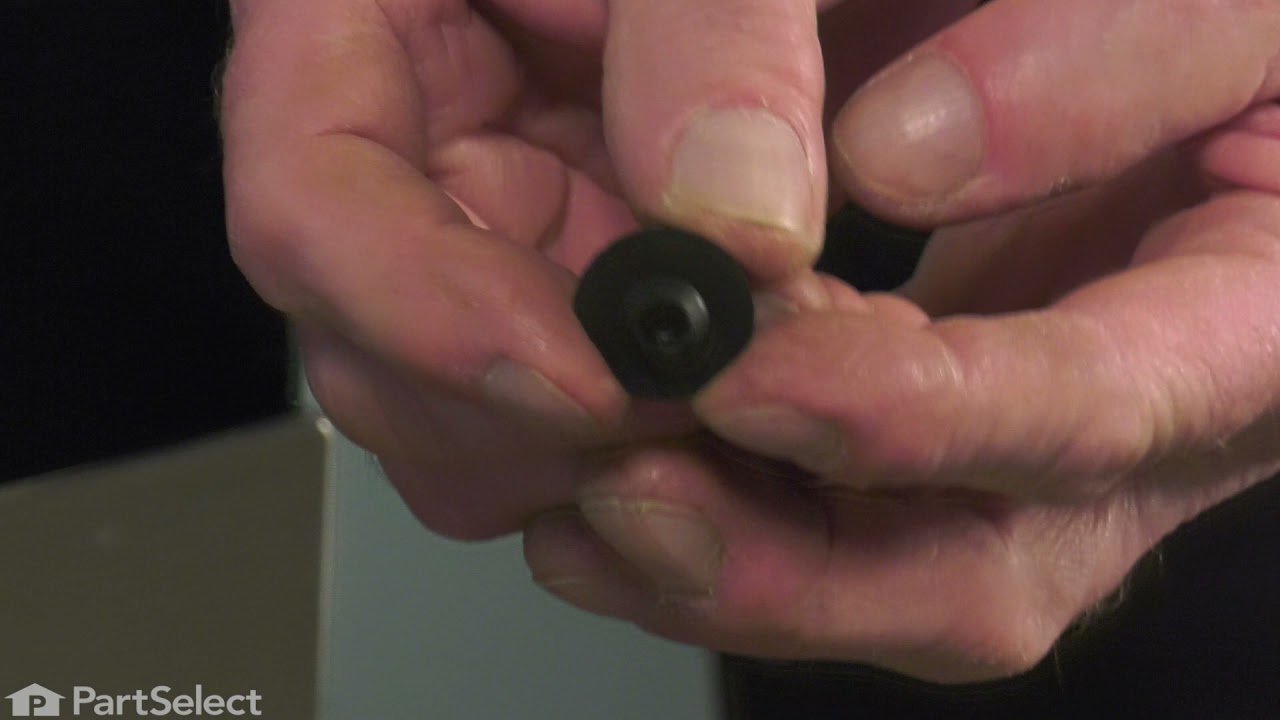
See how others fixed this model. Time, tools, difficulty, and steps that lead to victory!
View More