


 My Orders


JCB2059GES (PJCB2059GS0) Jenn-Air Refrigerator - Overview
Diagrams for JCB2059GES
See every part. Know exactly what you need.


.gif "SUPPLEMENTAL INFORMATION Diagram and Parts List for PJCB2059GS0 Jenn-Air Refrigerator")


Enter a part description. DIY Heroes keep it simple, eg. "belt" or "pump".
Search filter:
Clear Filter
Your search term must have 3 or more characters.

$26.41
In Stock
Light Bulb - 40W
Part #8009
This an authentic OEM 40-Watt replacement light bulb, used in a number of household appliances. It is specially designed to withstand extreme temperatures, which is why these replacement bulbs are most often used to light the inside of refrigerators and ranges. It features a standard socket base, which means you simply unscrew the burnt-o...Read moreut bulb and screw in the replacement. Depending on the appliance you may require a screwdriver or nut driver to access the light bulb. We recommend you wear work gloves while handling this replacement part. It is constructed of glass and metal and is sold individually. Depending on the appliance and location of the bulb within it, you may want to consider disconnecting power and using a flashlight for easier access to unscrewing and re-screwing in your bulb during this repair.
Read less

$175.83
In Stock
Crisper Drawer
Part #WP67002659
The crisper drawer in your refrigerator is used for storing various items. If you notice that your current crisper drawer is damaged, you may need to replace it. You may notice that your refrigerator door does not open or close properly, which is a sign that your crisper drawer is damaged. This crisper drawer is made of clear plastic. Thi...Read mores part is sold individually and does not come with the plastic faceplate on it. If your current crisper has one, you will need to remove it and transfer it to the new crisper. NOTE: As per the manufacture the crisper drawer has been updated from the original. A new crisper cover may need to be purchased for the drawers to work. Factory dimensions - 12.847" Depth X 15.217" Width X 6.93 High.
Read less

$63.81
In Stock
Refrigerator Pantry End Cap
Part #WP12656018
This replacement end cap supports the pantry drawer on the right side of your refrigerator, helping it slide and stay in place properly. It mounts to the inside wall and is essential for keeping the drawer stable. If your current end cap is cracked or broken, this part is a simple fix. Be sure to unplug the refrigerator before installing, and refer to the included instructions for guidance. Sold individually.

$214.33
In Stock
Refrigerator Pantry Drawer Door Cover
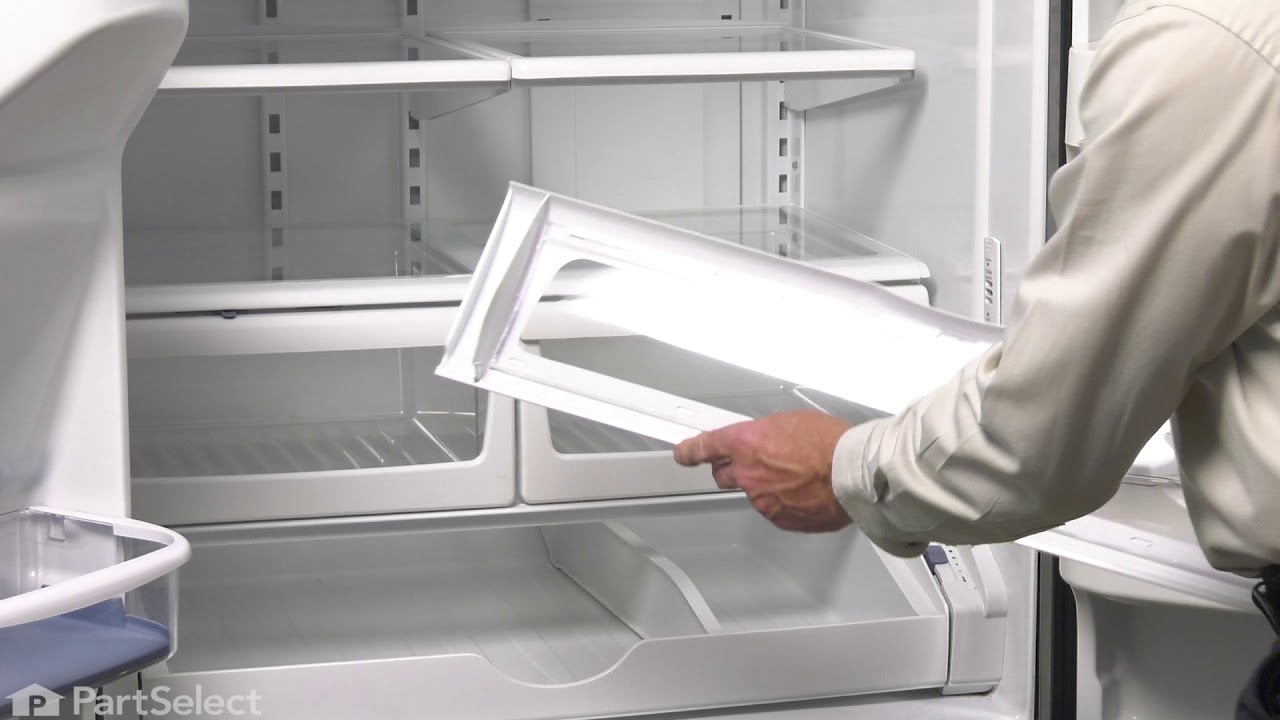
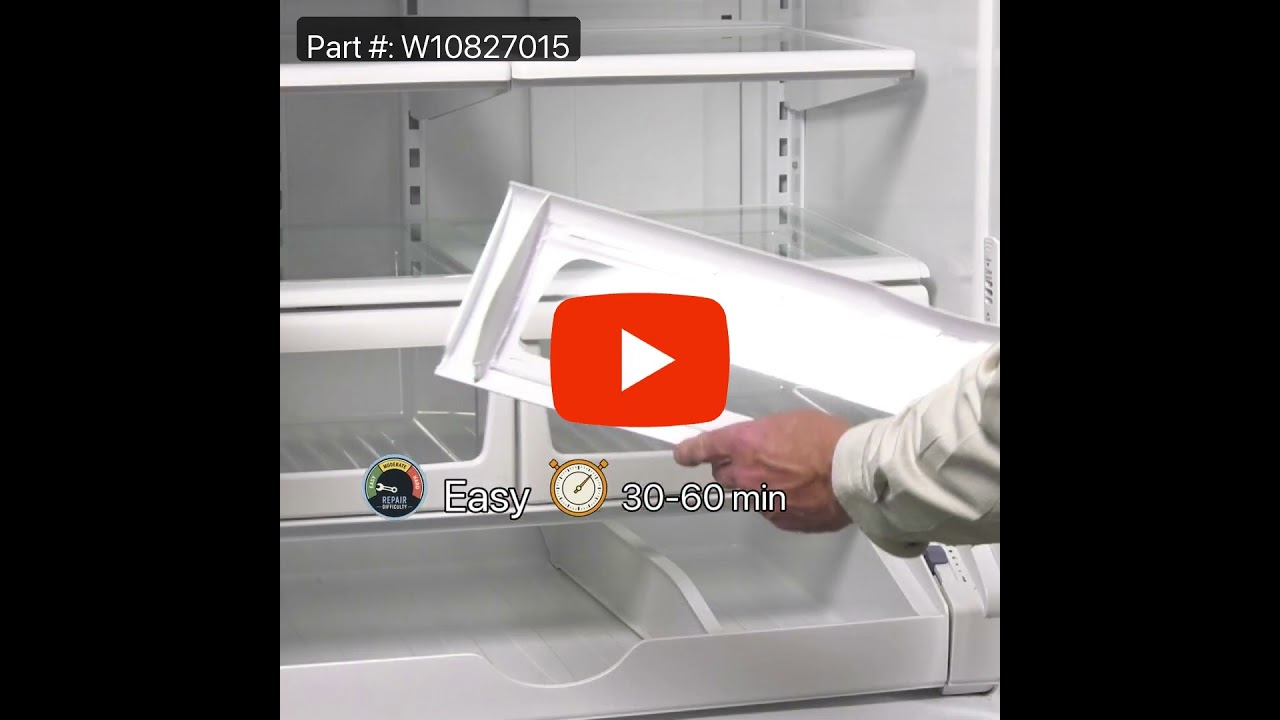
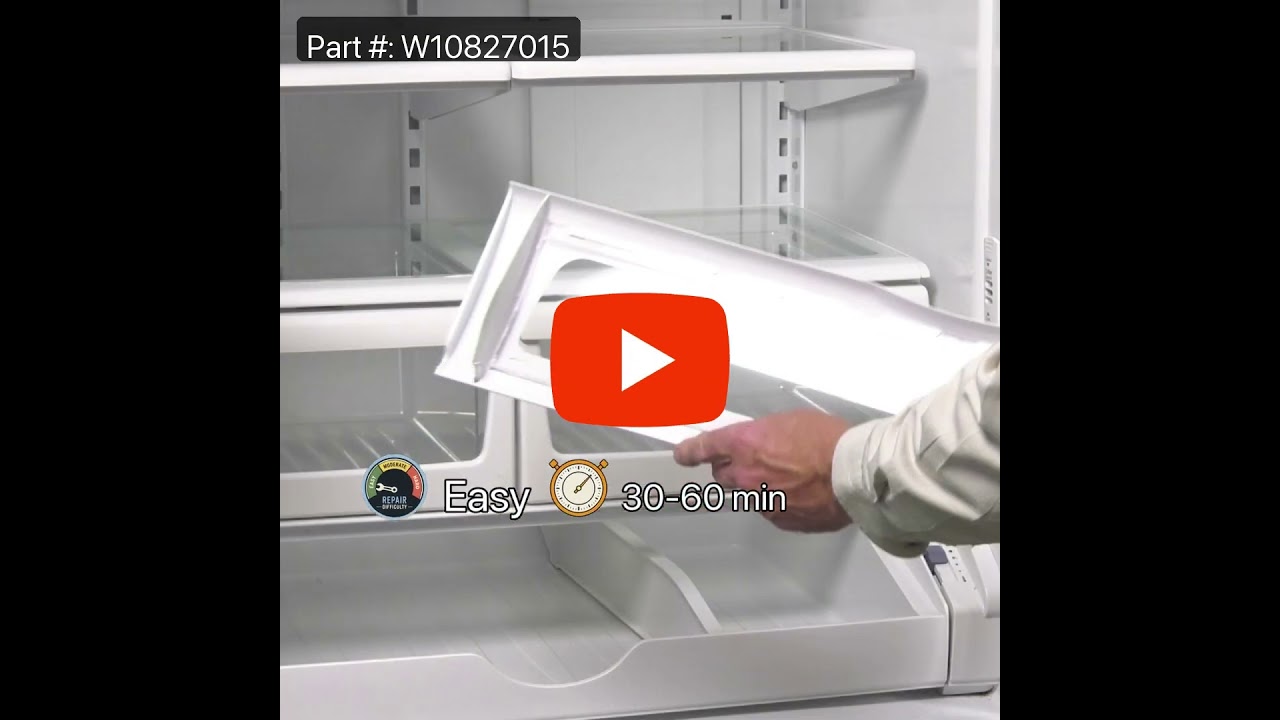
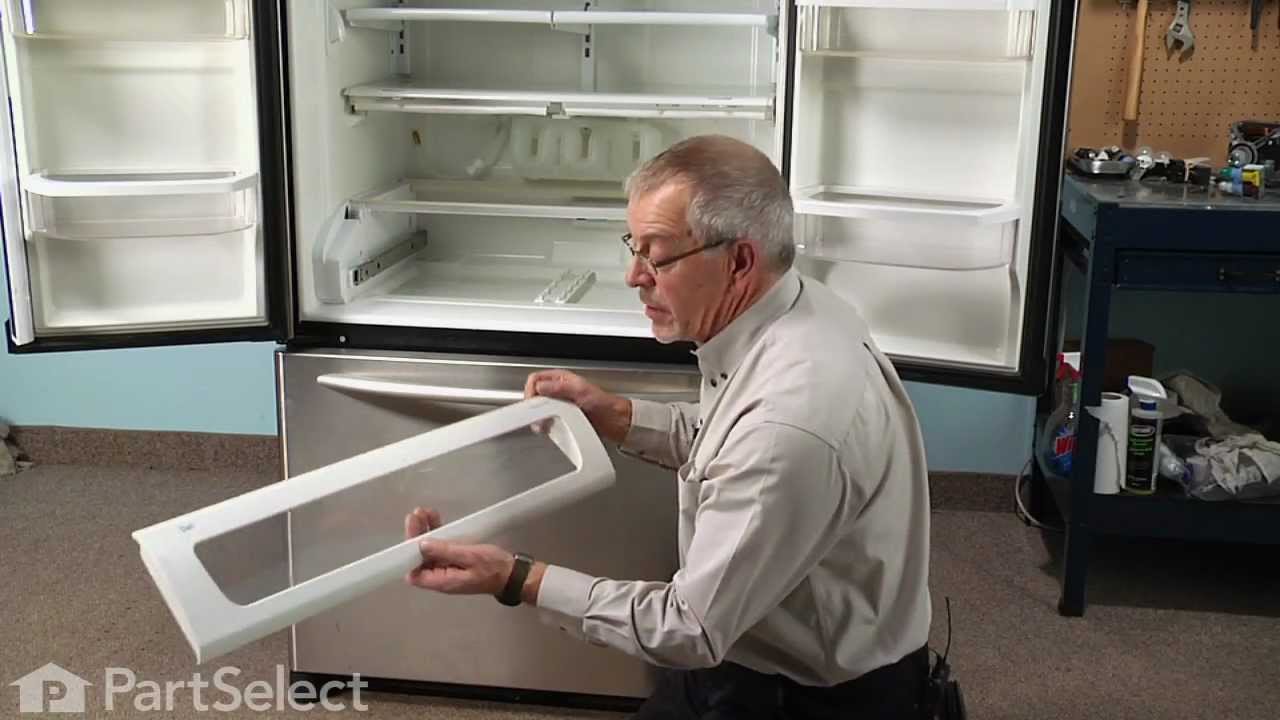
Part #W10827015
The pantry drawer lid helps keep everything inside the drawer, it acts as a cover and keeps your drawer at the proper temperature by creating a seal. If the door will not open or close, or if the drawer section is too cold, you may need to replace the lid. The pantry drawer lid is a genuine OEM part.

$147.86
In Stock
Replacement Ice Maker
Part #D7824706Q
This modular ice maker assembly replaces worn-out units to restore ice production in refrigerators. It includes the ice mold and control device but excludes the cover, ice level arm, wire harness, and mounting hardware, which must be reused or ordered separately. Unplug the refrigerator before installation and use work gloves for safety. Check compatibility with your model number before purchase.

$68.64
In Stock
Refrigerator Pantry End Cap
Part #WP12656105
This left-side pantry end cap, also referred to as a drawer support or door shelf trim, is designed to secure items on the interior door shelf of your refrigerator. Sold individually, it snaps into place on the left side of the door, providing structural support for the shelf and ensuring stable storage. Installation is straightforward an...Read mored typically requires a 1/4-inch nut driver. Users report the repair process as simple, with an estimated completion time of under thirty minutes. This component is ideal for replacing a damaged or missing end cap to restore full functionality to your refrigerator’s door shelving system.
Read less

$43.83
In Stock

$56.05
In Stock
Refrigerator Water Filter Bypass
Part #W11395888
This water filter bypass cap is a genuine OEM component designed for select Whirlpool, Maytag, KitchenAid, and affiliated refrigerator models. Installed in place of the water filter, it allows uninterrupted water flow to the dispenser and ice maker when the filter is removed or non-functional. The cap fits securely into the water filter h...Read moreead, providing a temporary or permanent bypass solution without filtering the water. It is commonly used during troubleshooting or when a replacement filter is unavailable. The kit includes the bypass cap and may feature installation instructions for quick and secure setup. Note: This part does not purify water and should not be used as a substitute for a functioning filter in systems requiring filtration.
Read less

$115.19
In Stock
Refrigerator Condenser Fan Motor Kit
Part #833697
This condenser fan motor operates in a clockwise fashion and carries carries 2W and 115V. It comes with screws, a mounting nut for the blade and a cushion. This part provides forced-air cooling for the condenser coil.

$15.35
In Stock
Refrigerator Humidity Control Slide
Part #WP67005864
This part mounts on the crisper drawer cover and is used to limit the amount of air that gets into the crisper.

$78.05
In Stock
Refrigerator Run Capacitor
Part #WP65889-4
This part helps the compressor kick on and off while maintaining a constant temperature to keep things frozen in your freezer.

$104.90
In Stock
Defrost Thermostat Kit
Part #12001937
This part is snapped onto the top portion of the evaporator. The thermostat sends temperature information to the processor. The defrost heater must be replaced when replacing the thermostat.
Common Symptoms of the JCB2059GES
How this model fails, and the parts that fix it.
Ice maker not making ice
Fixed by
these parts
these parts


Show All
Light not working
Fixed by
these parts
these parts


Show All
Leaking
Fixed by
these parts
these parts


Show All
Fridge too warm
Fixed by
these parts
these parts


Show All
Freezer section too warm
Fixed by
these parts
these parts

Show All
Door won’t open or close
Fixed by
these parts
these parts


Show All
Will Not Start
Fixed by
these parts
these parts
Show All
Noisy
Fixed by
these parts
these parts

Show All
Ice maker won’t dispense ice
Fixed by
these parts
these parts
Show All
Not dispensing water
Fixed by
these parts
these parts


Show All
Freezer not defrosting
Fixed by
these parts
these parts


Show All
Fridge and Freezer are too warm
Fixed by
these parts
these parts
Show All
Fridge runs too long
Fixed by
these parts
these parts
Show All
Ice maker dispenses too much ice
Fixed by
these parts
these parts

Show All
Frost buildup
Fixed by
these parts
these parts

Show All
Clicking sound
Fixed by
these parts
these parts
Show All
Fridge too cold
Fixed by
these parts
these parts
Show All
Ice maker dispenses too little ice
Fixed by
these parts
these parts
Show All
Freezer too cold
Fixed by
these parts
these parts
Show All
Too warm
Fixed by
these parts
these parts
Show All
Door latch failure
Fixed by
these parts
these parts

Show All
Won’t start
Fixed by
these parts
these parts
Show All
Door Sweating
Fixed by
these parts
these parts
Show All
Watch our pros, then fix it yourself.
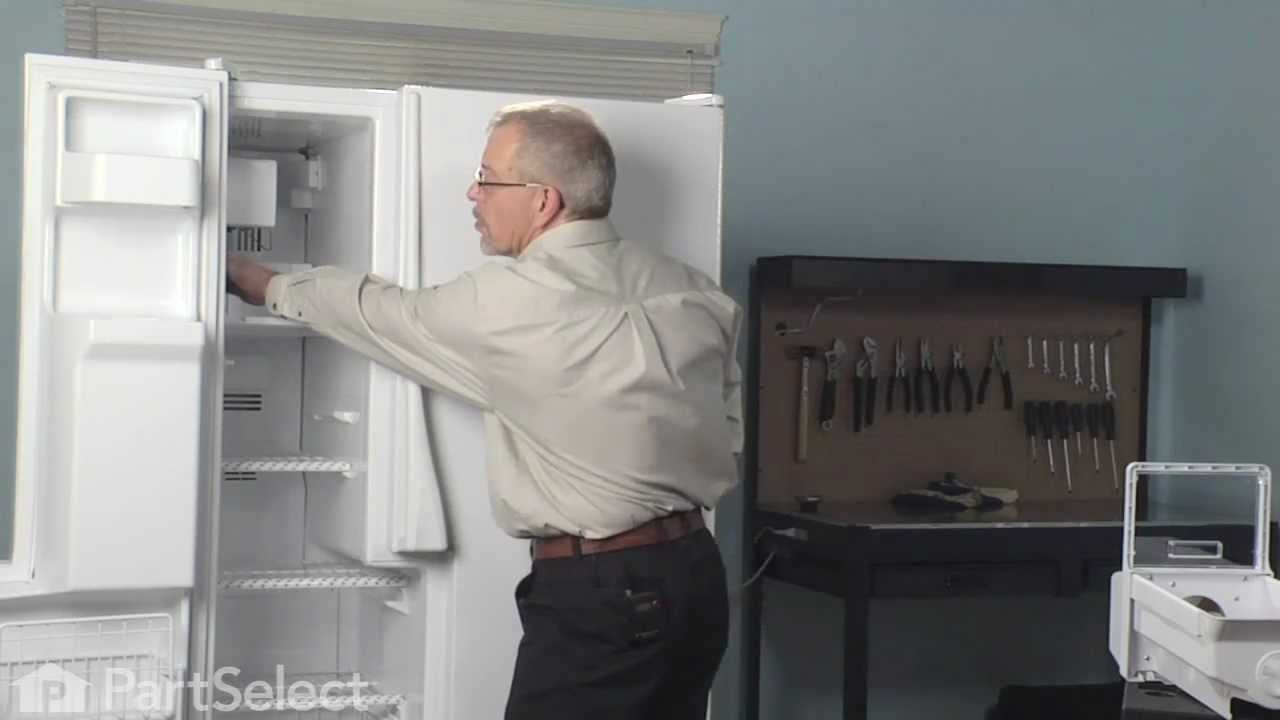
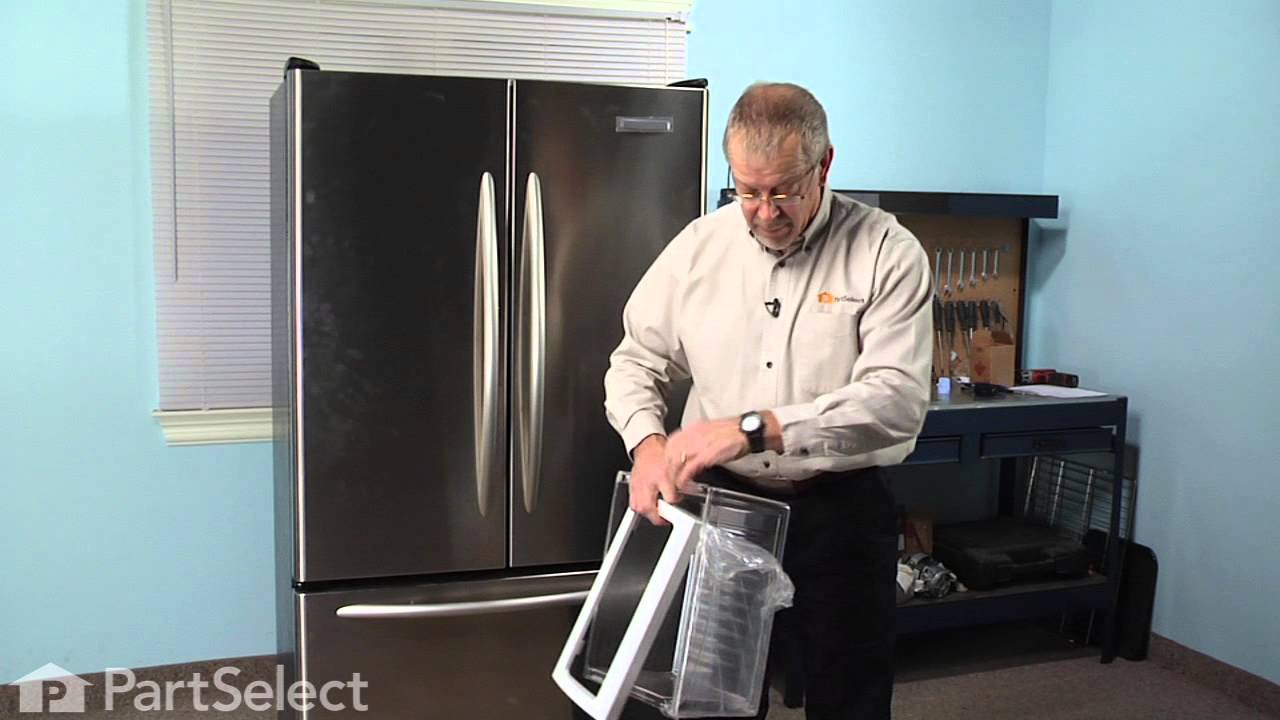
See how others fixed this model. Time, tools, difficulty, and steps that lead to victory!
View More