


 My Orders


FGMC2765PBB Frigidaire Microwave Oven Combo - Overview
Diagrams for FGMC2765PBB
See every part. Know exactly what you need.


Enter a part description. DIY Heroes keep it simple, eg. "belt" or "pump".
Search filter:
Clear Filter
Your search term must have 3 or more characters.

$48.78
In Stock
Main Terminal Block Kit
Part #5304409888
Terminal blocks (also called terminal boards or strips) provide a convenient means of connecting individual electrical wires.

$62.31
In Stock
Temperature Sensor
Part #5304504897
This oven temperature sensor, also known as an oven probe, monitors the internal temperature of the oven cavity to ensure accurate and consistent heating. Measuring 6 inches in length and made of durable metal, it’s designed to replace faulty sensors that may cause overheating, uneven baking, or F3/F4 error codes. This genuine replacement...Read more part is compatible with select models. Always disconnect power to the appliance before beginning installation for safety.
Read less

$145.14
In Stock

$104.82
In Stock
SWITCH
Part #5304493153
The relay switch may also be known as the door micro switch and is a part for your microwave. The function of this part is to monitor the door latch and communicate whether the door latch is open or closed to the electronic control board. Before making this repair, you will want to make sure to unplug your microwave and discharge the capa...Read morecitor. Your microwave capacitor is able to store electricity in large quantities even after it has been unplugged. The most common reason for replacing your relay switch is if the microwave will not turn on but your timer still runs..
Read less

$43.07
In Stock
Convection Fan Blade
Part #318398302
This convection fan blade is designed for use with various makes and models of range and oven and is sold as an individual part. Made of metal and measuring approximately 4.75-inches in diameter, this genuine OEM fan blade works with the convection motor to circulate and distribute heat evenly throughout the oven. If your oven is not gett...Read moreing hot enough or the heat is not circulating properly, or if the fan blade in your oven has become warped, damaged, or chipped, it needs to be replaced immediately. To replace the fan blade, disconnect your range from the power and locate the fan assembly. With the appropriate screwdriver and wrench, remove any assembly covers and the securing nut from the blade. Once the nut is removed, install the new blade and secure it and re-install the cover.
Read less

$68.42
In Stock

$39.95
In Stock

$107.17
In Stock

$36.95
In Stock
Door Spacer
Part #318165800

$76.42
Special Order
Wave Guide Cover
Part #5304462314
This microwave waveguide cover is a protective mica panel that shields the internal components of the microwave—especially the magnetron—from moisture, grease, and food splatter during cooking. It helps prevent sparking and keeps the appliance operating safely and efficiently while still allowing microwaves to pass through to heat food. M...Read moreade from heat-resistant mica material, it should be replaced if it becomes burned, cracked, or stained. Installation is simple and usually involves sliding the old cover out and securing the new one in place to restore safe operation.
Read less

$33.10
In Stock
Mounting Screw
Part #5304453707

$130.54
On Order
Manuals & Care Guides for FGMC2765PBB
Click to downloadInstall
Installation Instructions
(1.19MB)
Specs
Product Specifications Sheet
(1.29MB)
Wiring
Wiring Diagram
(1.29MB)
Common Symptoms of the FGMC2765PBB
How this model fails, and the parts that fix it.
Little to no heat when baking
Fixed by
these parts
these parts


Show All
Element will not heat
Fixed by
these parts
these parts
Show All
Oven is too hot
Fixed by
these parts
these parts
Show All
Will Not Start
Fixed by
these parts
these parts
Show All
Oven not heating evenly
Fixed by
these parts
these parts
Show All
No heat
Fixed by
these parts
these parts

Show All
Won’t turn on
Fixed by
these parts
these parts
Show All
Door stuck closed
Fixed by
these parts
these parts

Show All
Door not closing properly
Fixed by
these parts
these parts

Show All
Little to no heat when broiling
Fixed by
these parts
these parts
Show All
Noisy
Fixed by
these parts
these parts

Show All
Tray won’t turn
Fixed by
these parts
these parts

Show All
Watch our pros, then fix it yourself.
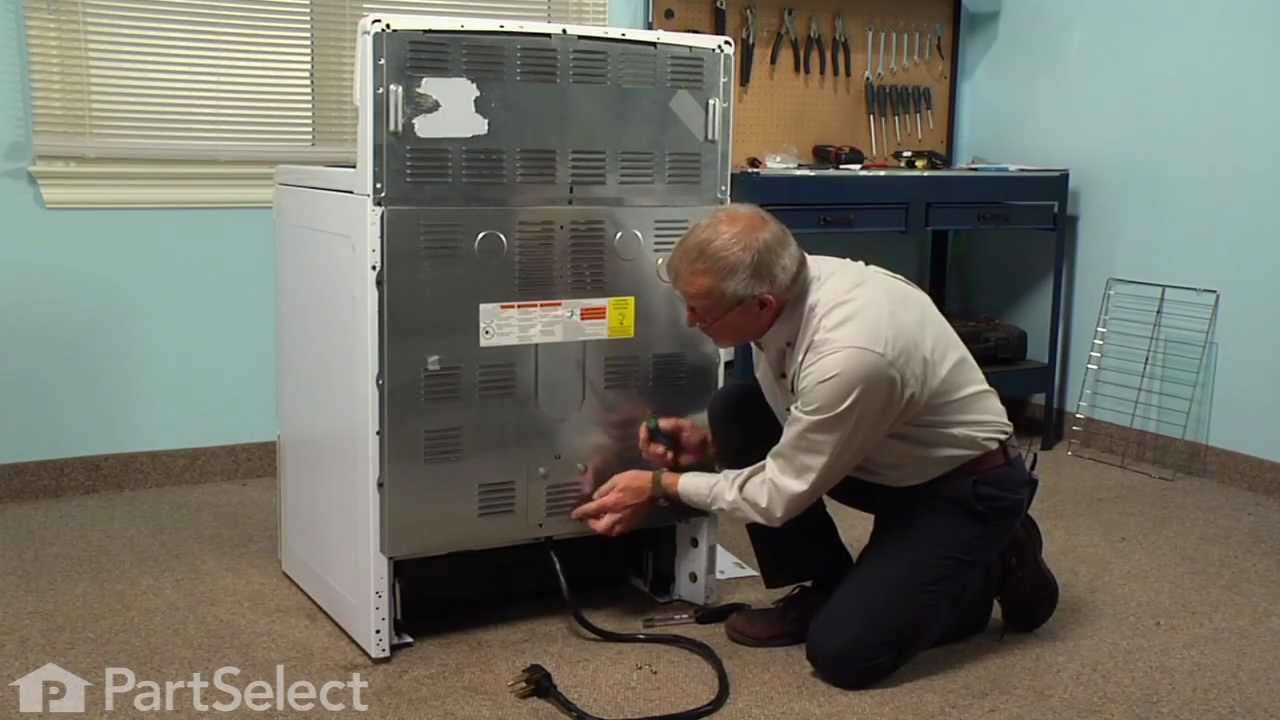
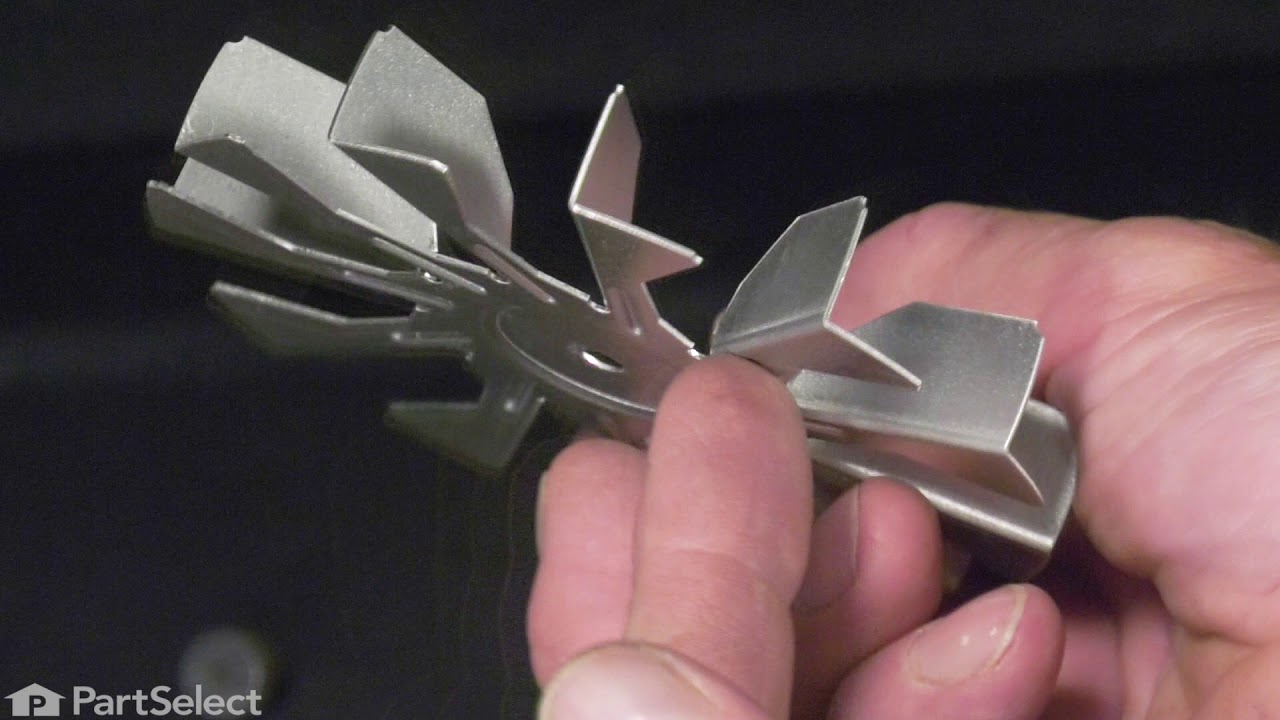
See how others fixed this model. Time, tools, difficulty, and steps that lead to victory!
View More