DVM7195DK2BB General Electric Microwave - Overview

Diagrams for DVM7195DK2BB

See every part. Know exactly what you need.

Enter a part description. DIY Heroes keep it simple, eg. "belt" or "pump".

Search filter:
Clear Filter
Your search term must have 3 or more characters.
Light Bulb - 40W 130V – Part Number: WB36X10003
$27.89
Special Order
Light Bulb - 40W 130V
★★★★★
★★★★★
(4)
Part #WB36X10003
This 40-watt microwave light bulb is a genuine replacement component designed to provide interior illumination for compatible GE microwave models. Engineered to withstand the high temperatures within the microwave cavity, it allows users to monitor food during cooking without opening the door, preserving heat and cooking efficiency. The bulb’s compact design ensures a secure fit and consistent lighting performance. Replacement is typically straightforward and involves accessing the light housing inside the microwave. Always disconnect power before installation to ensure safety.
Microwave Fuse – Part Number: WB27X10928
$25.31
Special Order
Microwave Fuse
★★★★★
★★★★★
(1)
Part #WB27X10928
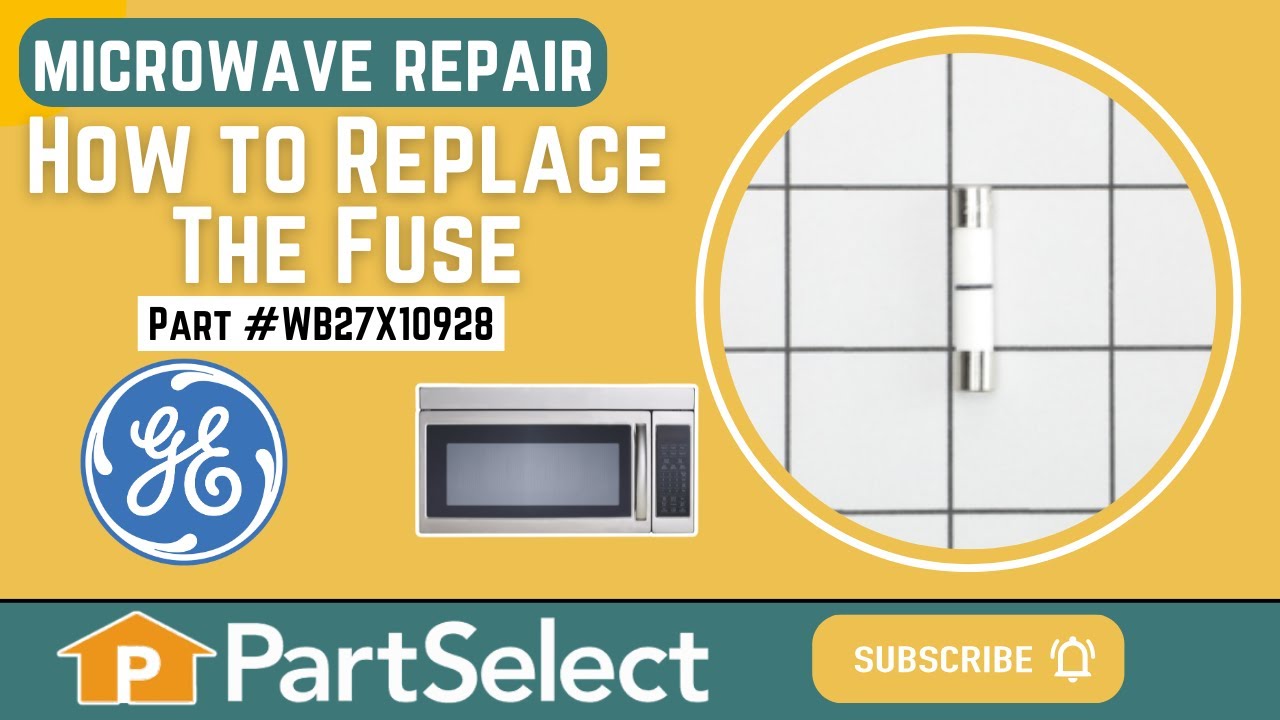
This ceramic microwave fuse is just over an inch in length. It is white in the center, and metal on both ends. This is a 20-amp fuse, and is used to power your microwave. If the touch pad on the microwave becomes unresponsive, the microwave produces little to no heat, or the appliance simply does not turn on, it could mean that your fuse is at fault and needs to be replaced. Because this part contains an electrical charge, remember to disconnect power to the microwave unit before you begin this repair. NOTE: Before you start this repair, ensure that the microwave is unplugged, and the capacitor is discharged. A capacitor stores large amounts of electricity even after your microwave is unplugged.
Light Socket - 250V 75W – Part Number: WB08X10016
$35.95
Special Order
Light Socket - 250V 75W
★★★★★
★★★★★
(2)
Part #WB08X10016
Light bulb not included.
Glass Light Lens – Part Number: WB36X10071
$28.20
Special Order
Microwave Halogen Light Bulb – Part Number: WB36X10213
$36.73
Special Order
Microwave Halogen Light Bulb
★★★★★
★★★★★
(1)
Part #WB36X10213
This halogen light bulb is an inch and a half long. Carrying 120 volts and 20 watts, it is used with some microwave ovens.
Monitor Door Switch – Part Number: WB24X830
$58.30
Special Order
Glass Cooking Tray – Part Number: WB49X10063
$117.41
Special Order
Glass Cooking Tray
Part #WB49X10063
This tray rotates in your microwave ensuring more even temperatures and is approx.14-1/2 inches in diameter.
Charcoal Filter – Part Number: WB02X11544
$45.07
Special Order
LEVER-S/W – Part Number: WB06X10128
No Longer Available
LEVER-S/W
Part #WB06X10128
MAGNETRON Assembly – Part Number: WB27X11079
$215.53
Special Order
MAGNETRON Assembly
Part #WB27X11079
COUPLER – Part Number: WB06X10815
$58.36
Special Order
COUPLER
Part #WB06X10815

Common Symptoms of the DVM7195DK2BB

How this model fails, and the parts that fix it.

Watch our pros, then fix it yourself.

See how others fixed this model. Time, tools, difficulty, and steps that lead to victory! View More

Search repair tips from other customers using simple keywords like "replace", "fit", "remove", "inspect". DIY doesn't mean you have to do it alone!

Search filter:
Clear Filter
Your search term must have 3 or more characters.
Microwave completely stopped working
968 of 1266 people found this instruction helpful.
  • Kim from Cliffside Park, NJ
  • Really Easy
  • 15 - 30 mins
  • Screw drivers
Turned out the issue was easily solved by replacing a single, inexpensive fuse.

First off, UNPLUG THE MICROWAVE.

The fuse is located under the plastic grill at the top of the microwave. It's held on by two screws. Once you've removed the screws and taken off the plastic grill, you go to the right side of the mic rowave and remove another screw that holds a small metal grill in place. Removing the small metal grill is probably the toughest part of this repair. You kind of have to rock it back and forth a bit to get it to release. Once that's off, you can get to the fuse. I removed the burnt out one with a pair of needle nose pliers. I also put a small piece of cardboard under the fuse when I did this so I didn't accidentally drop it into the innards of the microwave. I did the same thing when I replaced the new fuse. I then plugged the appliance back in and made sure it worked. Once that was confirmed, I replaced both grills.
Was this helpful?
Thank you for voting!
light worked, timer and control pad worked, but no turntable, no heat, no noises of any sort, just didn't start up
320 of 387 people found this instruction helpful.
  • Marla from Arlington, TX
  • Easy
  • Less than 15 mins
  • Screw drivers
Noted on partselect.com that someone else with this problem, found it to be secondary door switch. There are three door switches in this model, but online info noted that one of the three might feel "soft" (in my case, one switch clicked in a rather "jiggly" way, the other two were strong decisive clicks.) To access the door switches on this model was the only difficult part. First use a torx bit to remove the two torx screws below the latches inside the microwave. This frees the latching part inside, that holds the door switches, which you will remove after you take off the control panel. The top grill has to come off before you can remove the door panel. Remove the screws above the grill, on the microwave top cover, The grill on this model is covered with a panel that moves out when it vents. After removing the two top screws, the covered grill vent slides left to remove. Be careful, as the sliding tabs are plastic. Wiggle and jiggle it, to slip it off. Below the removed grill, is a small metal grill with one screw in lower center. Remove that screw, and wiggle that out. You'll then see the one screw that holds on the control panel. Remove this screw, and lift the control panel up to remove. Again, go slowly and gently, as the bottom tabs holding the control panel in, are also plastic and easily broken. Lay the control panel on something, (I used the coffee maker) and pull out the wire bundles tucked on the left, that are attached to the latching panel. Wiggle the latching panel gently to lift it up off of it's plastic tabs and pull it out towards you, so you can see the three door switches. Each switch (part number WB24X829) has a little black switch on it. Feel each switch with either your finger, or a screwdriver to see which one doesn't "click" strongly. The weak one is the one you will replace. The door switches are fitted into a tab, and plugged into their wires. Remove the defective switch, pull out the wires, and replace it with the new switch, plugging back the wires, and slipping it back into it's plastic tabs. Then put everything back together in reverse order. The entire job took me fifteen minutes EXCEPT for figuring out how to slide off the upper grill, which I have told you. A repairman would have cost $150, the part was $18. AND, there's a good chance, the other two switches will get "used up" in the next year or so as well, so I'll be ready next time. Thank you, Partselect, why work all day, to make money, only to give it to somebody else, for fifteen minutes of work. All I needed was the knowledge.
Was this helpful?
Thank you for voting!
Light bulb out, tried to remove, lamp socket broke
222 of 270 people found this instruction helpful.
  • Gene from Urbana, IL
  • Really Easy
  • Less than 15 mins
  • Screw drivers
Above the stove mounted microwave. I dropped the lens cover from under the bulb and tried to remove the bulb. The bulb separated from the base. I tried to remove the base with a pliers and the lamp socket broke. I ordered the parts and dropped the bottom cover of the unit down (5 screws). Removed 1 screww from the lamp socket, unplugged t he wires and took it out. Simply replaced socket, fastened bottom cover of microwave, installed new bulb and closed lens cover.
Was this helpful?
Thank you for voting!