


 My Orders


CSB9120SJ1SS General Electric Microwave - Overview
Diagrams for CSB9120SJ1SS
See every part. Know exactly what you need.


Enter a part description. DIY Heroes keep it simple, eg. "belt" or "pump".
Search filter:
Clear Filter
Your search term must have 3 or more characters.

No Longer Available
HALOGEN LAMP
Part #WB02X35488
Restore light inside the cooking area or over the cooktop with this replacement halogen lamp, it fits select microwaves, wall ovens, ranges, and microwave oven combos, disconnect the power before starting the repair, use the exact model number to confirm fit.

$25.31
Special Order
Microwave Fuse
Part #WB27X10928
This ceramic microwave fuse is just over an inch in length. It is white in the center, and metal on both ends. This is a 20-amp fuse, and is used to power your microwave. If the touch pad on the microwave becomes unresponsive, the microwave produces little to no heat, or the appliance simply does not turn on, it could mean that your fuse ...Read moreis at fault and needs to be replaced. Because this part contains an electrical charge, remember to disconnect power to the microwave unit before you begin this repair.
NOTE: Before you start this repair, ensure that the microwave is unplugged, and the capacitor is discharged. A capacitor stores large amounts of electricity even after your microwave is unplugged.
Read less

$54.49
Special Order

No Longer Available
Monitor Interlock Switch
Part #WB24X25397
If your microwave won’t start even though the door is shut, this switch might be the reason. It helps your microwave know the door is closed so it can run safely. This genuine part is easy to install and can get your appliance working again. Just be sure to unplug the microwave before replacing it!

No Longer Available
THERMOSTAT
Part #WB20X10048

$50.15
Special Order
Diode Cable
Part #WB27X10037
This diode cable is a replacement electrical component designed to regulate current flow within an appliance circuit. It helps protect sensitive components and is commonly replaced when electrical faults or power irregularities occur. Proper application should be verified before installation.

$72.93
Special Order
Capacitor
Part #WB27X11033
This capacitor delivers the electrical boost required for motors to start and operate efficiently. Proper capacitance reduces strain on motor components and helps prevent startup failures or inconsistent performance. Replacing a weakened capacitor restores smooth motor operation and supports long-term reliability.

No Longer Available

$130.46
Special Order
HEATER SHEATH
Part #WB44X10050

$142.13
Special Order
Microwave Humidity Sensor
Part #WB27X10857
The humidity sensor detects humidity inside the microwave and communicates the temperature to the electronic control board.

$118.75
Special Order
Motor, Turntable
Part #WB26X10193

$129.20
Special Order
Common Symptoms of the CSB9120SJ1SS
How this model fails, and the parts that fix it.
Won’t turn on
Fixed by
these parts
these parts


Show All
No heat
Fixed by
these parts
these parts

Show All
Touchpad does not respond
Fixed by
these parts
these parts


Show All
Tray won’t turn
Fixed by
these parts
these parts


Show All
Doesn’t shut off
Fixed by
these parts
these parts

Show All
Watch our pros, then fix it yourself.

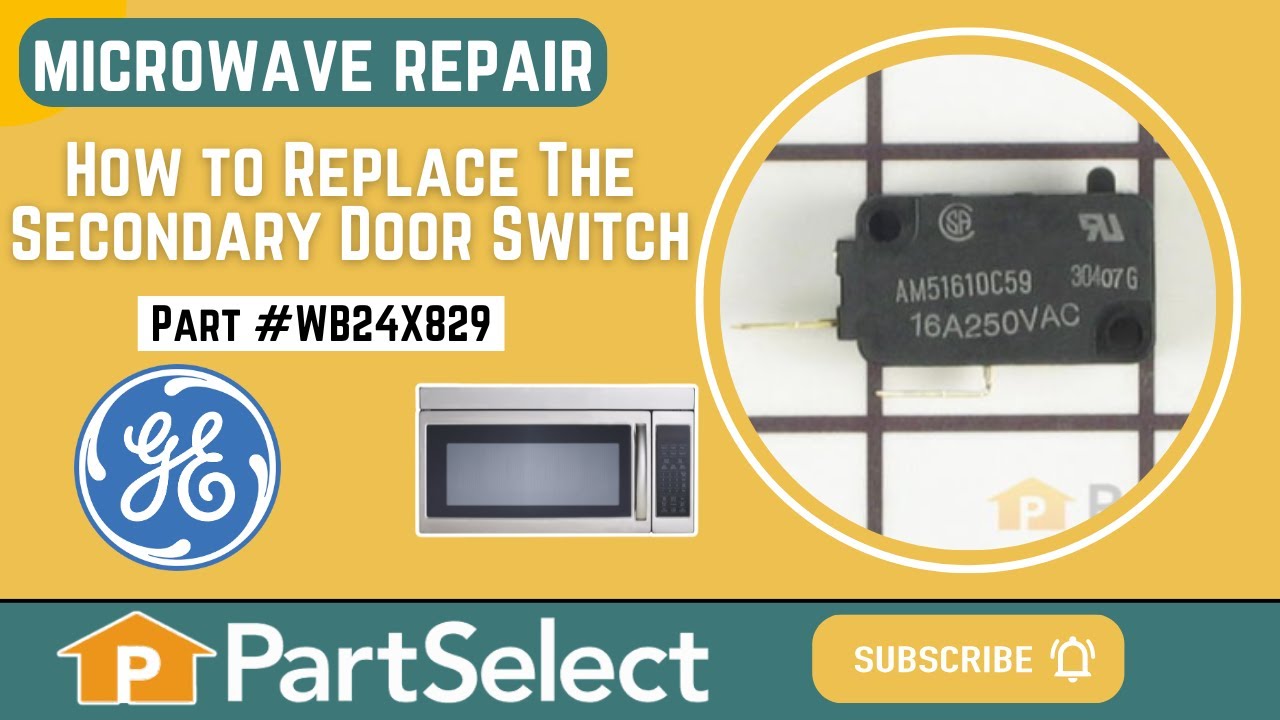
See how others fixed this model. Time, tools, difficulty, and steps that lead to victory!
View More