


 My Orders


9855XUB Magic Chef Wall Oven - Overview
Diagrams for 9855XUB
See every part. Know exactly what you need.


Enter a part description. DIY Heroes keep it simple, eg. "belt" or "pump".
Search filter:
Clear Filter
Your search term must have 3 or more characters.

$26.41
In Stock
Light Bulb - 40W
Part #8009
This an authentic OEM 40-Watt replacement light bulb, used in a number of household appliances. It is specially designed to withstand extreme temperatures, which is why these replacement bulbs are most often used to light the inside of refrigerators and ranges. It features a standard socket base, which means you simply unscrew the burnt-o...Read moreut bulb and screw in the replacement. Depending on the appliance you may require a screwdriver or nut driver to access the light bulb. We recommend you wear work gloves while handling this replacement part. It is constructed of glass and metal and is sold individually. Depending on the appliance and location of the bulb within it, you may want to consider disconnecting power and using a flashlight for easier access to unscrewing and re-screwing in your bulb during this repair.
Read less

$52.75
In Stock
Long Oven Sensor
Part #12001656
The oven sensor detects the temperature within the oven cavity and sends the information to the control board. If your oven is not heating evenly, has little or no heat when baking, or is too hot, you may need to replace the sensor. This long oven sensor kit comes with two harness adapters and is a genuine OEM part. Please remember to disconnect the power before starting your repair.

$30.40
In Stock
Screw
Part #W11233072
This is a multi-use and multi-appliance screw. It can be used on a microwave, refrigerator, range/oven, air conditioner, dehumidifier, washer, or dryer. The measurements of this screw are 8 x 1/2 inch. It has 6 threads. Refer to the manual provided by the manufacturer for further information on repair and accurate guidance. Remember to wear work gloves as a safety precaution.

$81.35
In Stock

$41.51
In Stock
Range Terminal Block
Part #WPW10245259
It provides a way of connecting individual electrical wires and offers protection of the device from electrical surges (voltages and/or currents).

$81.24
In Stock
Range Bake Element
Part #WPY04000066
This spade style bake element with push on wire terminals is 16 inches wide. It has a terminal depth of three inches and a total element length of nineteen inches. This element comes with an instructions sheet and is intended for use with electric ovens.

$12.95
In Stock

$75.39
In Stock
Range Light Assembly
Part #WP7407P182-60
Restore light inside a compatible oven with this replacement light socket assembly. It powers the oven bulb so you can view food without opening the door. Replace the socket if it is burned, broken, or no longer sends power to the bulb. Disconnect power before installation. Use the exact model number to confirm fit.

$86.57
Special Order
Door Seal - Top
Part #WP7212P006-60
This oven door seal is seventeen and a half inches long. It is made of rubber and has a metal hook on either end to hold it in place. This seal sits on top of the glass window pane.

$10.36
In Stock

$26.35
On Order
Clock Knob - black
Part #WP7711P492-60
This clock knob is less than an inch long. It is all black in color and is made of plastic. This knob will accept a 'D' shaped shaft.

$10.41
In Stock
Common Symptoms of the 9855XUB
How this model fails, and the parts that fix it.
Little to no heat when baking
Fixed by
these parts
these parts


Show All
Element will not heat
Fixed by
these parts
these parts
Show All
Oven is too hot
Fixed by
these parts
these parts
Show All
Oven not heating evenly
Fixed by
these parts
these parts
Show All
Will Not Start
Fixed by
these parts
these parts
Show All
Touchpad does not respond
Fixed by
these parts
these parts
Show All
Will not program
Fixed by
these parts
these parts
Show All
Little to no heat when broiling
Fixed by
these parts
these parts

Show All
Door won’t open after self cleaning cycle
Fixed by
these parts
these parts
Show All
Door won’t close
Fixed by
these parts
these parts

Show All
Watch our pros, then fix it yourself.
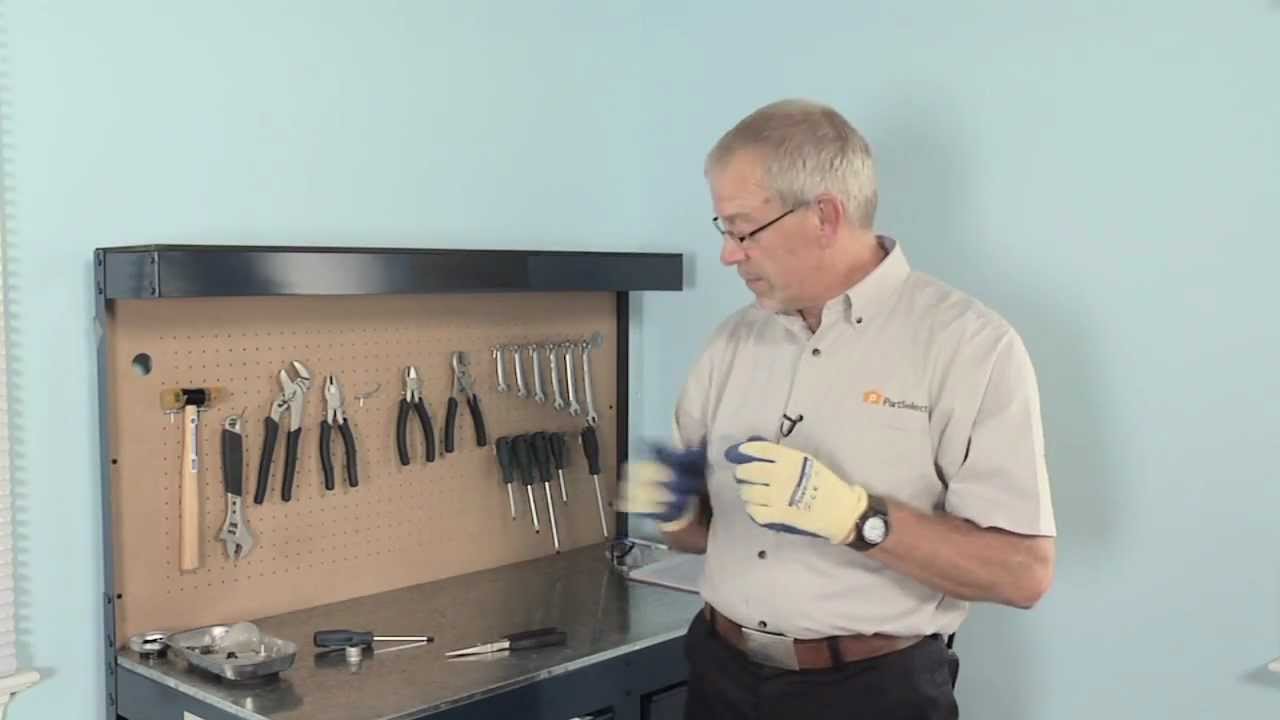
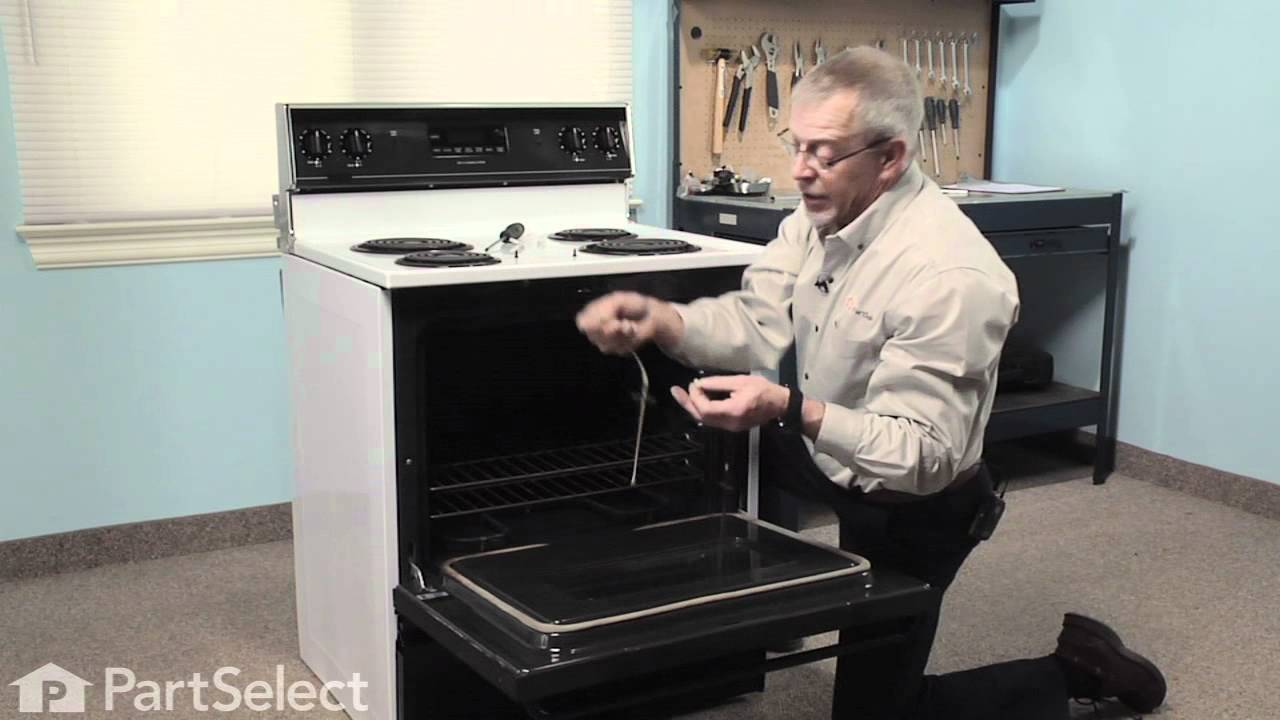
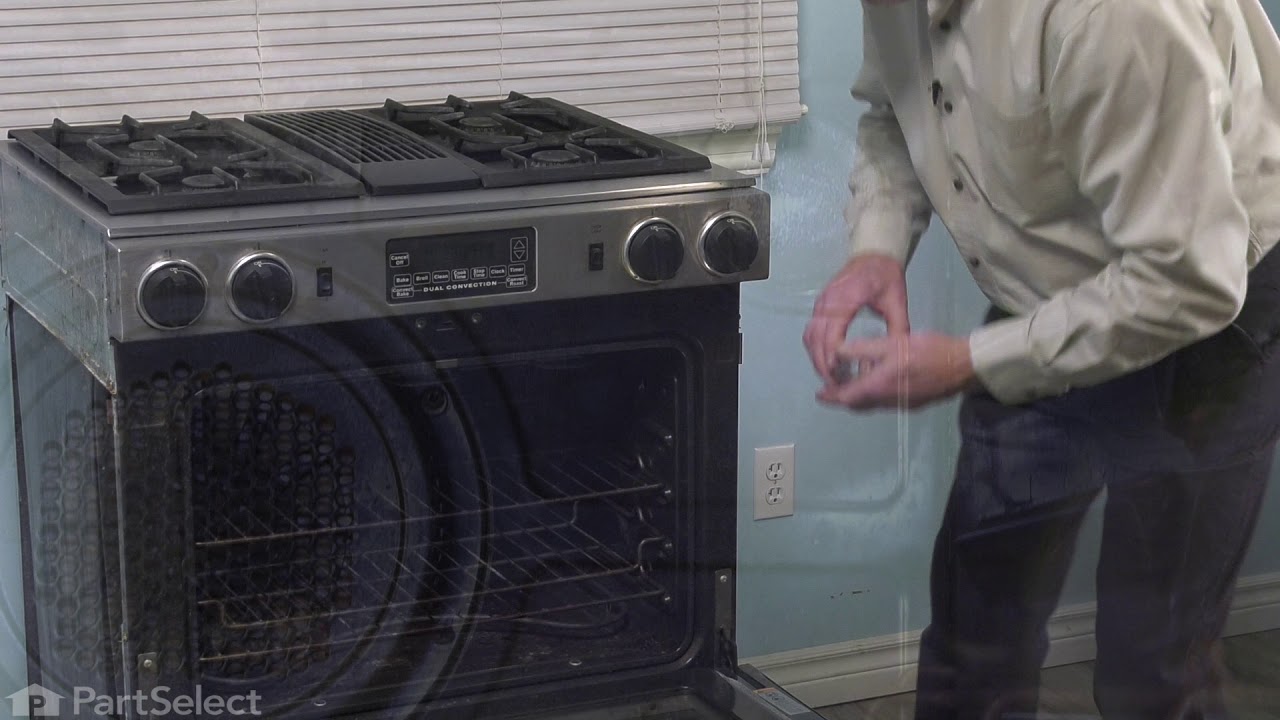
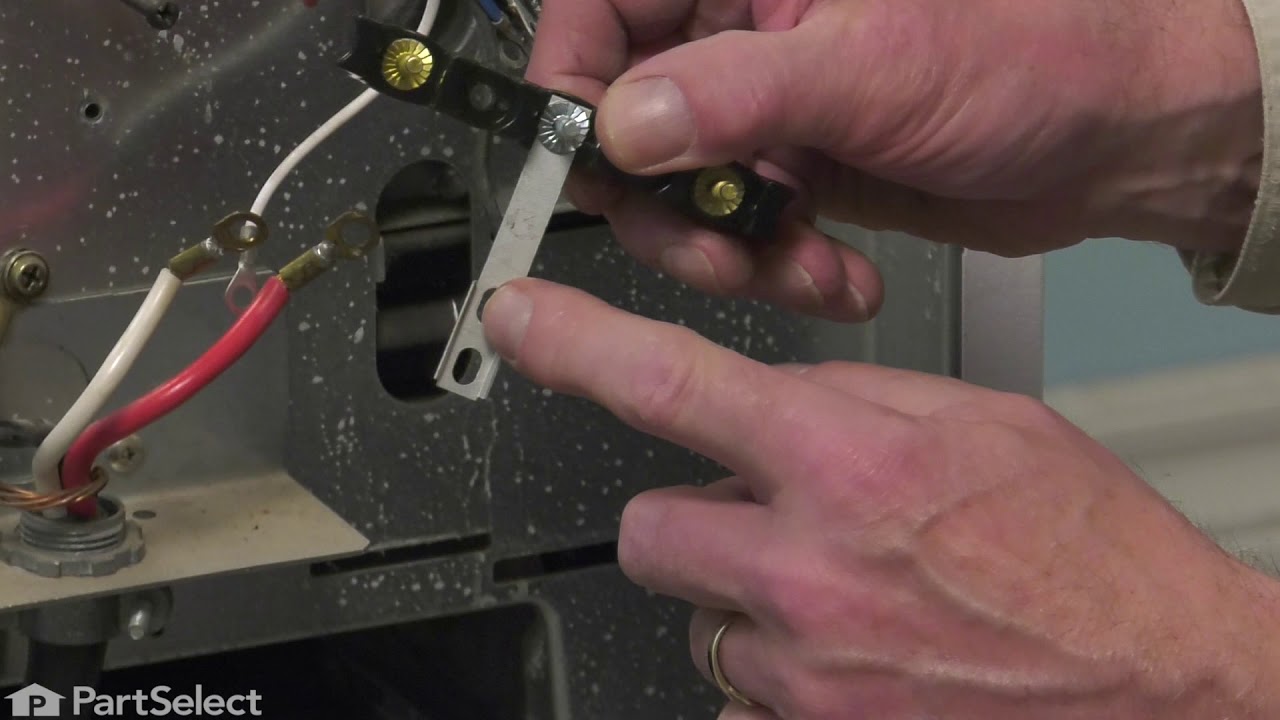
See how others fixed this model. Time, tools, difficulty, and steps that lead to victory!
View More