


 My Orders


6651339581 Kenmore Trash Compactor - Overview
Diagrams for 6651339581
See every part. Know exactly what you need.

Enter a part description. DIY Heroes keep it simple, eg. "belt" or "pump".
Search filter:
Clear Filter
Your search term must have 3 or more characters.

No Longer Available
Touch-Up Paint - White
Part #72017
This 18 ml bottle of white appliance touch-up paint is used to cover scratches or marks on your appliance. The white touch-up paint can be used on refrigerators, microwaves, ranges, clothes dryers, and freezers. This is a genuine OEM part and includes a brush applicator. Please remember to wear gloves to protect your hands when applying this paint.

$9.85
In Stock

$118.91
On Order
Drive Gear Kit
Part #882699
This part is located at the bottom of your compactor and helps the drive motor power the compacting ram. If the drive gear is broken, damaged, or noisy, we suggest replacing it right away to avoid causing any more issues with your trash compactor. This kit includes the gears, washers, retainer clip, ram stop, and ram cam. This drive gear ...Read morekit is a genuine OEM part, is white in color and made from plastic. Please remember to disconnect the power before starting your repair.
Read less

No Longer Available

$10.40
In Stock

$53.85
In Stock

$80.25
In Stock
Trash Compactor Directional Switch
Part #WP777811
This top limit and direction switch controls power to the trash compactor motor, it stops the motor when the ram reaches the top, a bad switch may cause the ram to get stuck, keep the motor running, or stop the compactor from starting, unplug the compactor before repair, check the model number before ordering

$58.25
In Stock
Power Nut
Part #WP777533
This power nut is intended for use with trash compactors. This part is attached to the side of the ram where it is threaded. When the power screw rotates, it is fed through the power nut which pulls the ram down to compress the trash. If your trash compactor ram gets stuck or does not stop at the end of the compacting cycle, you may need ...Read moreto replace this part. This power nut is white in color and made from plastic. Please remember to disconnect the power to the trash compactor before starting your repair.
Read less

$20.73
In Stock

$159.97
In Stock

$41.75
In Stock
Refrigerator Light Switch
Part #WP4387911
This part turns the light on/off as the door opens and closes.

$37.03
In Stock
Common Symptoms of the 6651339581
How this model fails, and the parts that fix it.
Doesn’t stop at end of compacting cycle
Fixed by
these parts
these parts


Show All
Compactor ram gets stuck
Fixed by
these parts
these parts

Show All
Drawer is hard to open and or close
Fixed by
these parts
these parts


Show All
Noisy
Fixed by
these parts
these parts
Show All
Won’t start
Fixed by
these parts
these parts
Show All
Light not working
Fixed by
these parts
these parts

Show All
Shaking and Moving
Fixed by
these parts
these parts

Show All
Won’t stay on
Fixed by
these parts
these parts
Show All
Watch our pros, then fix it yourself.
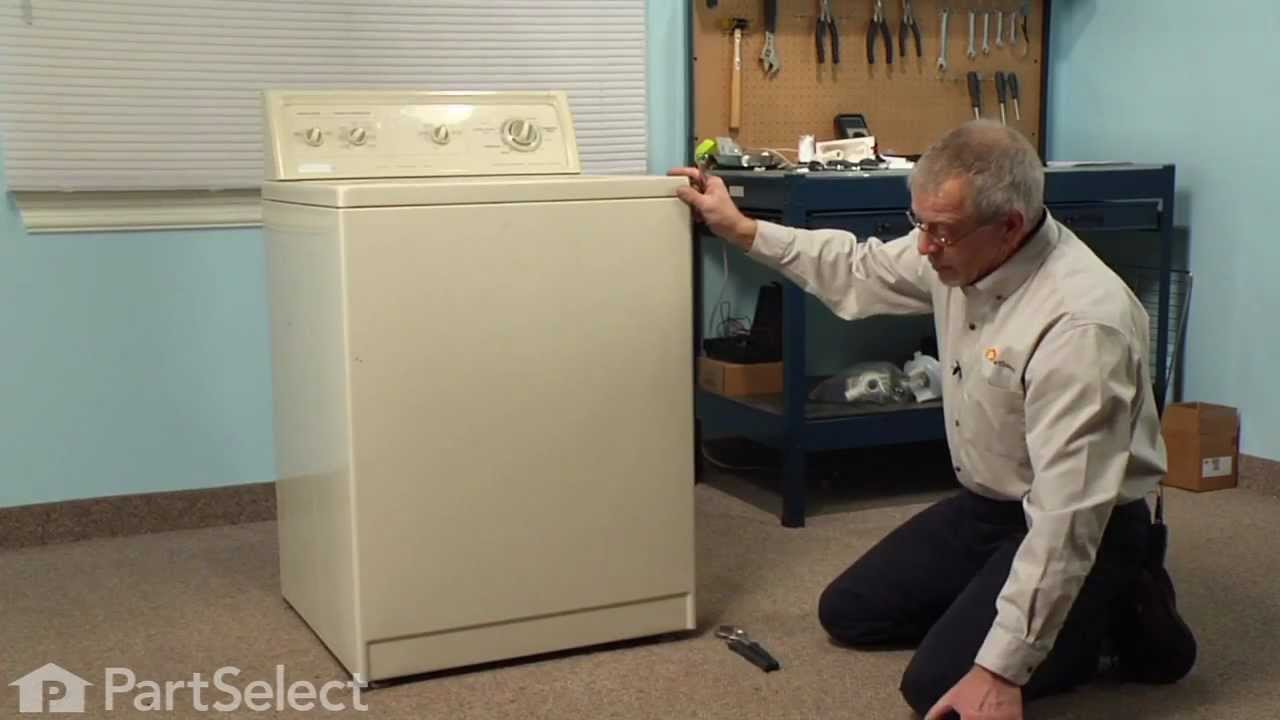
See how others fixed this model. Time, tools, difficulty, and steps that lead to victory!
View More
Search repair tips from other customers using simple keywords like "replace", "fit", "remove", "inspect". DIY doesn't mean you have to do it alone!
Search filter:
Clear Filter
Your search term must have 3 or more characters.
Change out defective switch
37 of 50 people
found this instruction helpful.
Pulled out compactor drawer and removed same, slid the compactor cabinet out and unpluged the appliance. Removed the two phillips head screws to release the control panel. lossened the locking nut from switch. matched the switches to be sure parts were the same,switched the wires to the new switch and reinstalled.replaced phillips screws,
... Read more
all Done !!!
Read less
Other Parts Used:


Was this helpful?
Thank you for voting!