12JI Amana Freezer - Overview

Diagrams for 12JI

See every part. Know exactly what you need.

Enter a part description. DIY Heroes keep it simple, eg. "belt" or "pump".

Search filter:
Clear Filter
Your search term must have 3 or more characters.
Light Bulb - 40W – Part Number: 8009
$26.41
In Stock
Light Bulb - 40W
★★★★★
★★★★★
(47)
Part #8009
This an authentic OEM 40-Watt replacement light bulb, used in a number of household appliances. It is specially designed to withstand extreme temperatures, which is why these replacement bulbs are most often used to light the inside of refrigerators and ranges. It features a standard socket base, which means you simply unscrew the burnt-out bulb and screw in the replacement. Depending on the appliance you may require a screwdriver or nut driver to access the light bulb. We recommend you wear work gloves while handling this replacement part. It is constructed of glass and metal and is sold individually. Depending on the appliance and location of the bulb within it, you may want to consider disconnecting power and using a flashlight for easier access to unscrewing and re-screwing in your bulb during this repair.
Refrigerator Condenser Fan Motor Kit – Part Number: 833697
$115.19
In Stock
Refrigerator Condenser Fan Motor Kit
★★★★★
★★★★★
(20)
Part #833697
This condenser fan motor operates in a clockwise fashion and carries carries 2W and 115V. It comes with screws, a mounting nut for the blade and a cushion. This part provides forced-air cooling for the condenser coil.
Refrigerator Screw – Part Number: WP98165
$10.95
In Stock
Refrigerator Screw
Part #WP98165
This screw is a little under an inch long and is made of metal. It is used with a refrigerator's ice maker assembly. Sold individually.
Dryer Screw – Part Number: WPY014874
$10.41
In Stock
Dryer Screw
Part #WPY014874
Sold Individually.
Nut – Part Number: WP487939
$10.95
Special Order
Nut
Part #WP487939
Sold individually.
NUT, FAN BLADE MTG. – Part Number: 30540A
No Longer Available
NUT, FAN BLADE MTG.
Part #30540A
USE WPL 12454802 – Part Number: YA0381501
No Longer Available
USE WPL 12454802
Part #YA0381501
LINER UNIT ASSEMBLY – Part Number: A0036401
No Longer Available
LINER UNIT ASSEMBLY
Part #A0036401
ADHESIVE, DOOR HANDLE INSERT M – Part Number: A0037301
No Longer Available
CLIP, TUBING, HEAT EXCHANGER T – Part Number: A0251501
No Longer Available
SPEEDNUT, JUNCTION BLK. MTG. – Part Number: A0255501
No Longer Available
SCREW, CONDENSER MTG. – Part Number: A0261101
No Longer Available
SCREW, CONDENSER MTG.
Part #A0261101

Common Symptoms of the 12JI

How this model fails, and the parts that fix it.

Watch our pros, then fix it yourself.
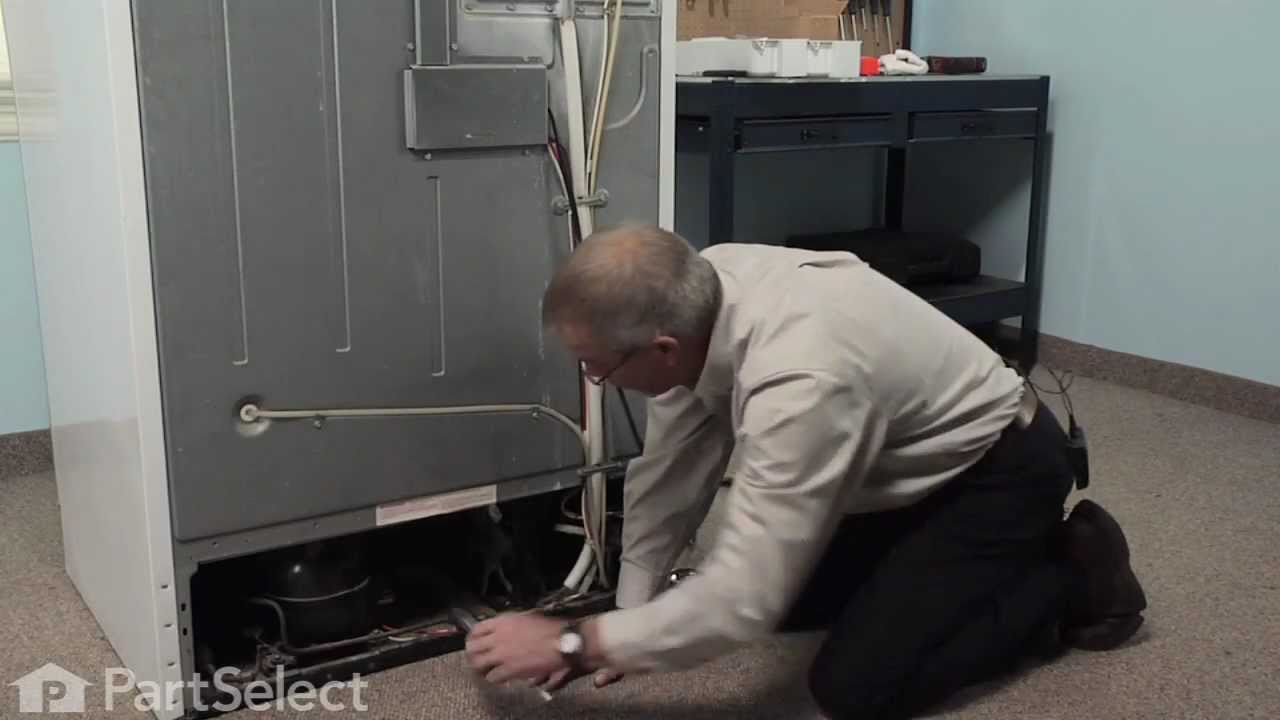
See how others fixed this model. Time, tools, difficulty, and steps that lead to victory! View More

Search repair tips from other customers using simple keywords like "replace", "fit", "remove", "inspect". DIY doesn't mean you have to do it alone!

Search filter:
Clear Filter
Your search term must have 3 or more characters.
Sometimes the condenser fan would start causing the refrigerator to overheat.
189 of 228 people found this instruction helpful.
  • Tom from Franklin, WI
  • A Bit Difficult
  • 15 - 30 mins
  • Nutdriver, Pliers
Unplug the appliance.
Removed the screws holding the back panel.
Removed the fan blade.
removed 3 screws holding the condenser fan.
Remove the 3 metal brackets attached to the fan.
(First note which studs the brackets are attached to. Attach the 3 metal brackets to the new fan. (New screws were supplied)
Cut and strip the wire about two inches from the fan.
Cut and strip the new wire. I cut the new wire in half (about 6 inches.) Connect the two wires, twist and used 2 wire nuts. Tie wrap the wire to the wire harness. Mount the new fan (three screws)
Screw the back panel back on.
Mount the new
Was this helpful?
Thank you for voting!
noisy fan motor
38 of 46 people found this instruction helpful.
  • robert from nashotah, WI
  • A Bit Difficult
  • 30 - 60 mins
  • Nutdriver, Socket set
rmv panel (5min) rmv fan/motor 3 screws (10 m) cut wire 2in from motor, re route remainder of wire to front so can strip for wire nuts. ( 10m) attach old fan to new motor, place in old opening ,3 screws, a little fussy to align, ( 15m ) route and strip wire from new motor , zip ties work well, wire nuts , plug in fridge vola, no noise, c lose up, reverse panel. ( 20m). i also took time to clean grilles with small vac and damp rag, ( looks and sounds like new) bob Wi.
Was this helpful?
Thank you for voting!
Freezer and Fridge wouldnt cool
24 of 25 people found this instruction helpful.
  • Janet from Hillsboro, OR
  • A Bit Difficult
  • More than 2 hours
  • Nutdriver, Pliers, Screw drivers, Socket set, Wrench (Adjustable), Wrench set
My husband replaced the condenser fan. It took awhile and a few choice words but he got it replaced. The fan seemed to work fine, but it still wasn't cooling. I noticed that when we had the fridge unplugged that water started draining out the dials at the top of the fridge under the freezer. And there was absolutely no water at all in the drip pan under the fridge. So I took the doors off and totally took the inside of the freezer apart. I discovered that the styrofoam on the floor of the freezer had become inudated with fluid and the under the foam the coils were all frozen solid with ice. Hence not allowing any drainage. I put a lamp in the freezer area and defrosted all the ice. In searching the internet i discovered that they no longer produce the foam so i went to home depot and got a piece of foam and aluminum foil and cut it to replace the ruined foam. I put the fridge all back together said a prayer and crossed my fingers and lo and behold it works perfectly now!!!!
Was this helpful?
Thank you for voting!